Tips - blanket order
1. We use the purchase order type: Normal.
2. If you accidentally choose 'Blanket', please follow these steps.
3. You can only link normal purchase orders to a blanket order. A blanket order cannot be received and invoiced.
4. After you realised that you created a blanket order. Open a new normal purchase order.
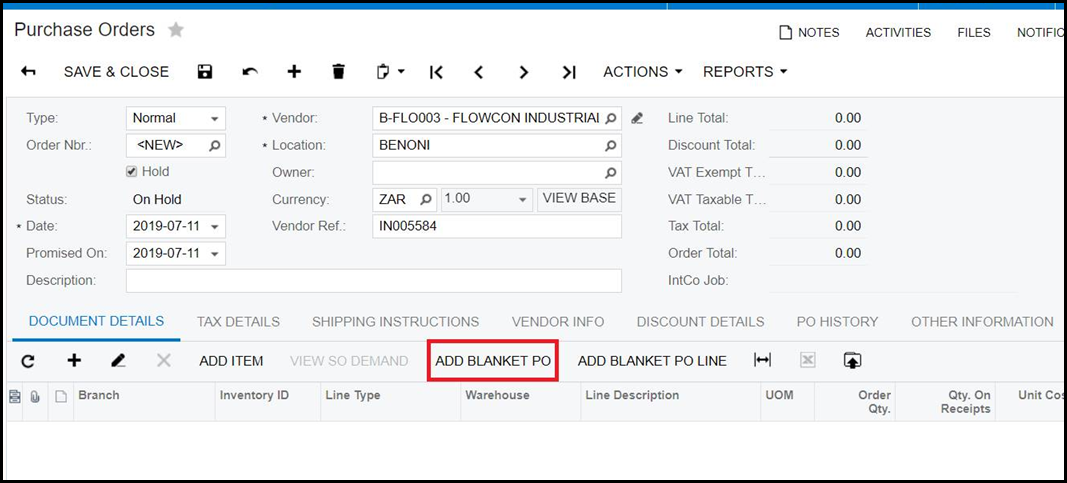
5. On your normal PO, go to 'ADD BLANKET PO'
6. Select the blanket PO you want to link.
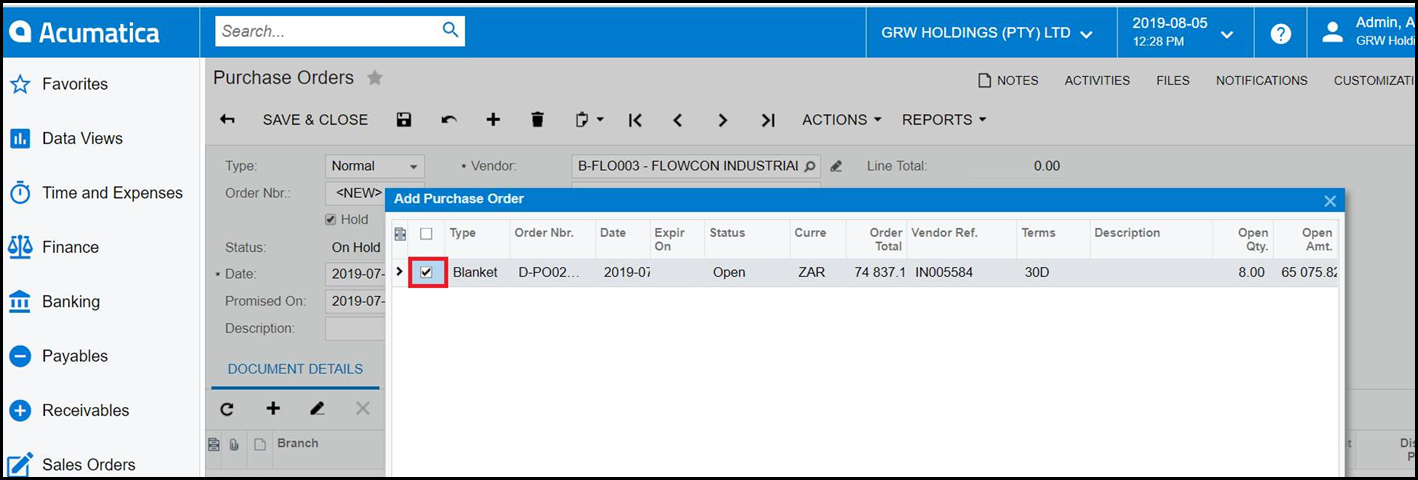
7. After you link the normal PO, you handle the normal PO as any PO to receive and invoice.
Created with the Personal Edition of HelpNDoc: Ensure High-Quality Documentation with HelpNDoc's Hyperlink and Library Item Reports