Mobile
Creating a Kanban Request via Acumatica Mobile App
1. Go to Inventory>>>Kanban Request:
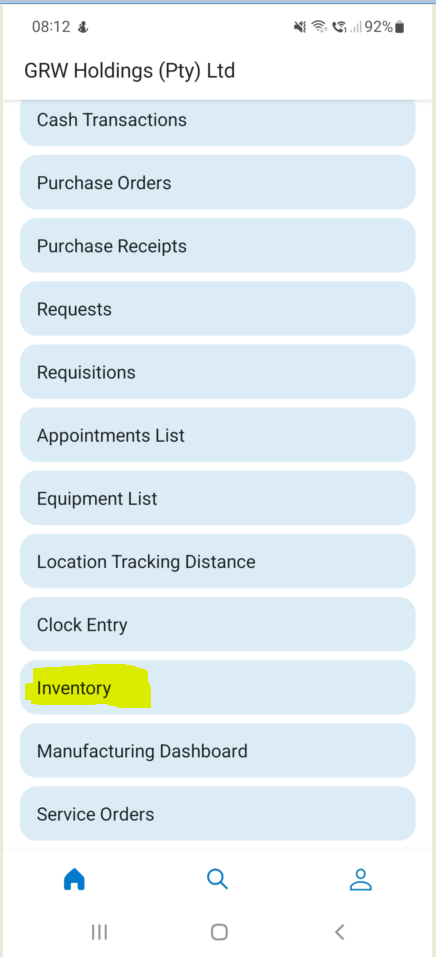
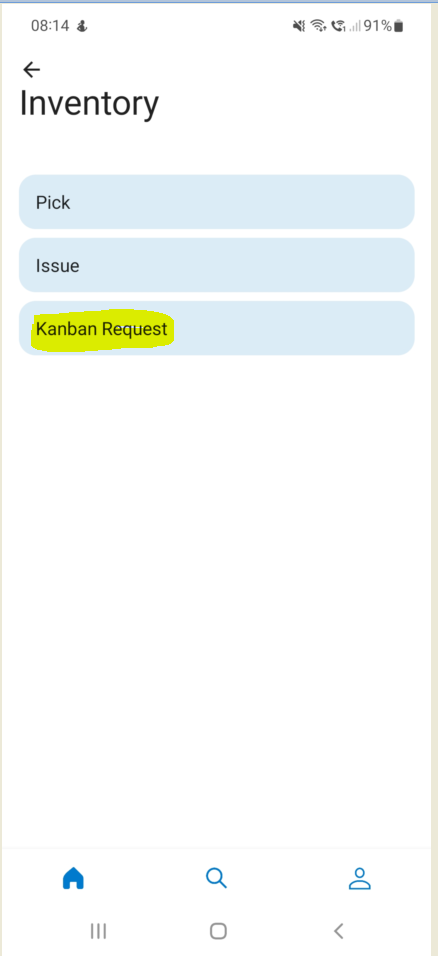
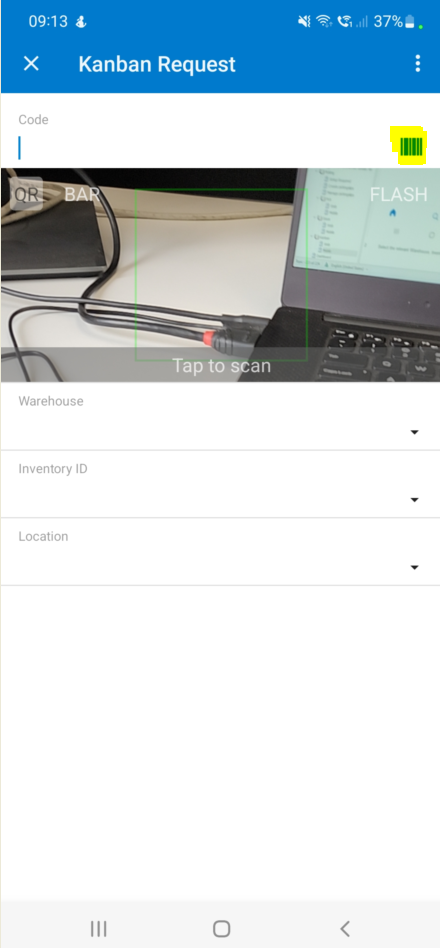
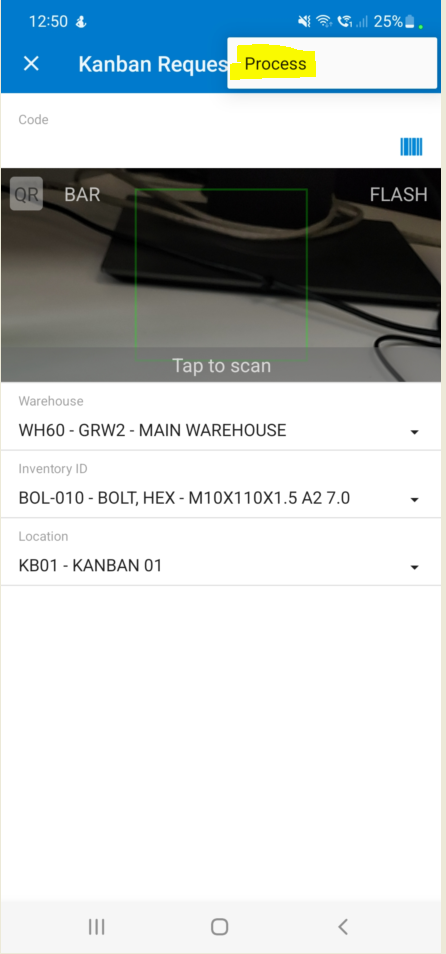
2. Using the Mobile App gives you the ability to scan the Label for the specific Item you are Requesting:
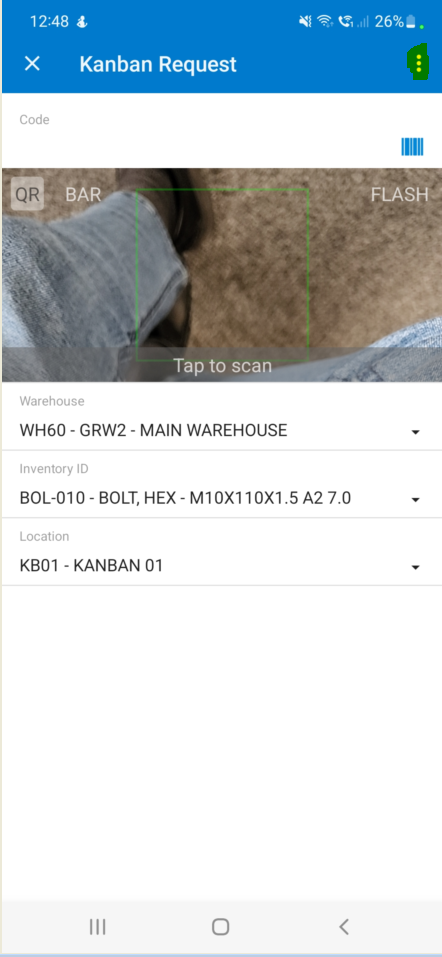
3. Tab on the three dots and tab "Process":
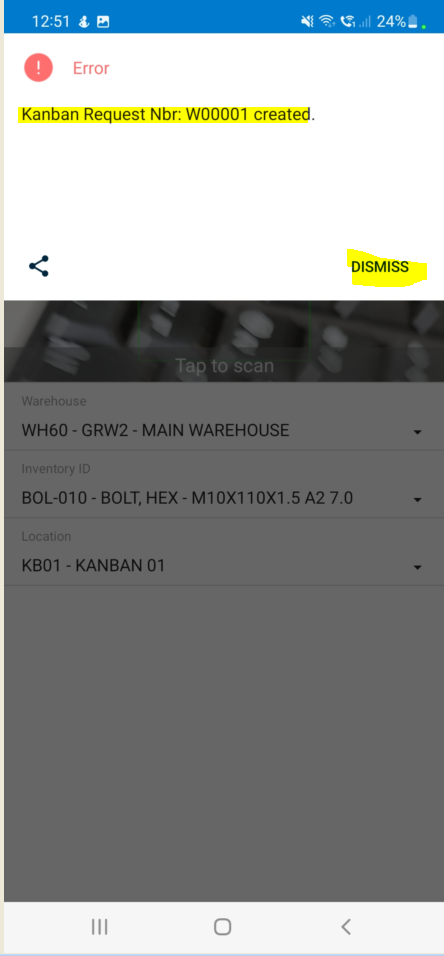
4. A Pop Up Box will come up confirming that a Kanban Request was created along with the number, you can tab on "DISMISS":
Created with the Personal Edition of HelpNDoc: iPhone web sites made easy