How to process a part sales invoice from sales order
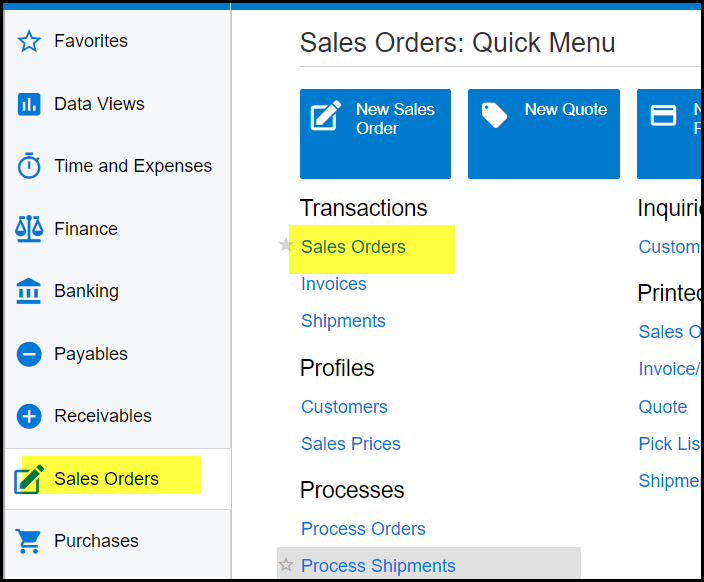
1. Go to Sales Orders>Sales Orders
2. Click on the + to add new record.
3. Select IN order type.
4. Select customer, add order nr, choose correct date and enter proper description. You can now save your document.
5. Add you item, make sure to fill in the location.
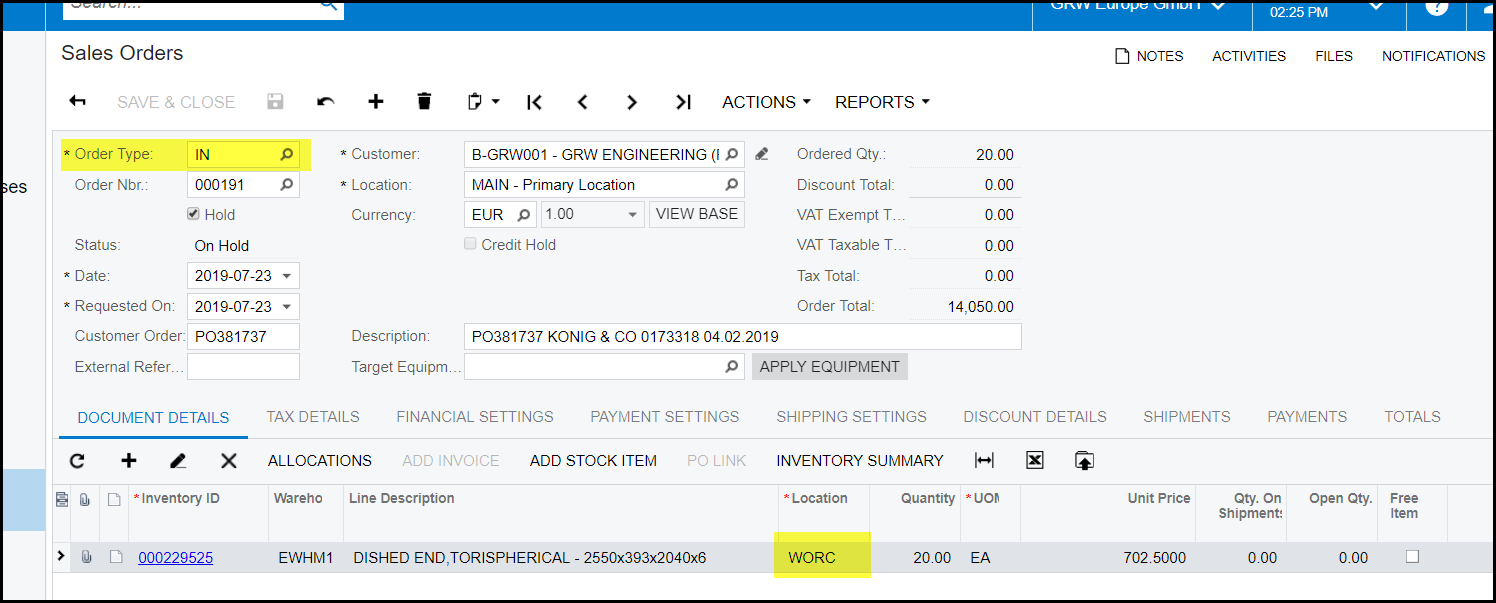
6. Take of hold and save, sales order status is now open.
7. To generate your invoice go to Actions>prepare invoice
8. This will open your invoice screen.
9. If you want to process the invoice, go to Actions>Release
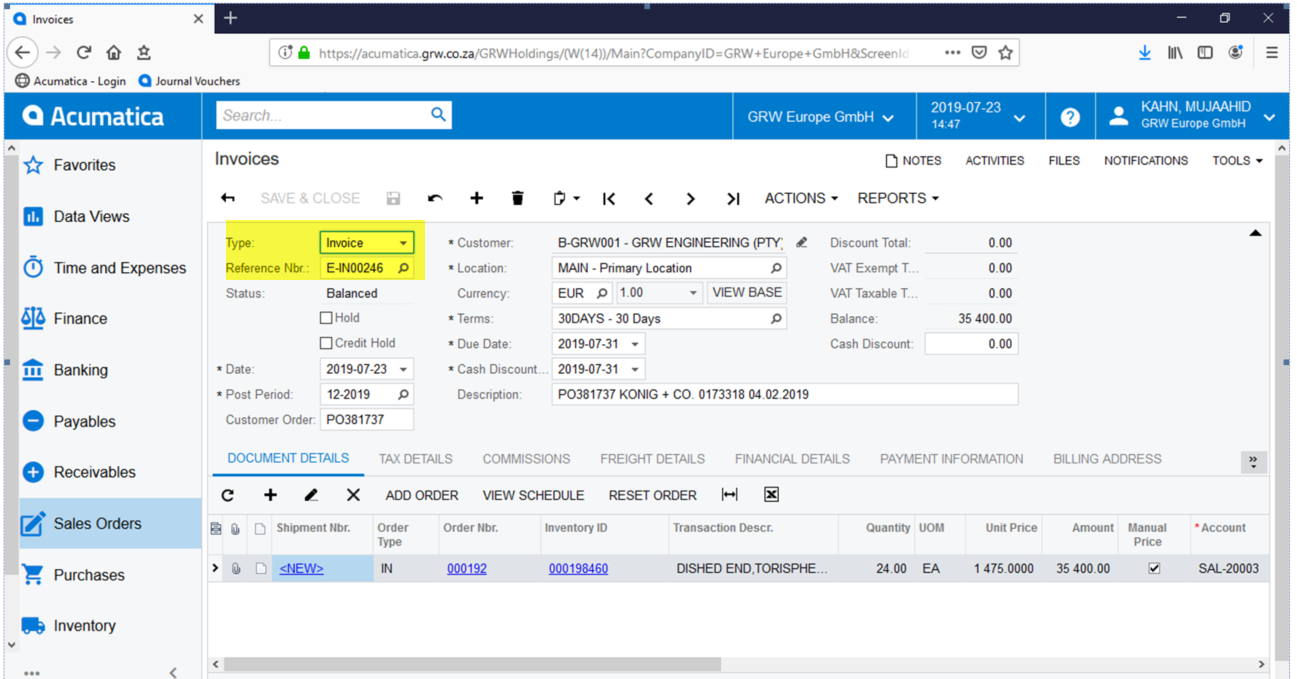
10. Go to reports>Print invoice
Created with the Personal Edition of HelpNDoc: Revolutionize Your CHM Help File Output with HelpNDoc