How to do a purchase receipt
1. Go to Purchase>Transactions>Purchase Receipts
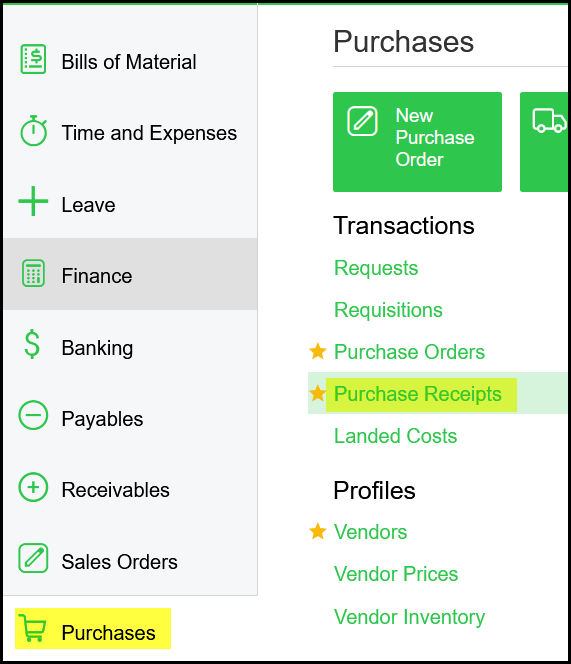
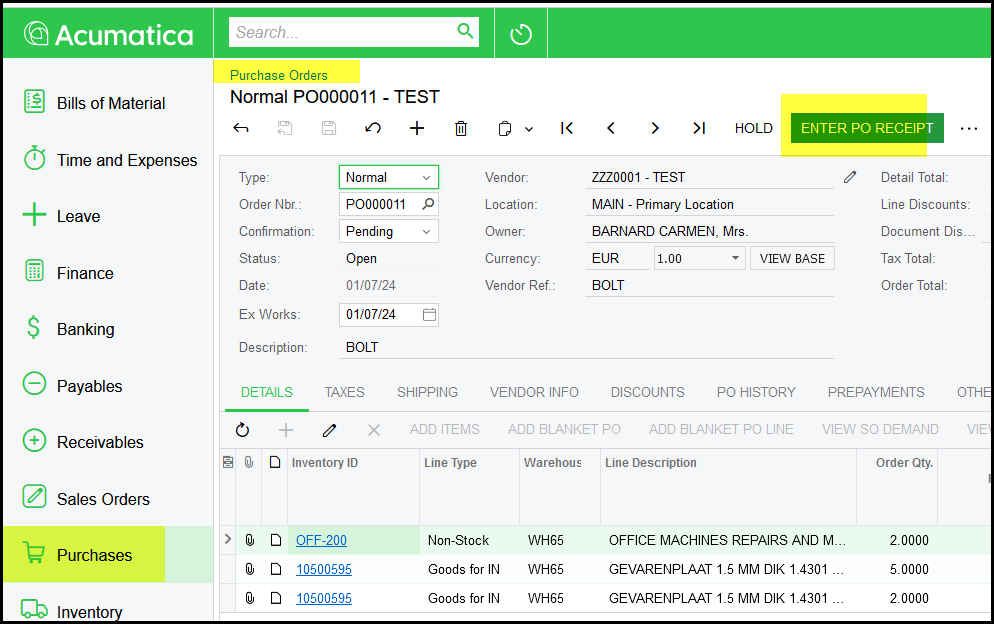
Or you can do it directly from the Purchase Order Screen.
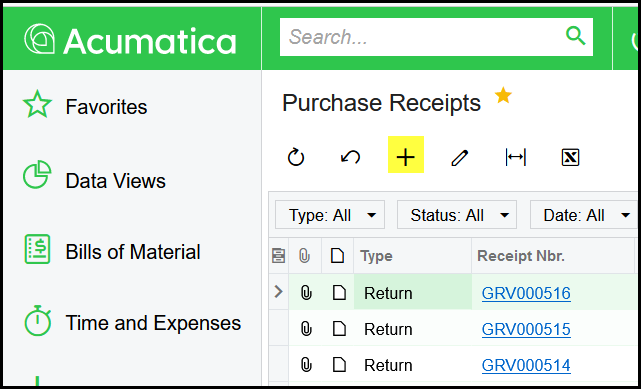
2. From Purchase Receipts. Click on the + for a new purchase receipt.
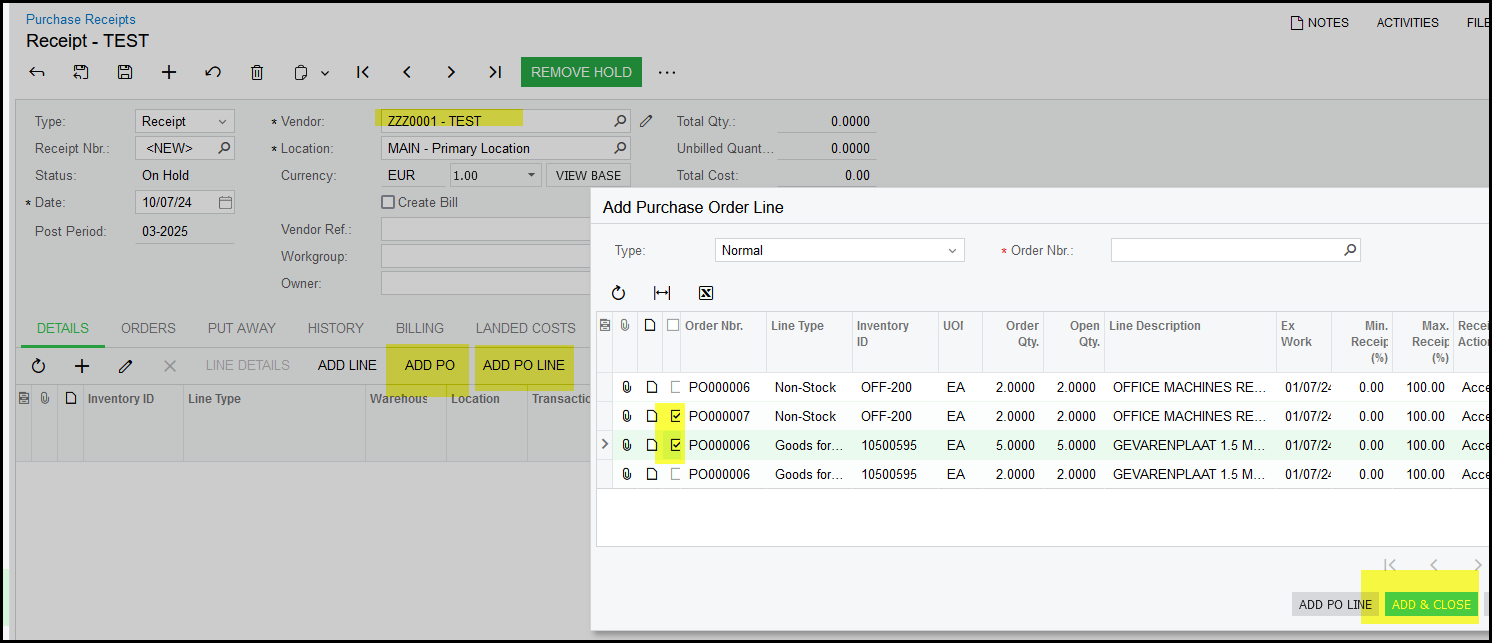
3. Search and select the vendor that you want to do the receipt against.
Click on ADD PO or ADD PO LINE.
Only PO's with an OPEN status or open PO lines will be available to receive.
Select the PO Lines and ADD & CLOSE.
4. The PO lines select will show on your receipt. SAVE your document. The warehouse will automatically completed and the location as receiving. If not complete yourself.
The Receipt Qty will default to the qty of the PO, you should change it to what you received.
OFF-200 is non-stock therefor no location - it allocates to expenses setup for that non-stock code.
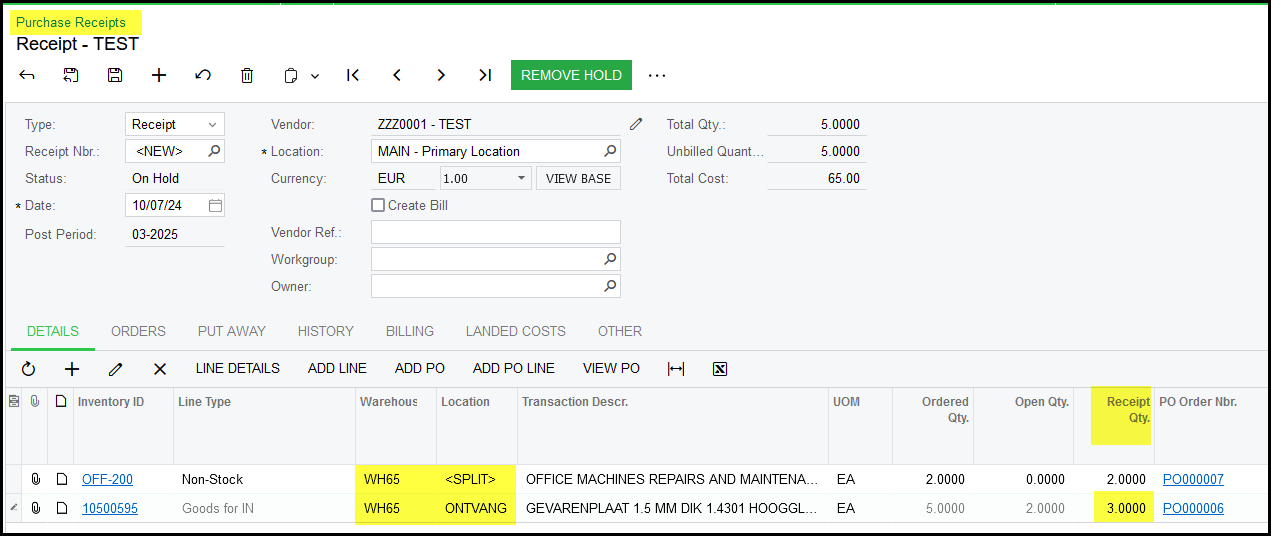
5. Check your date although it is normally today's date and not back dated.
Complete the Vendor Ref - this is the delivery note number or invoice number.
Remove Hold
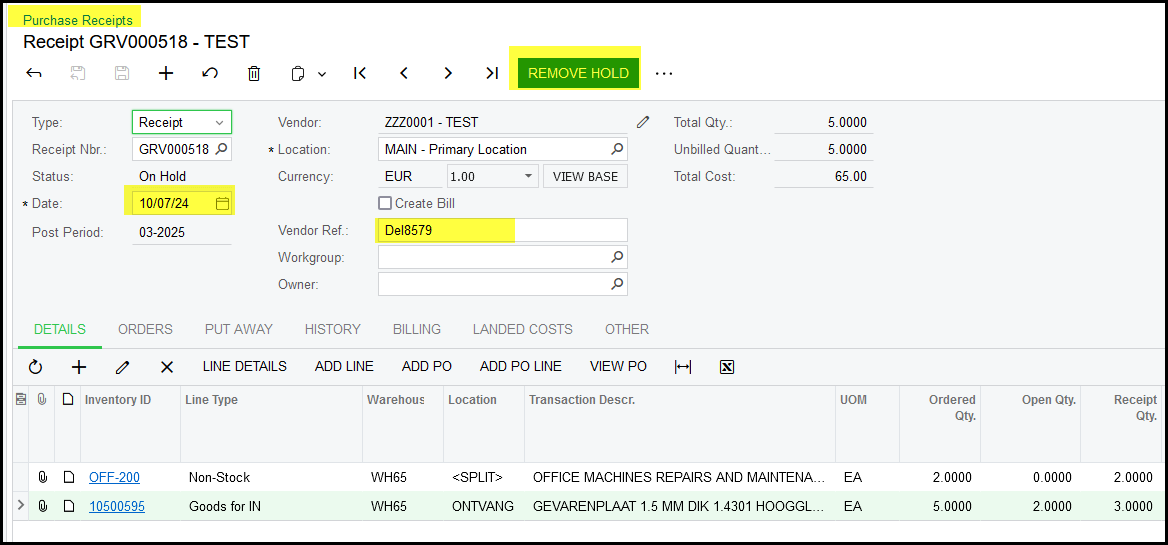
6. After you click on remove hold, the status of the document is 'balanced'.
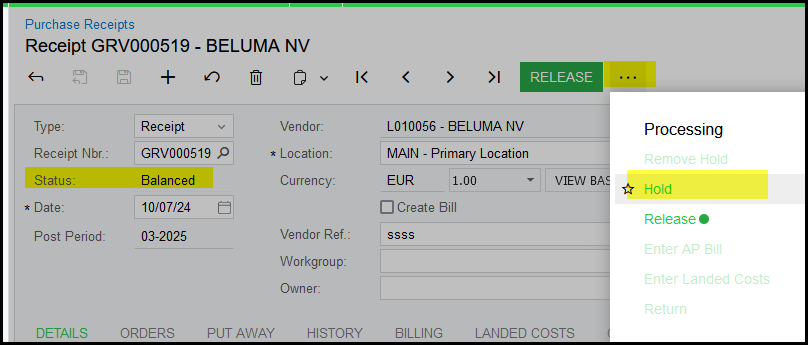
You can keep it as 'balanced' if you maybe want to check something.
If you want to make change once it is 'balanced', click on the ... and Hold.


7. You have to 'release' the document to compelete your receipt.
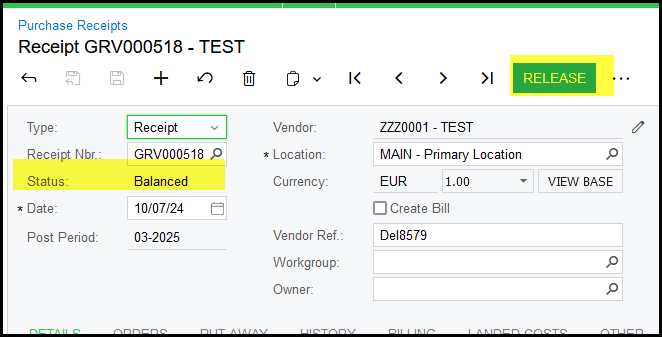
8. Once it is released you can not undo it. But a PO Return can be done against as PO receipt.
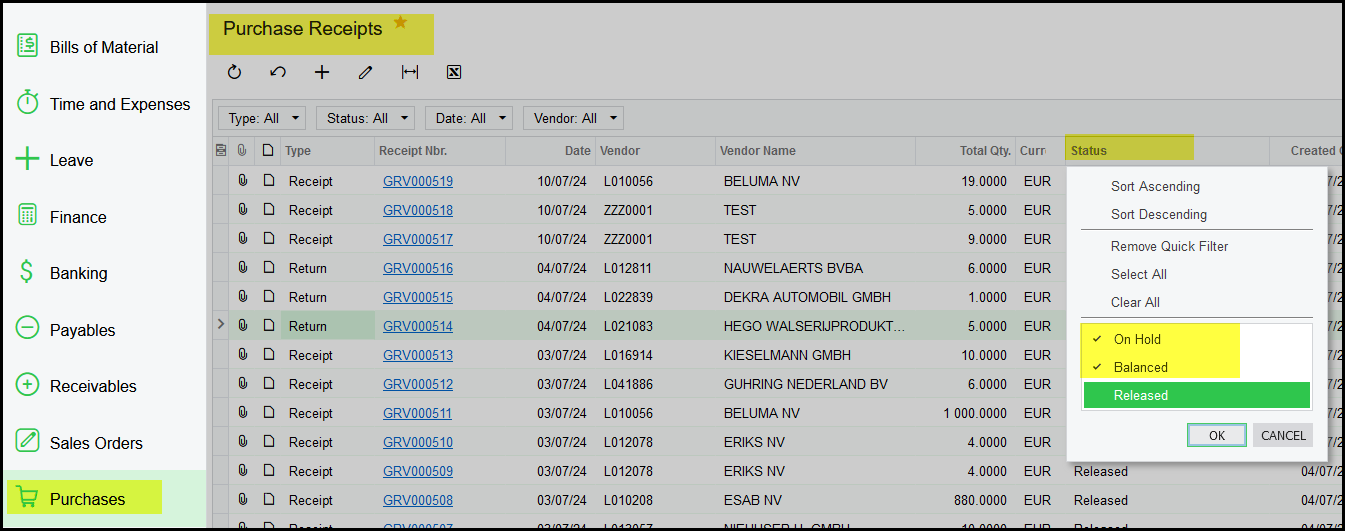
9. It is always good to check your receipts regularly for On hold or balanced.
Created with the Personal Edition of HelpNDoc: Easily create iPhone documentation