How to create a new stock item
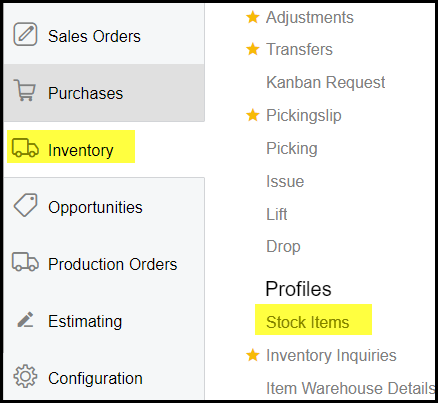
1. Click on Inventory>Stock items
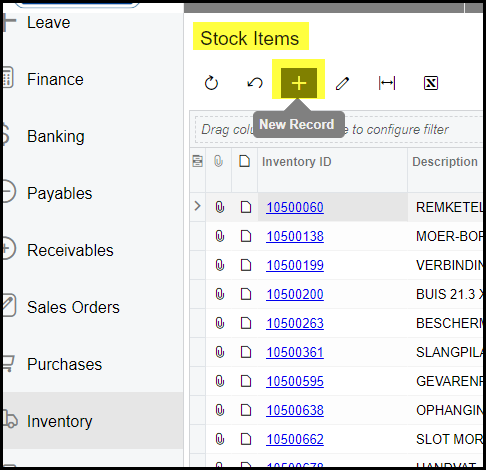
2. Click on the + to add new item.
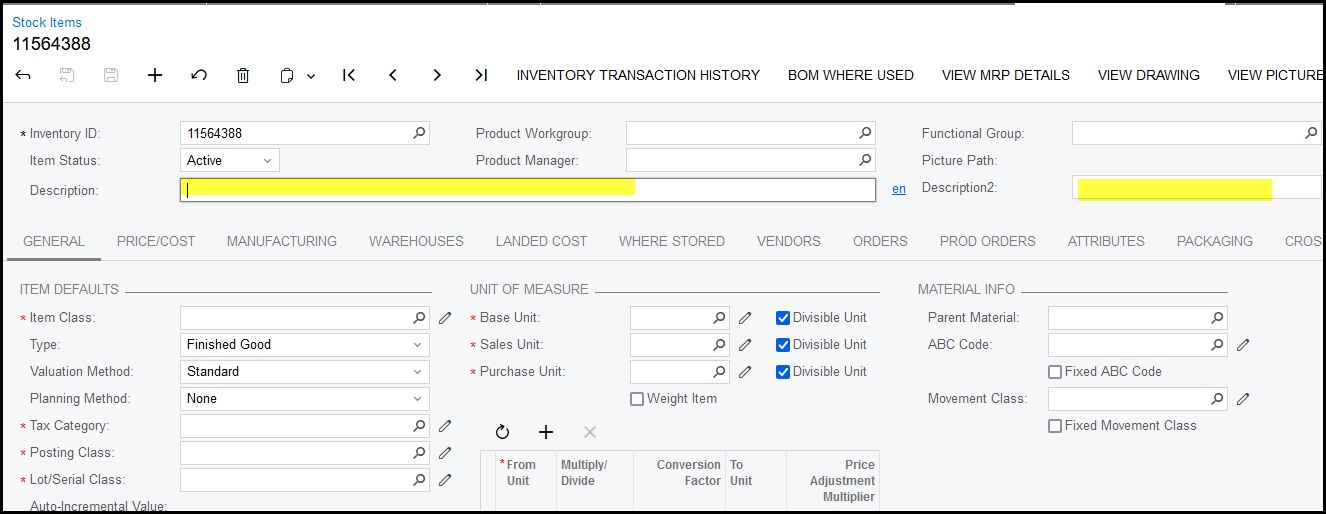
Enter the stock item number.
Complete the description and description 2
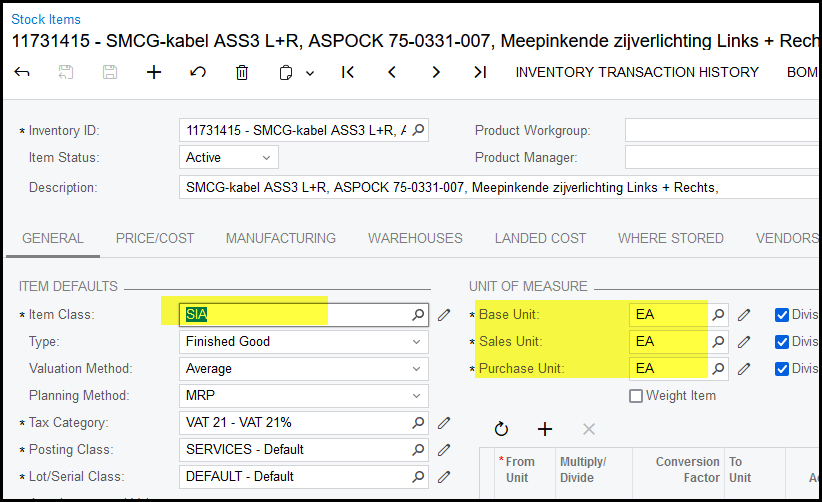
3. Select your item class - it is important to link the stock item to the correct class.
Also check your UOM - change if necessary.
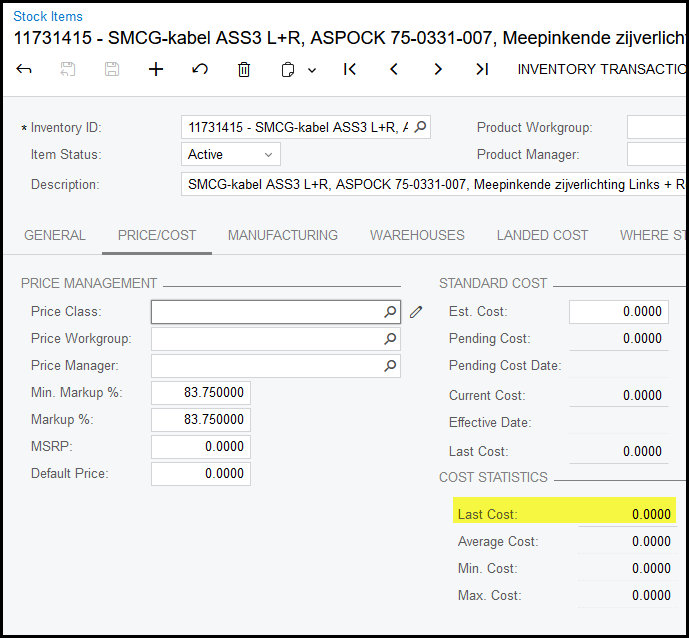
4. Add your price of the item - go to Price/Cost enter your price.
If the field is not enabled go to warehouses and add your price see below.
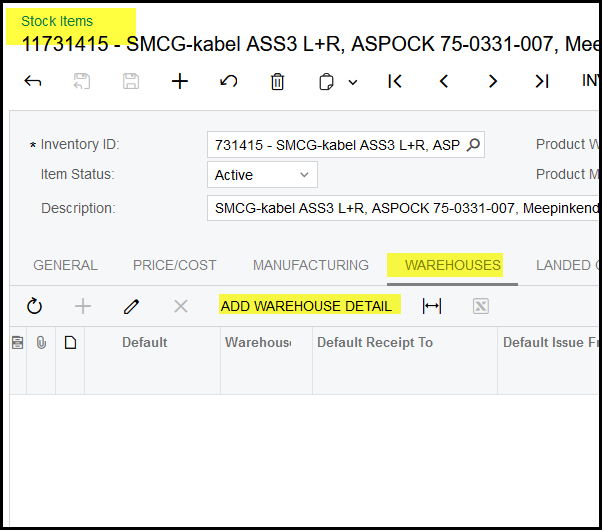
5. Click on warehouses.
Click on Add Warehouse Detail.
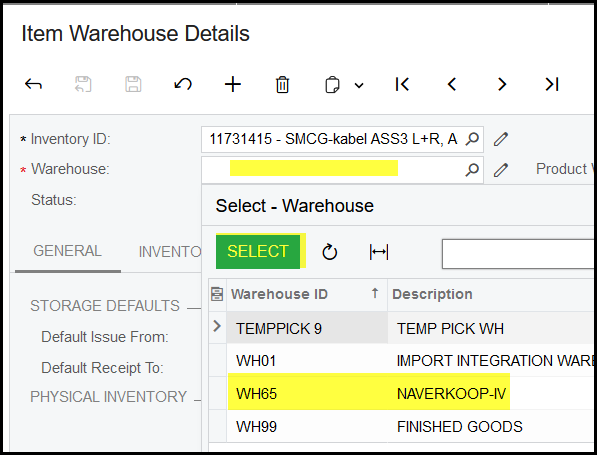
6. Select your warehouse.
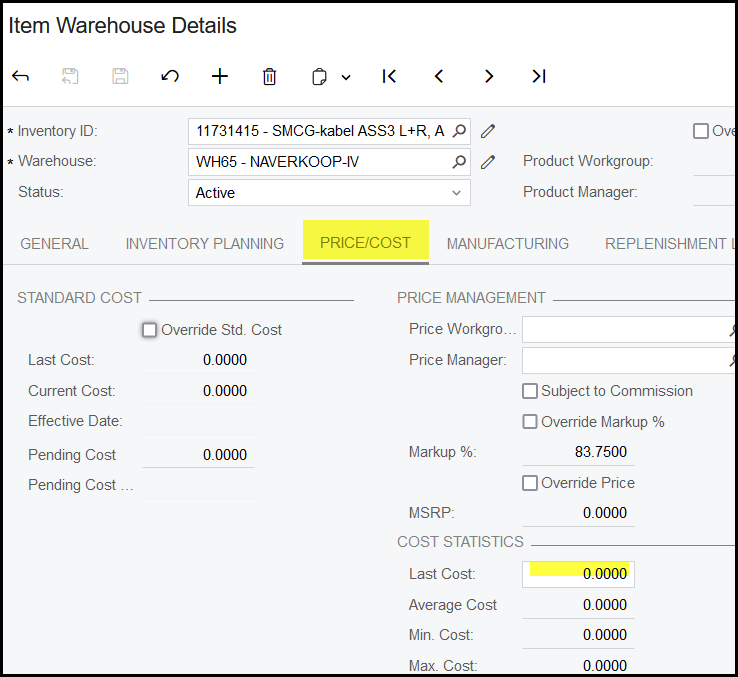
7. Click on Price/Cost to add you price.
Created with the Personal Edition of HelpNDoc: Experience the Power and Ease of Use of HelpNDoc for CHM Help File Generation