How to add a price and location to a stock item
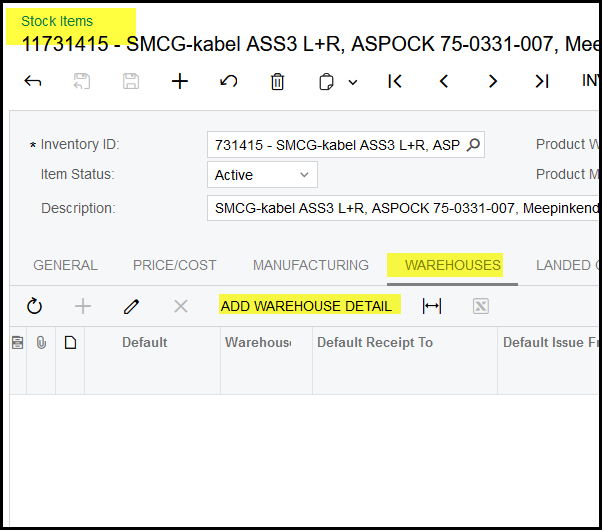
1. Go to the stock item and open the item.
Click on warehouses.
Click on Add Warehouse Detail.
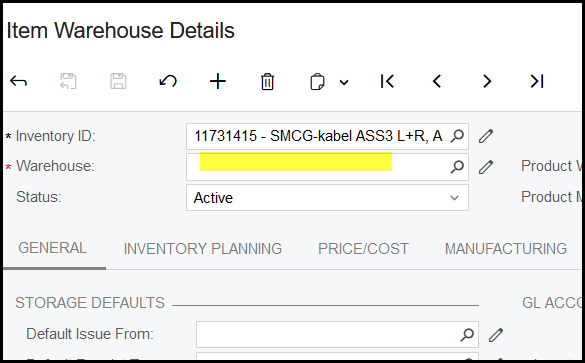
2. Click in the selector.
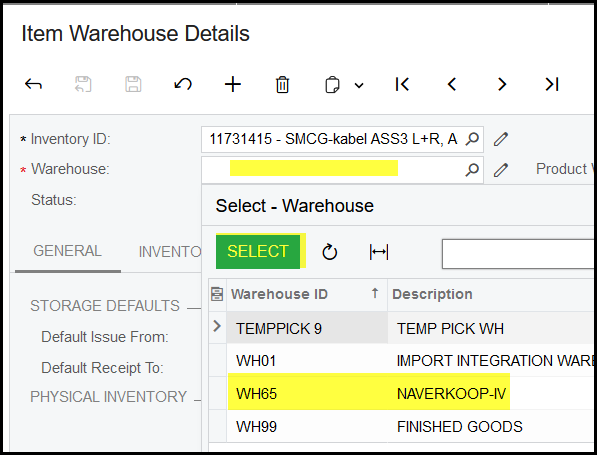
3. Select your warehouse.
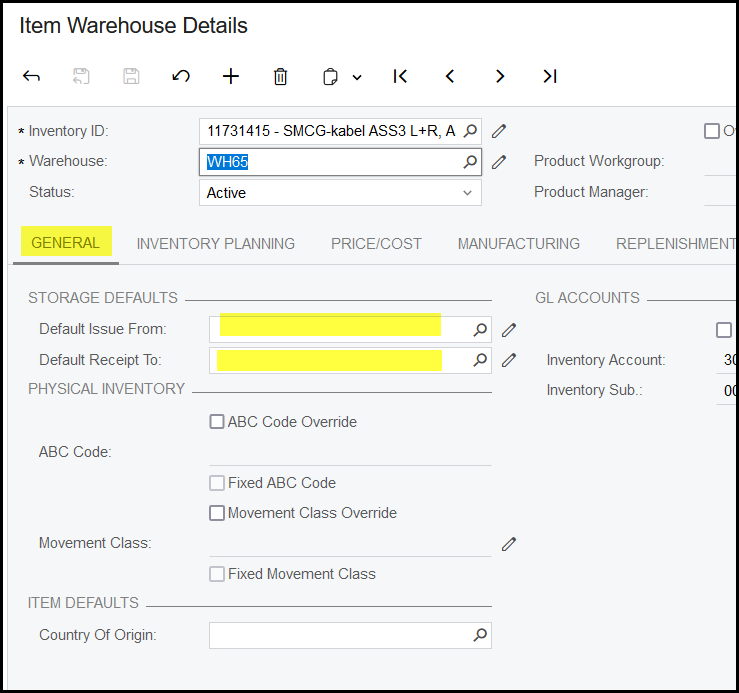
4. Click on General> select the issue from and receipt to locations. (Not compulusory)
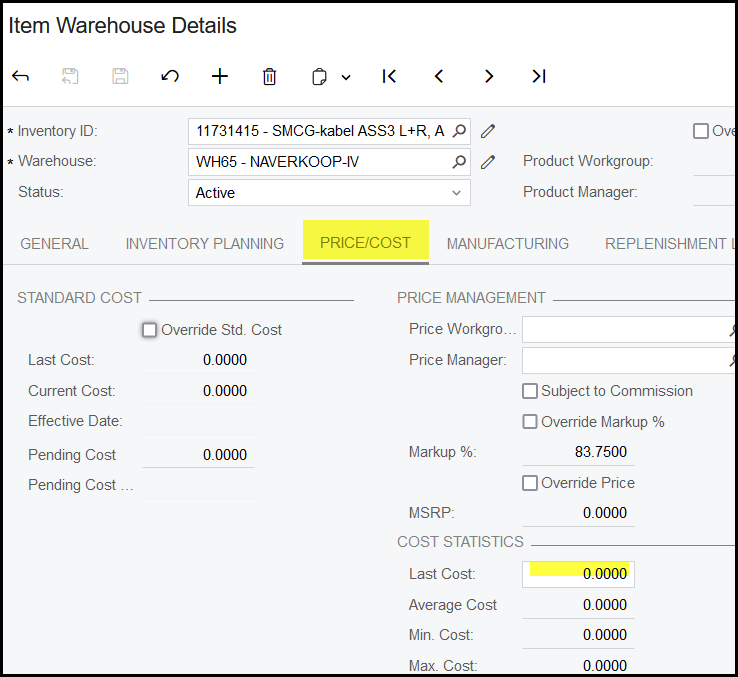
5. Click on Price/Cost to add you price.
Created with the Personal Edition of HelpNDoc: Free EPub producer