How to print stock labels from a PO
1. Click on Inventory> Inventory from PO.
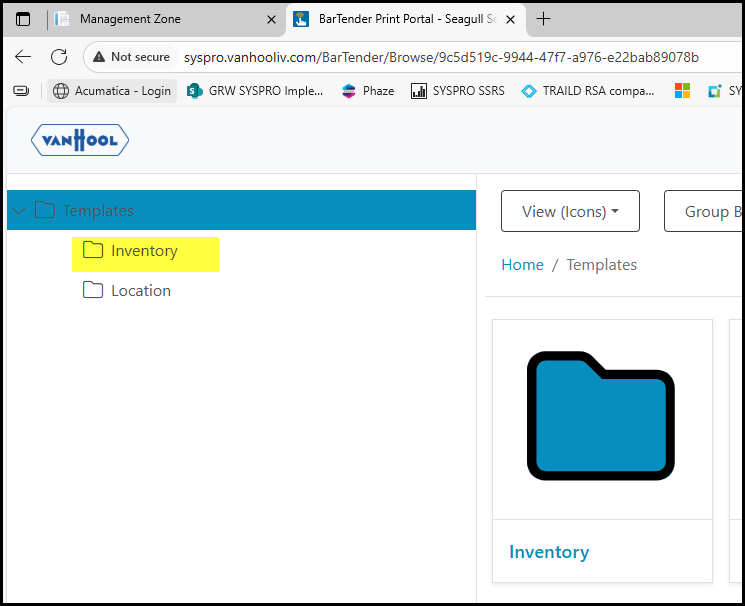
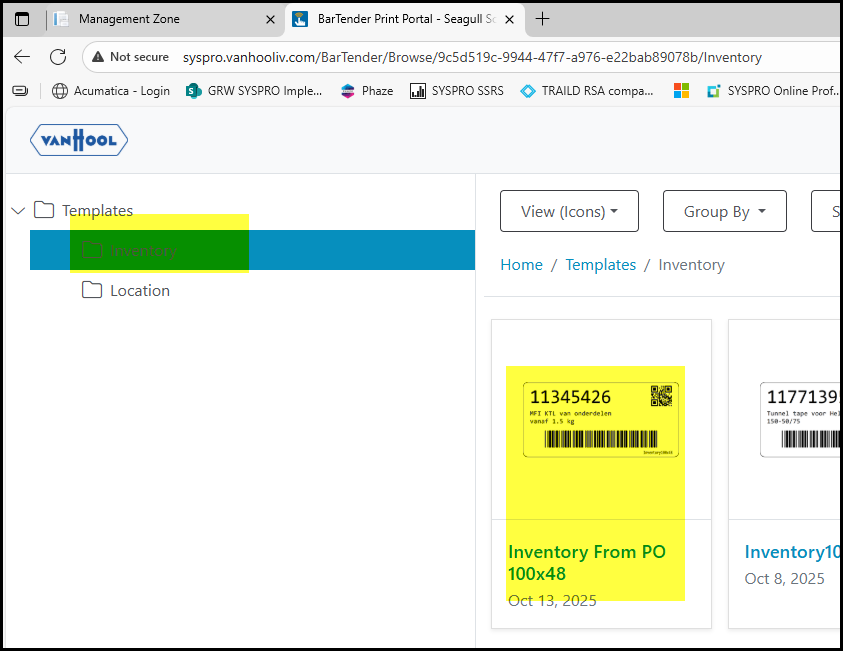
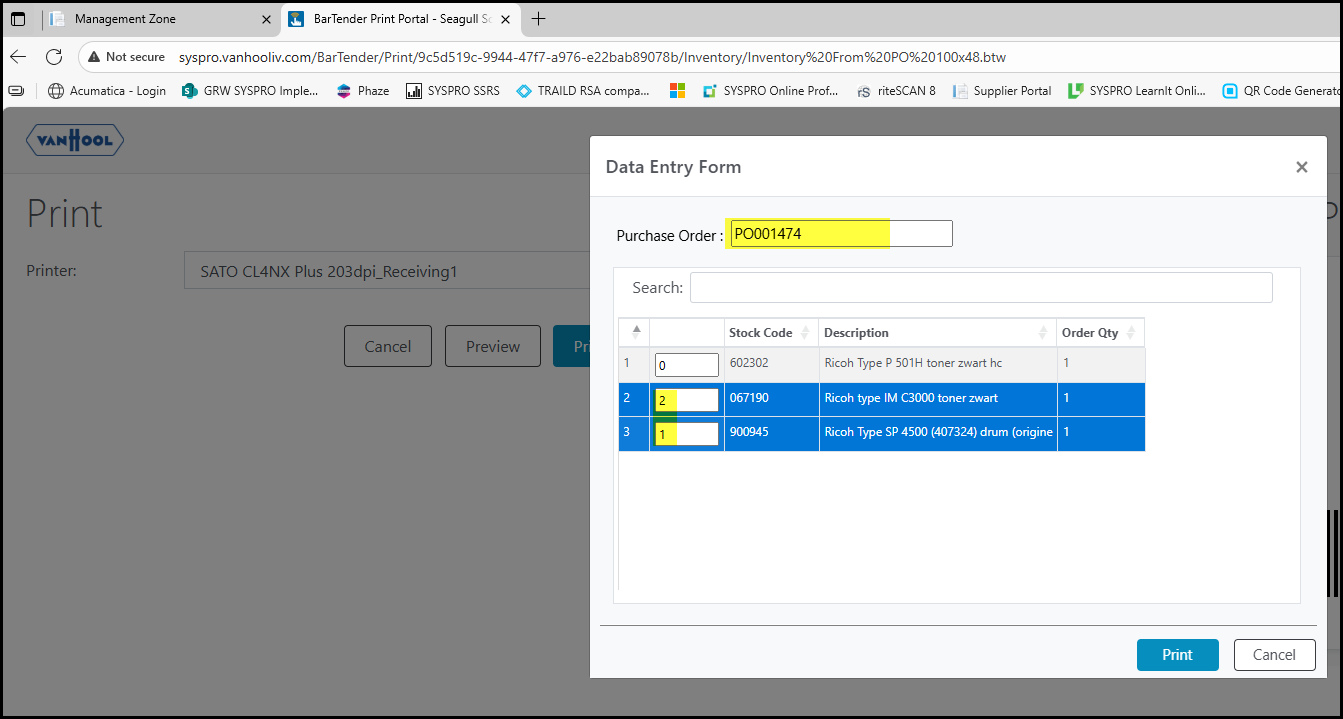
2. Click on Print - enter the PO number you want to use and TAB or enter.
Edit the quantity of the amount of labels you want to print.
Click on Print.
Created with the Personal Edition of HelpNDoc: Transform Your Word Doc into a Professional-Quality eBook with HelpNDoc