How to print a stock label
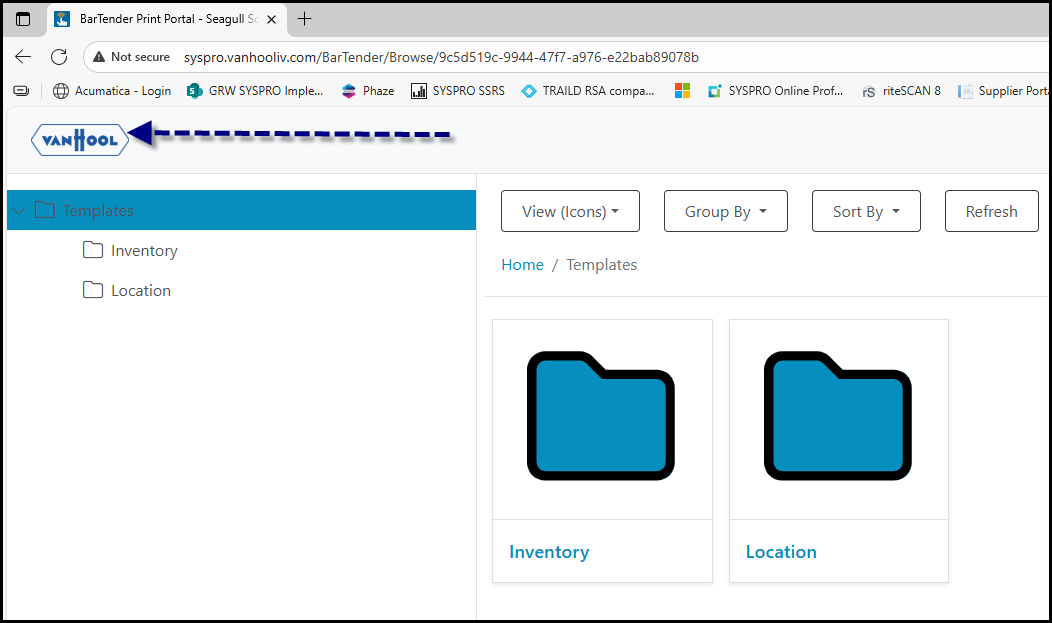
1. Go to URL: BarTender Print Portal - Seagull Scientific
2. If you want to go back to the home page - click here
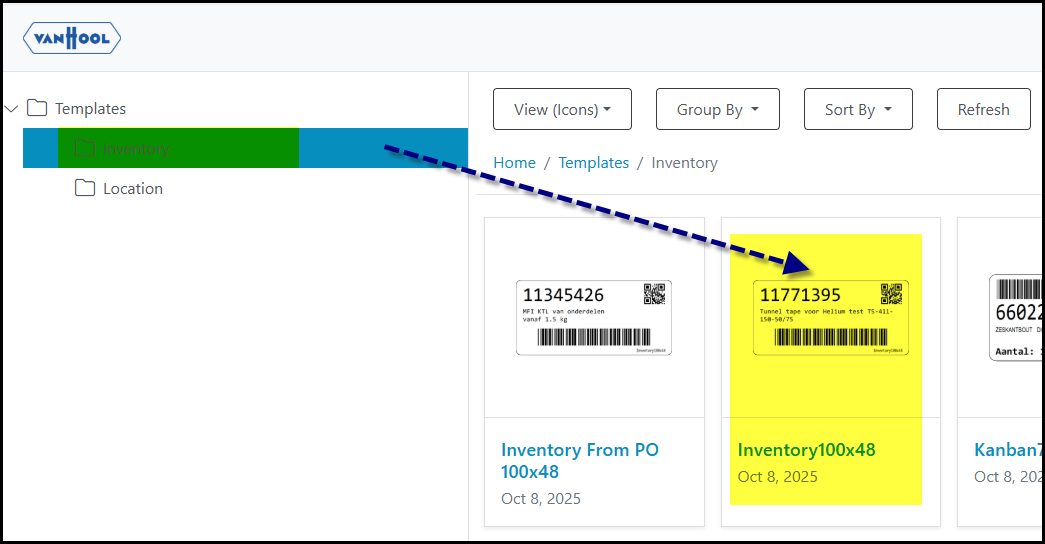
3. Click on Inventory to print any stock label.
4.
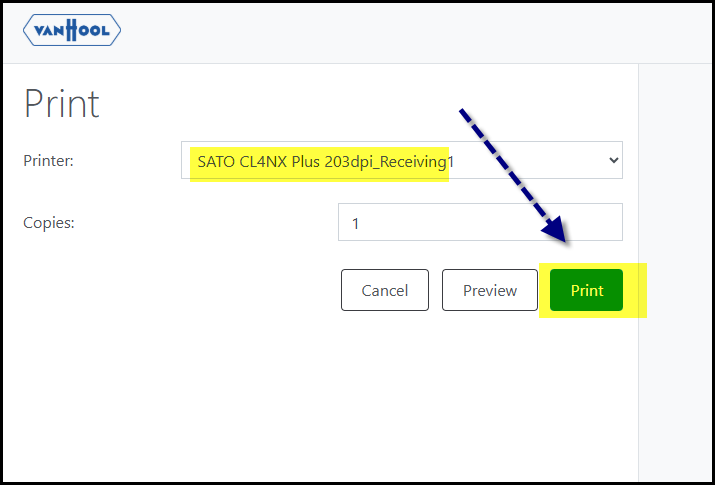
5. Select the printer to use and click on print
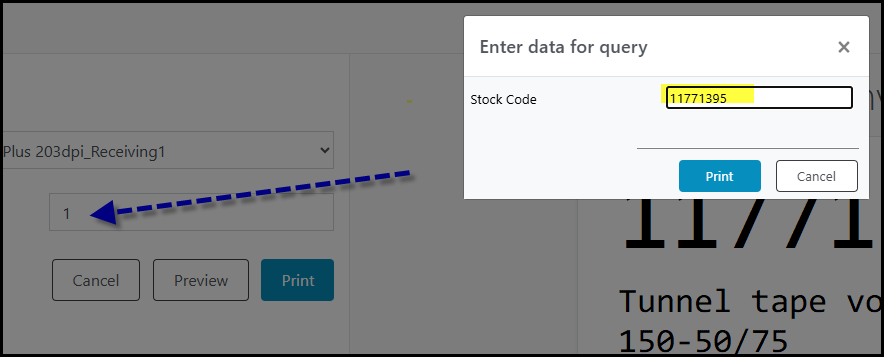
6. Enter the stock code you want to print and the how many labels of the codes.
Created with the Personal Edition of HelpNDoc: Make Documentation Review a Breeze with HelpNDoc's Advanced Project Analyzer