How to create a sundry job with SO
1.
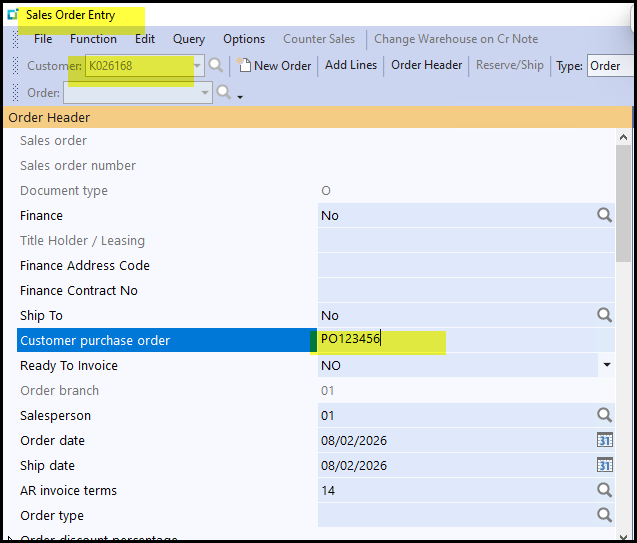
Go to Sales order Entry, select your customer, add the PO number of the customer.
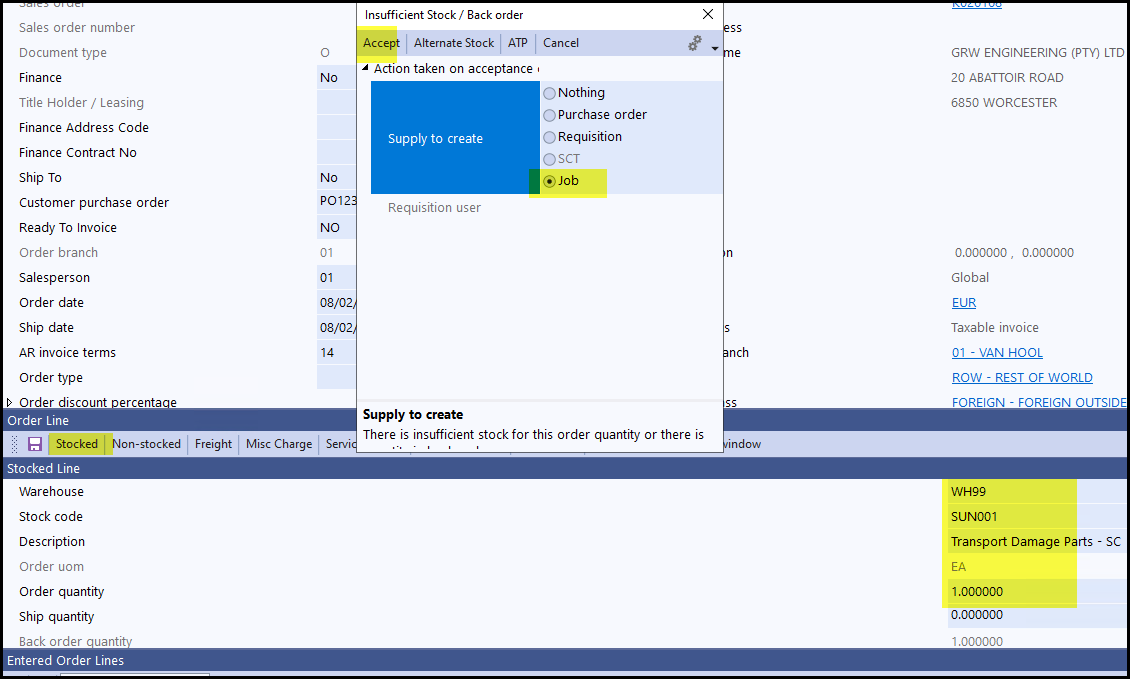
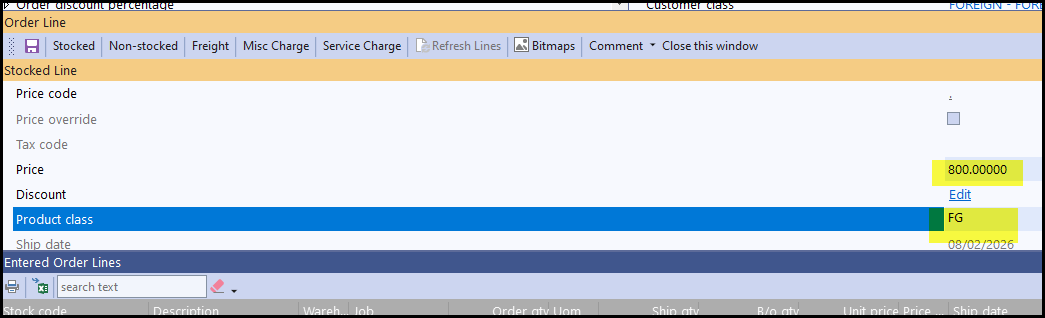
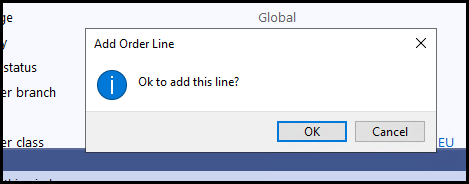
2. Add a stock line. Select warehouse and stock code as SUN001...add price and FG as product class, SAVE and click OK to add the line.
The Pop-up is to create the job - select Job and Accept.
3. See below to create the job.
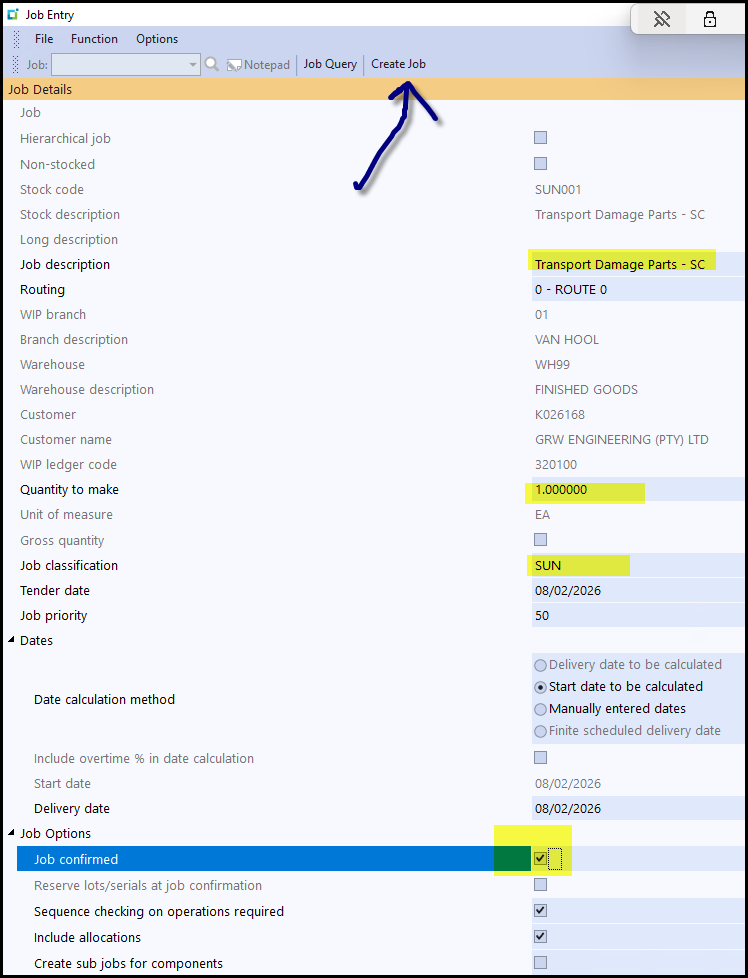
4. When you have select Create job the following screens will pop-up,
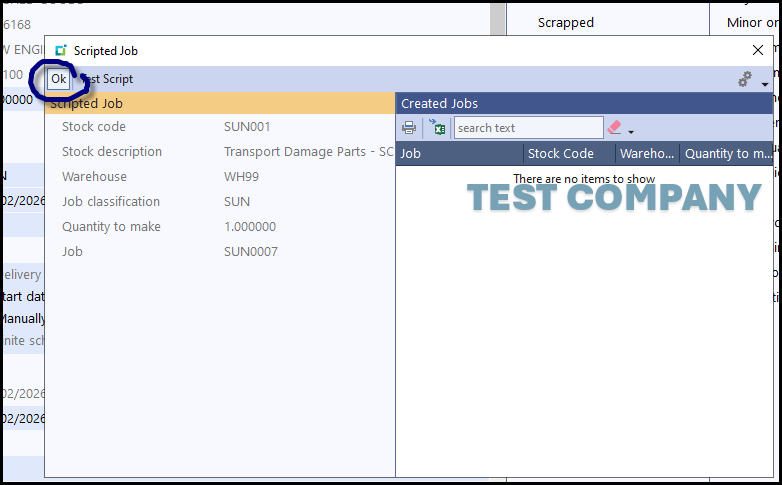
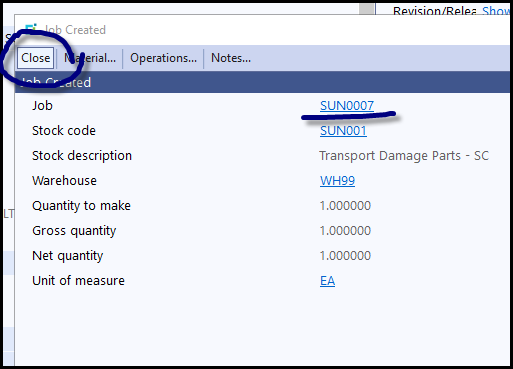
5. You can go back to the SO to view the line and see the job link.
Created with the Personal Edition of HelpNDoc: Full-featured EBook editor