Mobile
Picking for Pickingslip lines allocated to you via Acumatica Mobile App
1. Go to Inventory>>>Pick:
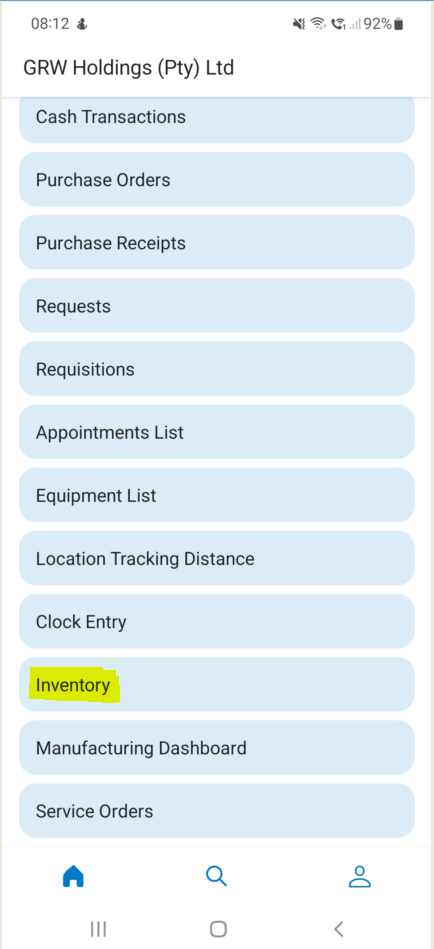
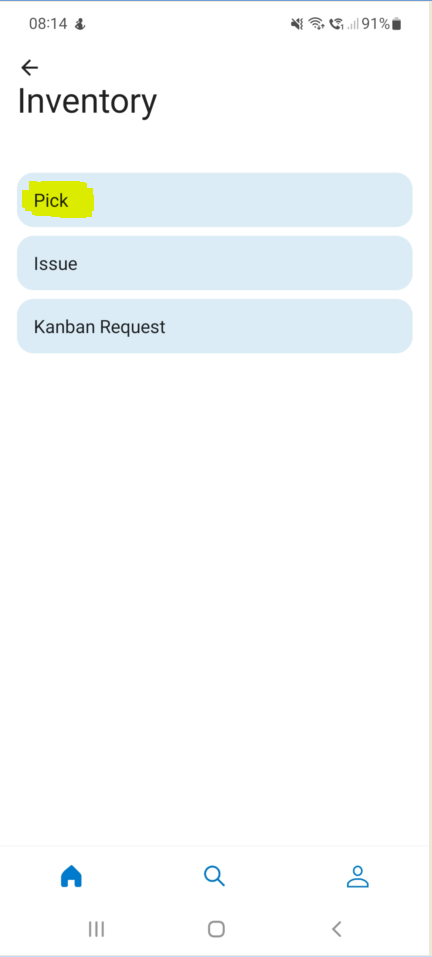
2. Here you can Pick per Location, Inventory Item, Production Order, Sales Order, Request or Work Center. Using the Mobile App gives you the ability to scan the Location and then Pick all the Inventory Items in that Location:
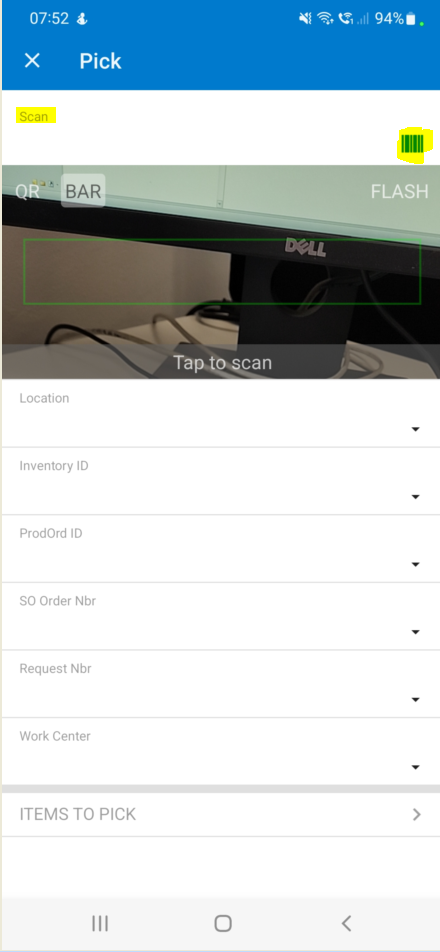
3. Once you have scanned the Location, tap on "ITEMS TO PICK":
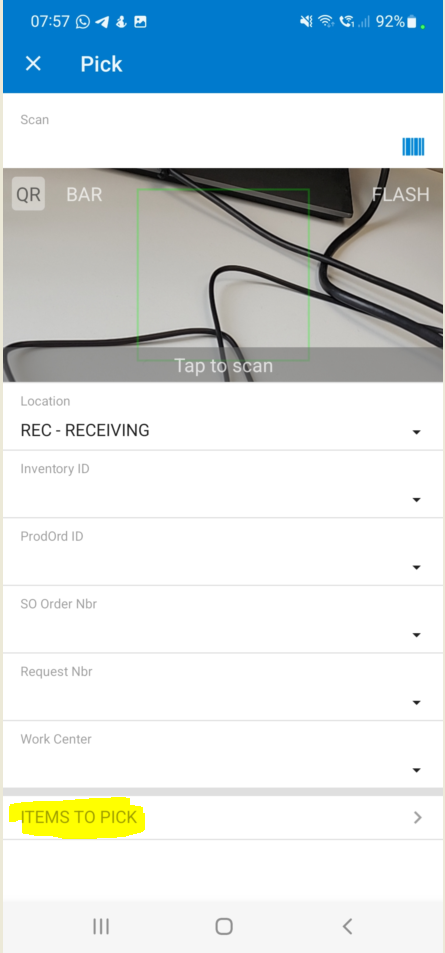
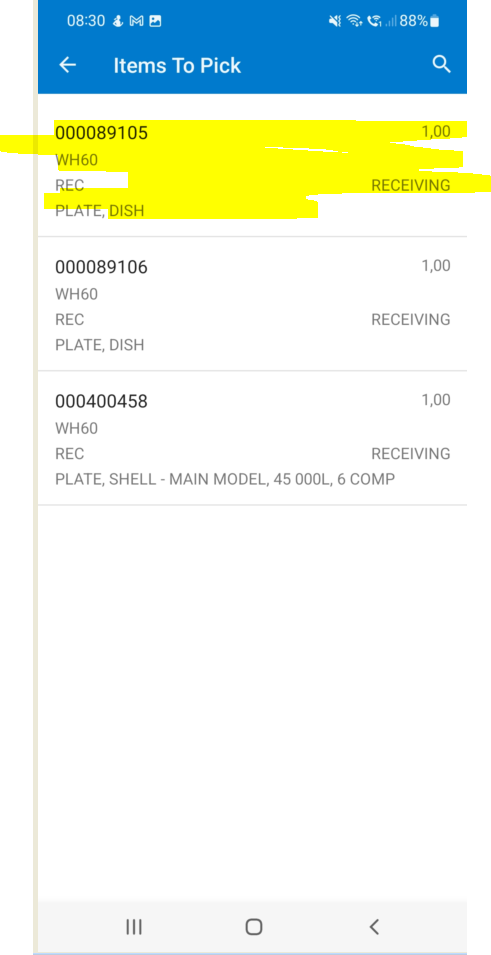
4. Tab on the Stock Item:
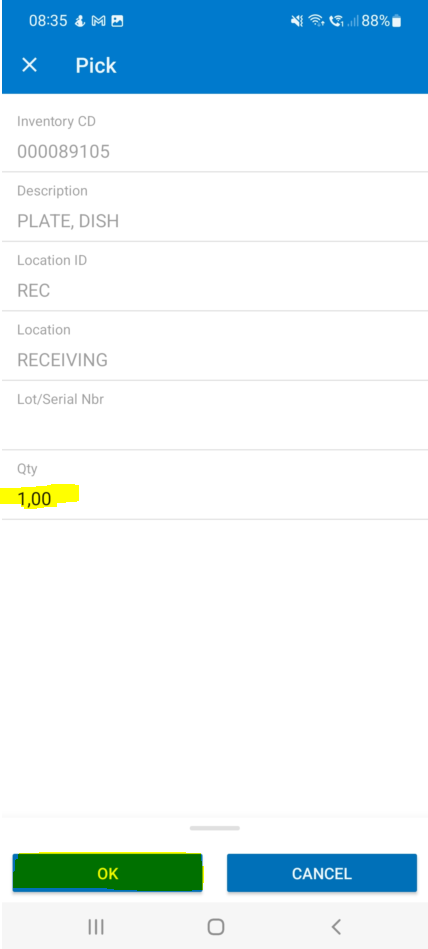
5. Acumatica gives you the ability to Pick either all of the quantities, for example 1.00, or you can amend the quantity that you are Picking as needed. Once you typed in the Quantity you want to Pick you tab on "OK":
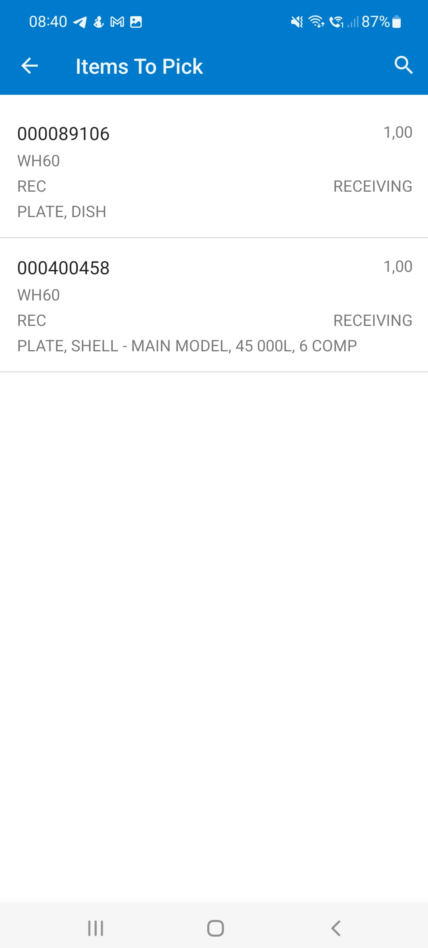
6. Repeat Steps 4 and 5 for the rest of the Items you want to Pick in the Location:
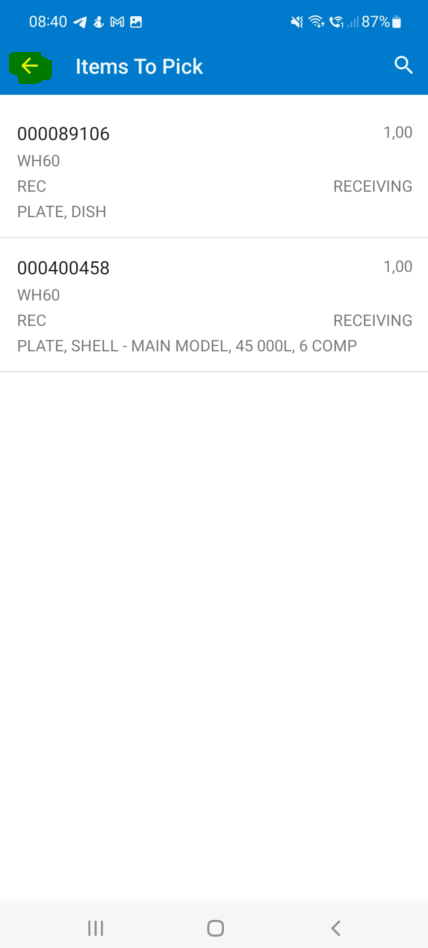
7. Once you have Picked all the Items in the Location you can tab on the "Back" icon and scan a new Location and Repeat Steps 2 to 6:
Created with the Personal Edition of HelpNDoc: Easily create Qt Help files