How to validate customer balances
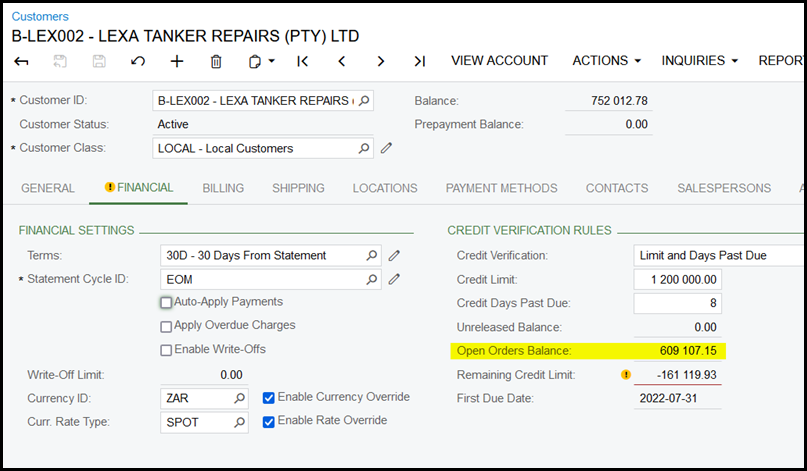
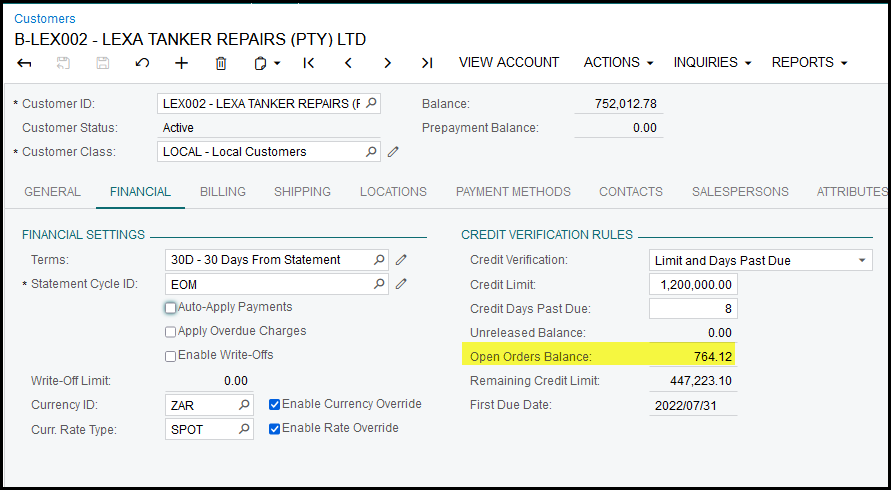
1. Sometimes customers balances is out of sync or maybe you do not agree with the 'open order balance' or any other balances of the customer.
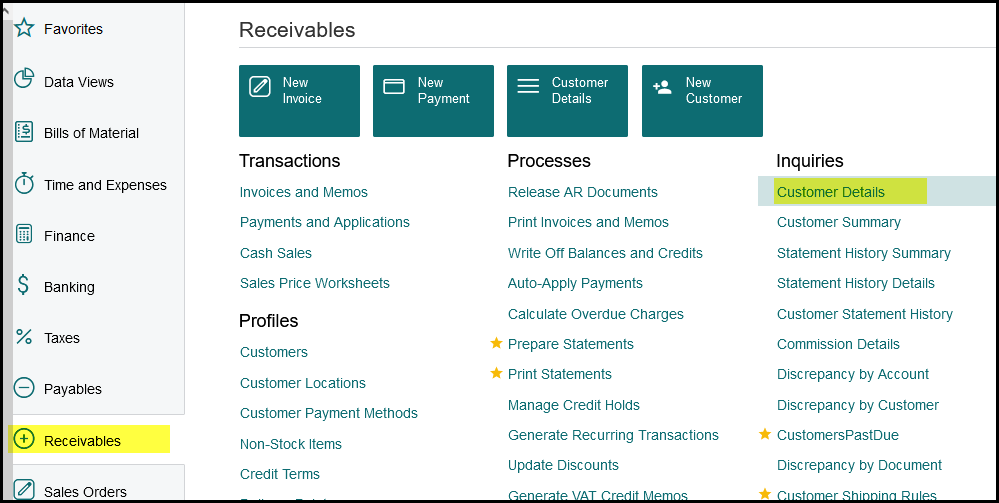
2. To see if there are discrepancy go to Receivables>Customer Details
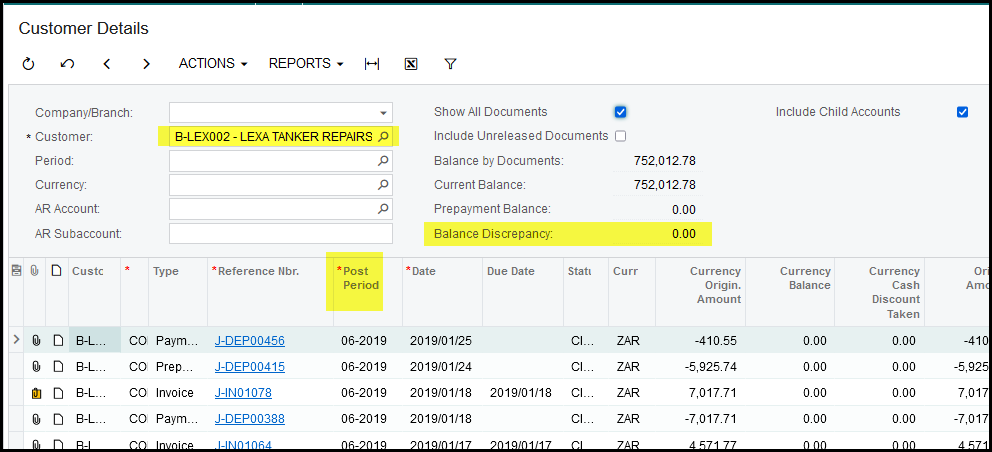
3. Select you customer. Leave company/branch open. There will be a balance if there are discrepancies. But it is better to do the validation to correct the balances even though it show
'0.00' below.
First check the earliest posted transaction period for the customer documents see below 'Post period'. Also get the latest period.
You will do a validation for these two periods.
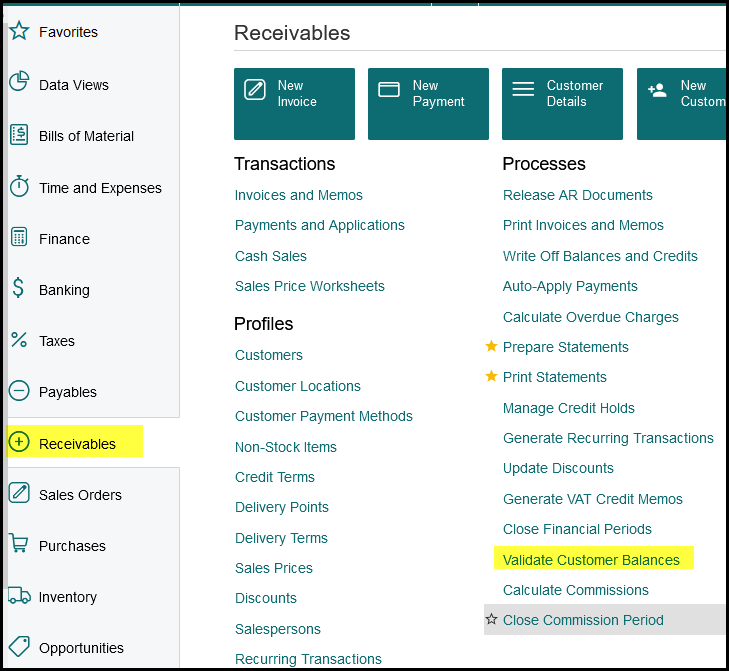
4. Go to Receivalbes>Processes>Validate Customer Balances
5. Select the earliest period that documents was processed (see 3.)
Select your customer and tick the select box.
Click on Process (never click on process all - then all customers balances will be validate and this process should only be done after hours.)
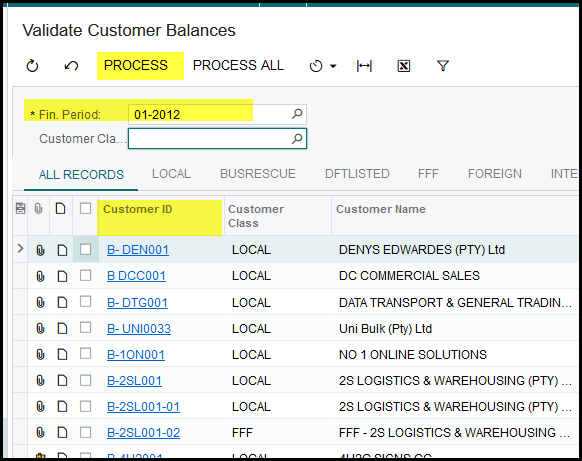
6. This process can run a few minutes. After this run the same process for the latest post period transaction.
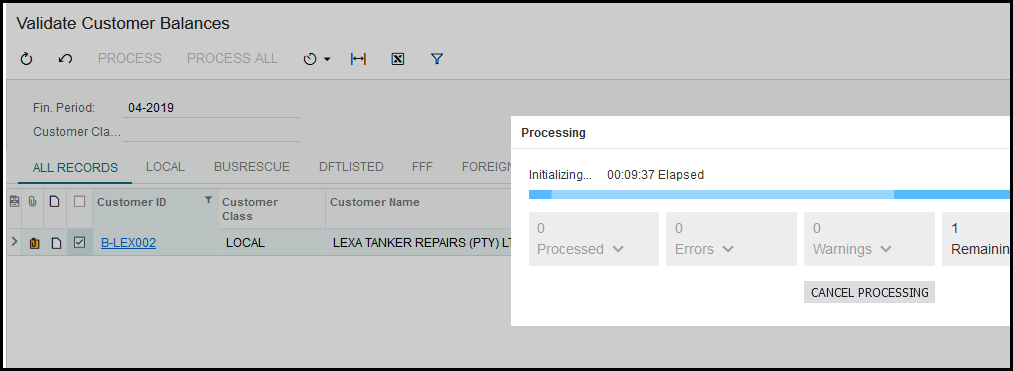
7. Your balance should be fixed.
Created with the Personal Edition of HelpNDoc: Free Web Help generator