How to use side panels
1. Acumatica has side panels on some screens. You do not have to drill down in the actual document to view the details, but can use the side panels.
2. This enables you to view the details of each line.
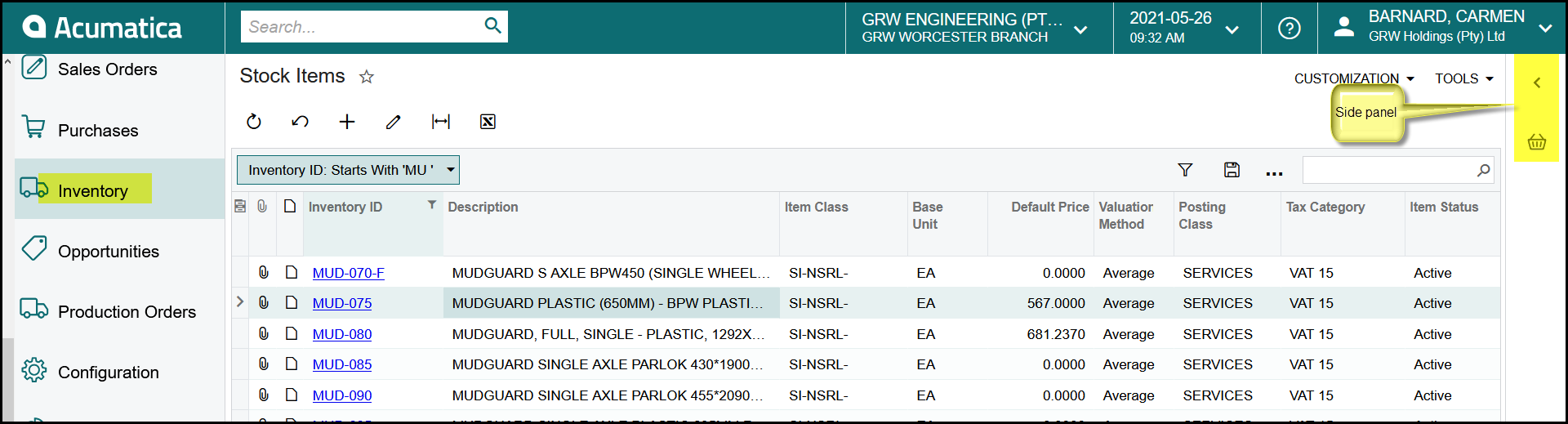
3. See below the example of a stock item. When you open the list of stock items you have to click on the hyperlink to see the details of the stock item.
4. See on the right and make use of the side panel.
5. When you stand on a line in the left list the details appears on the right. You can move between the different tabs on the right to get to the info you need.
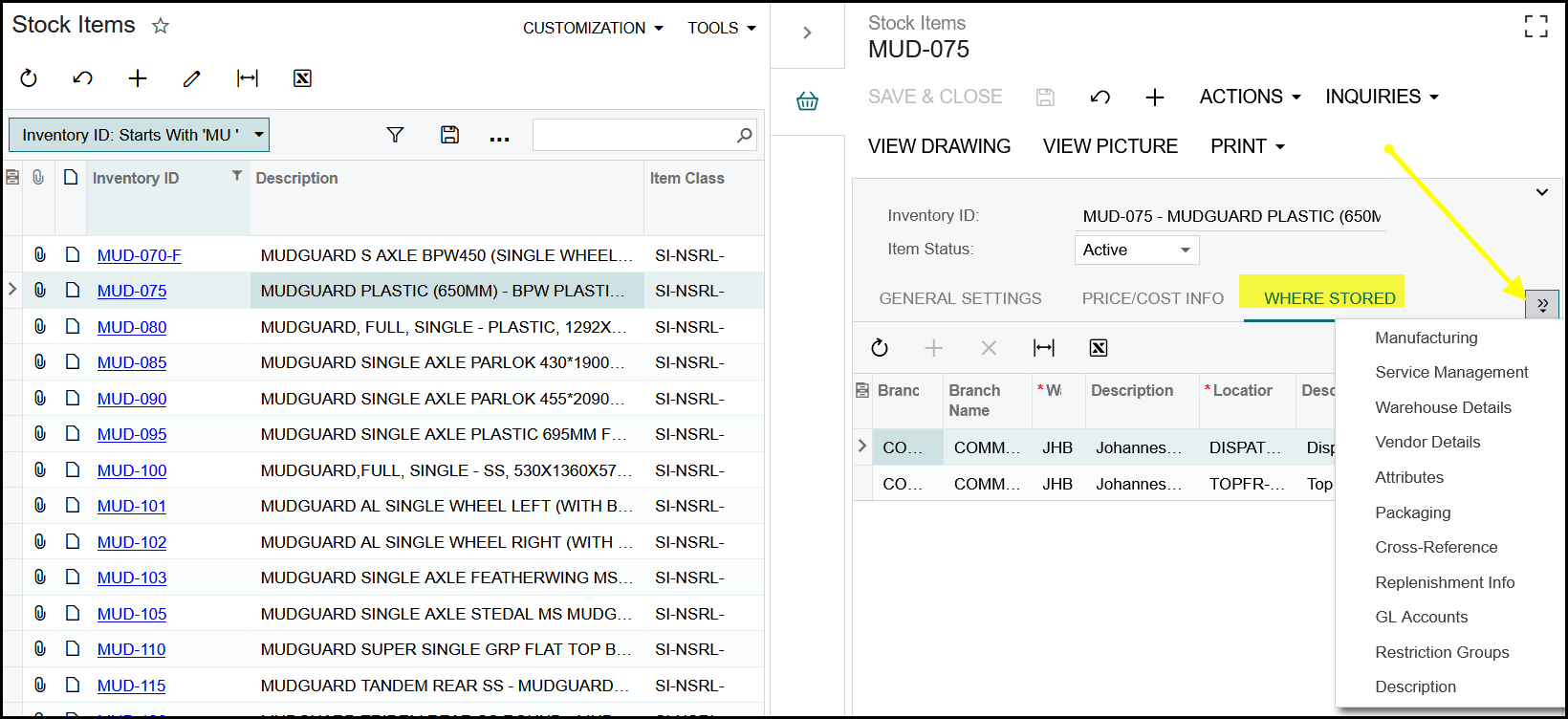
6. Then you can click on the left list again and move up or down with the arrows on your keyboard. (do not click on the hyperlink because this will drill down again.)
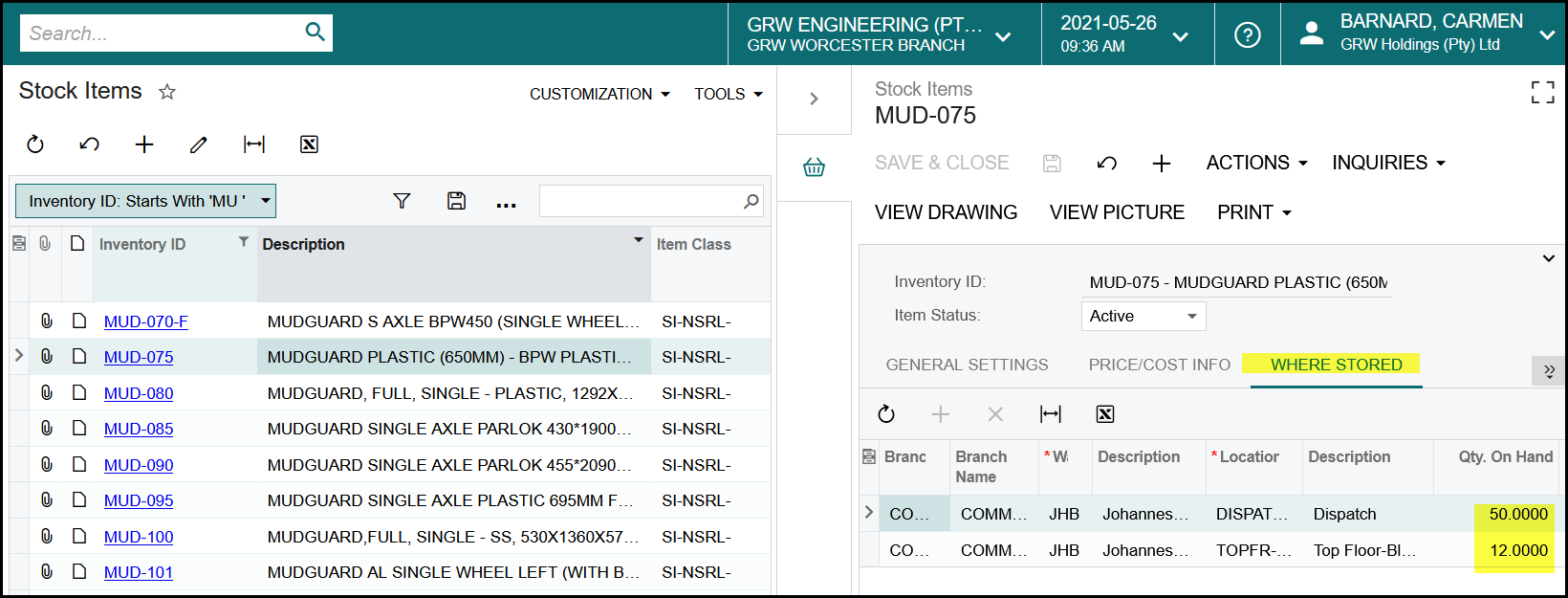
7. In this example you can easily move up and down to view the stock on hand between the branches. See below.
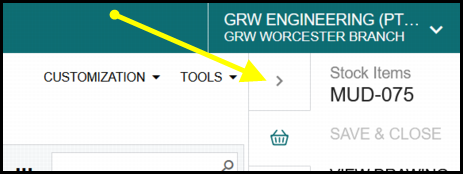
8. To close the side panel - click on the >
Created with the Personal Edition of HelpNDoc: Quickly and Easily Convert Your Word Document to an ePub or Kindle eBook