How to make your own filters
1. See below 'my requisition' is a shared filter that is available to all users. You can also make your own filters for own use that will not be available to others.
This will make your search functions quicker and is quite easy to setup. You can do this on all main screens on Acumatica.
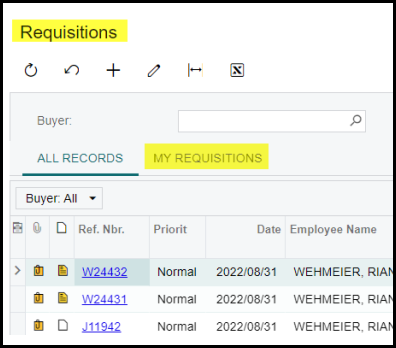
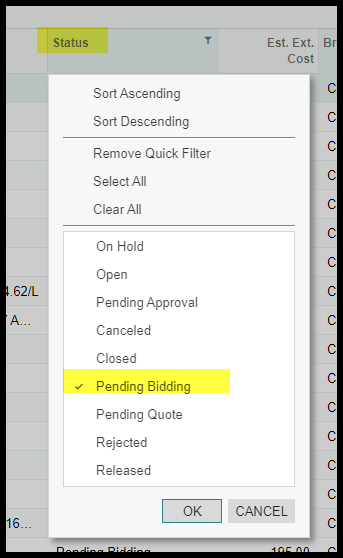
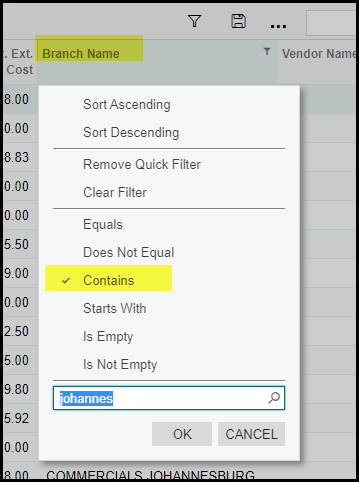
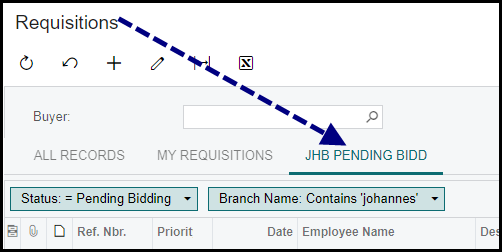
2. In this example you only want to see Johannesburg Branch's requisition with a status Pending Bidding. Use your filters and make your selections.
3. When you regularly use this filter you can save it. Click on save and name it.
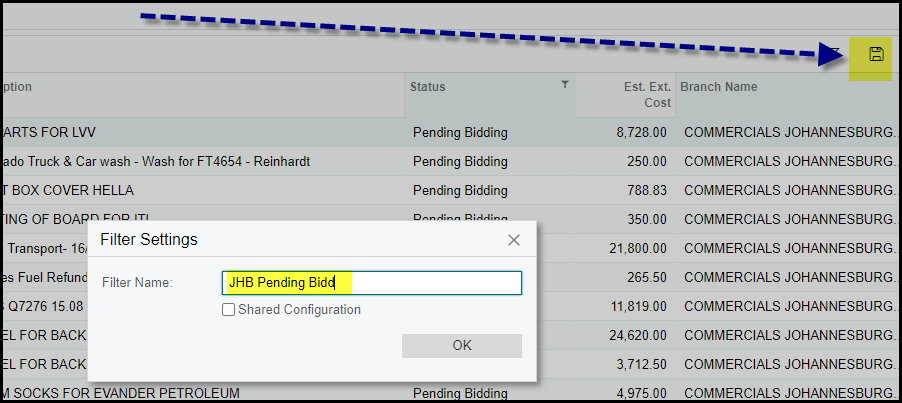
4. You filter will show here.
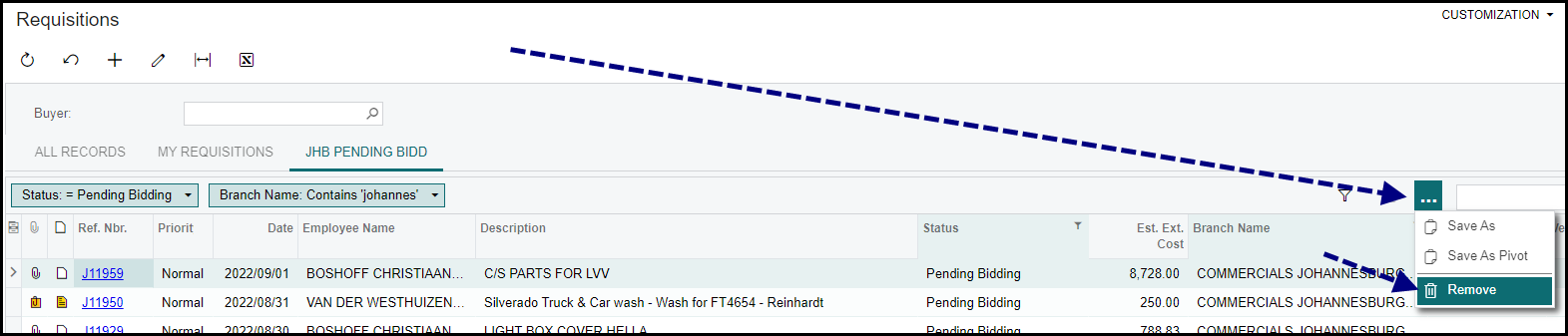
5. To delete a filter click on the .... and remove.
Created with the Personal Edition of HelpNDoc: Add an Extra Layer of Security to Your PDFs with Encryption