How to setup warehouse default locations
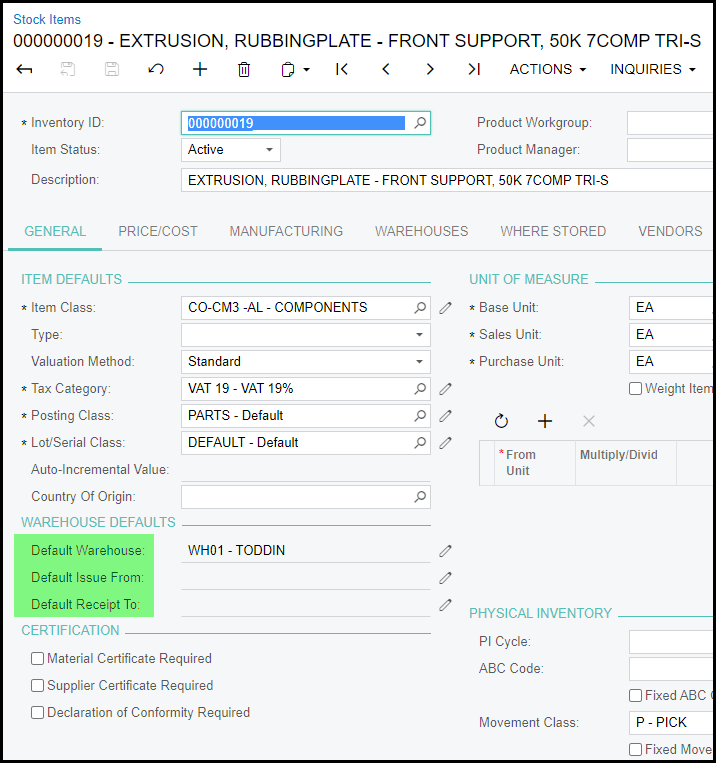
1. We have disabled the rights for users to edit warehouse defaults on the general stock screen. See below.
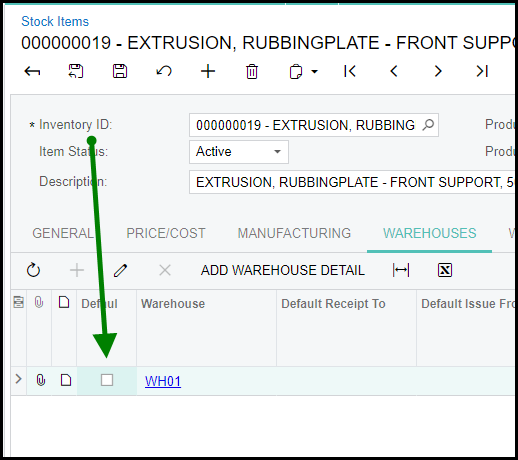
2. Go to warehouses.
Make sure the warehouse is the default warehouse - tick the default box and save.
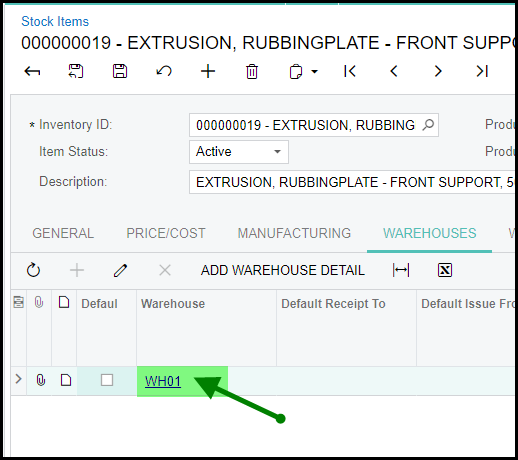
3. To add default receipt to and default issue from.
Click on the warehouse to open Item Warehouse Details.
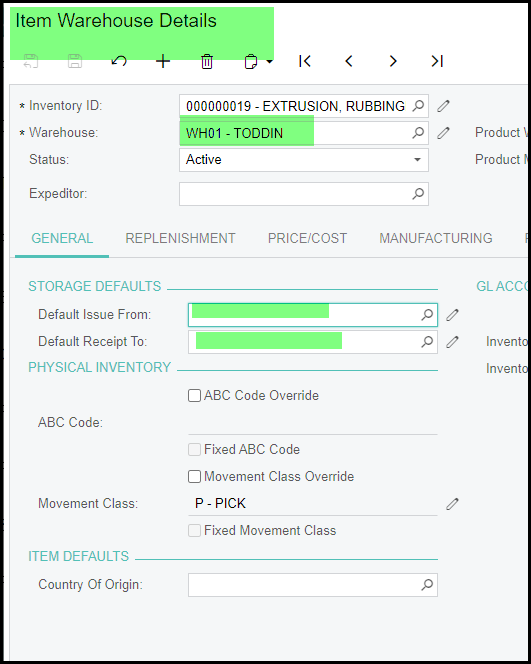
4. Save when defaults are completed.
Created with the Personal Edition of HelpNDoc: Maximize Your Documentation Capabilities with HelpNDoc's Project Analyzer