How to see history transactions on a stock item
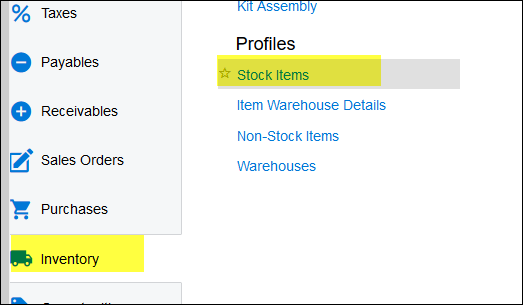
1. Go to Inventory>stock items
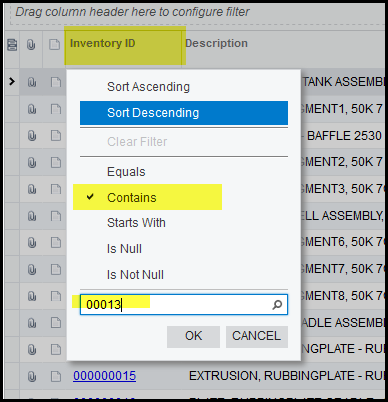
2. For quicker search click on the inventory ID column, tick contains and enter part of your item code, ok.
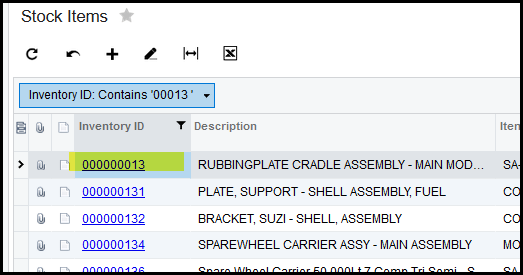
3. The search will show your selection.
4. Click on your item.
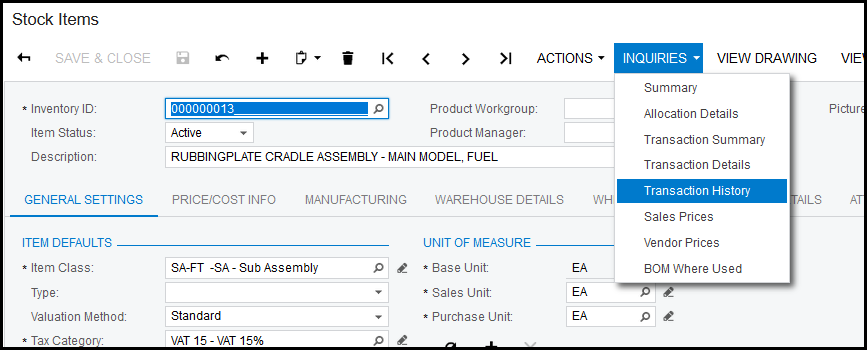
5. This will open your item code.
6. Click on Inquiries and transaction history
7. Select the branch and from date.
8. This view will show all movement on your item.

Created with the Personal Edition of HelpNDoc: Effortlessly Publish Your Word Document as an eBook