How to received serialised stock items
Notes on serialised items: When you place a purchase order for a serialised item, you do not select the serial nr. The serial number is created when you receive the PO. See below.
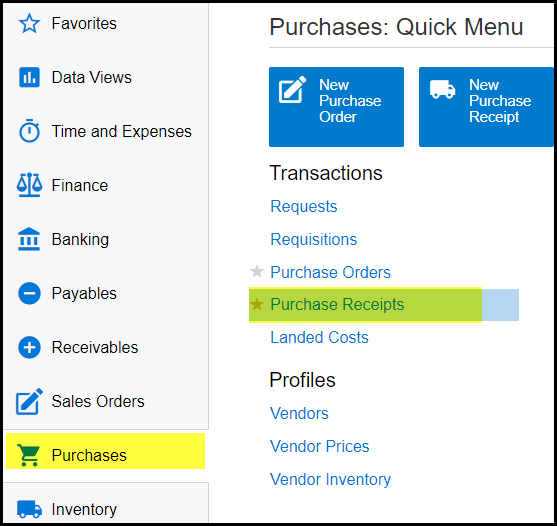
1. Go to purchases>Transactions - Purchase Receipts
2. Click on the '+' to add a new receipt.
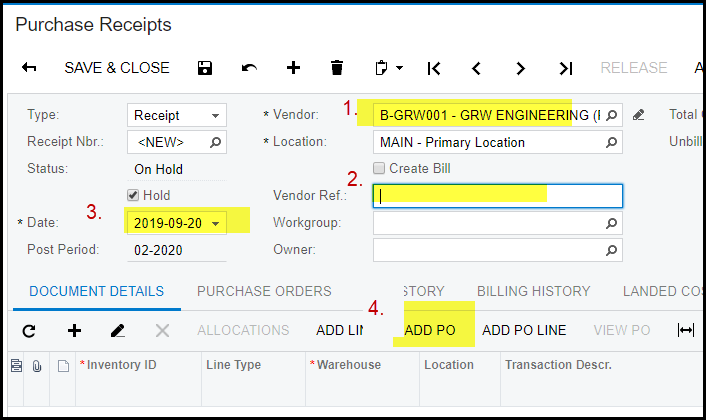
3. Add your vendor and vendor ref. (delivery note nr or invoice nr), select the date and click and ADD PO.
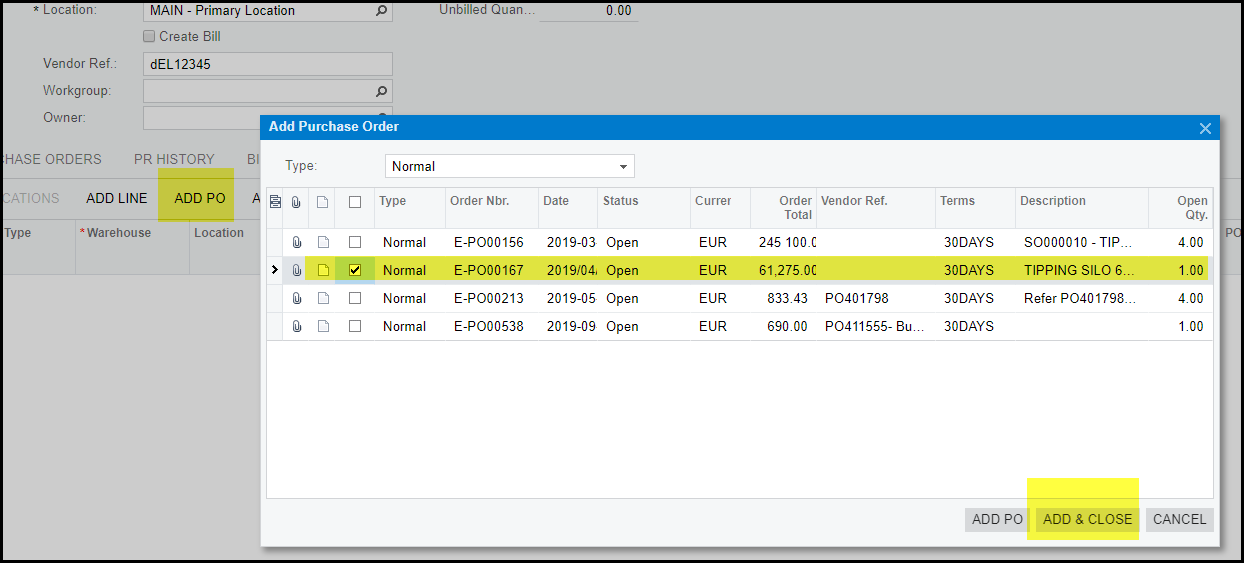
4. All open PO's available to receive will pop-up. Tick the PO you want to receive and ADD & CLOSE.
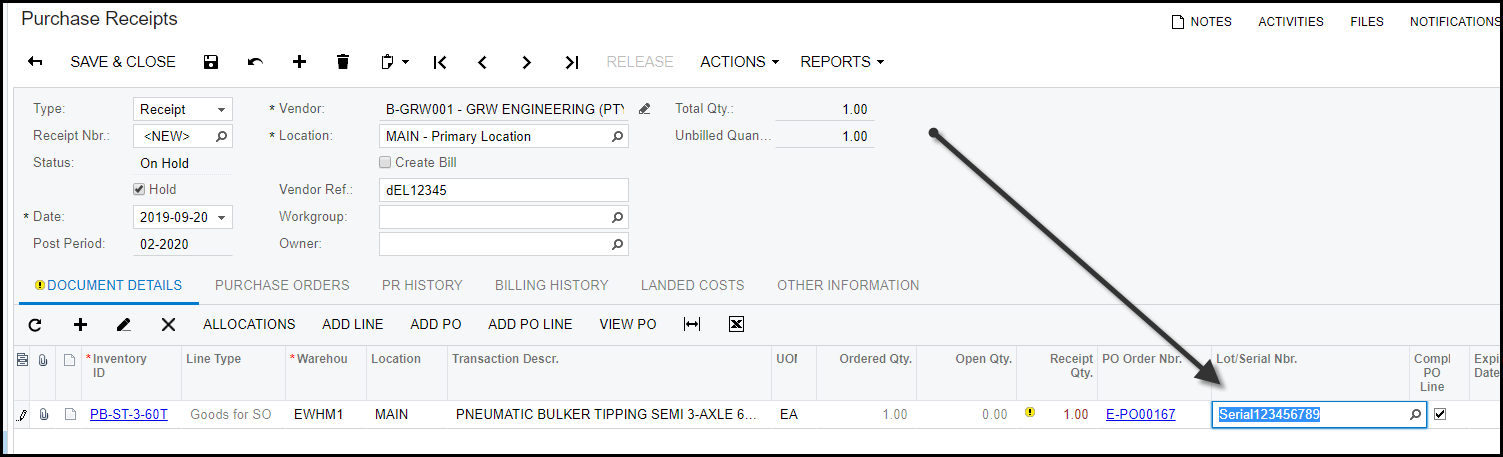
5. In the detail line type in your serial number in the 'Lot/Serial Nbr' field.
6. SAVE your release, take of hold and release.
7. After you released your receipt the serial inventory code will be on hand.
Created with the Personal Edition of HelpNDoc: Streamline Your CHM Help File Creation with HelpNDoc