How to print vendor stock labels
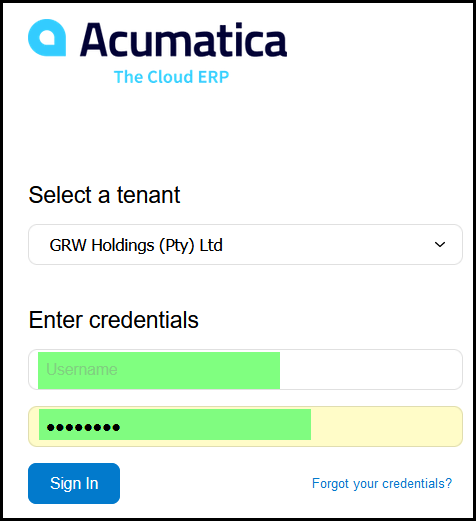
1. Use the following URL: https://acumatica.grw.co.za/GRWHoldings/
2. You will be provided by your contact in GRW with your login details.
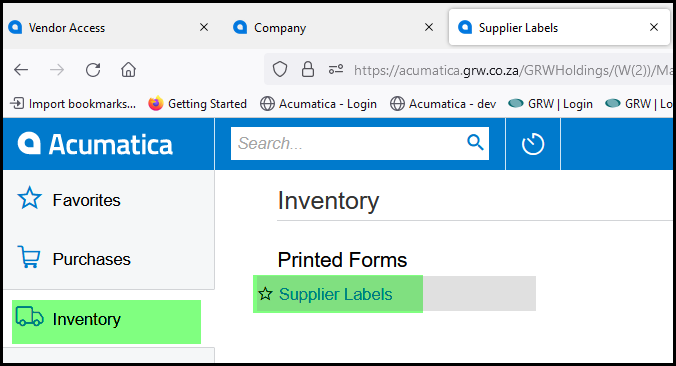
3. In the left list click on inventory and on the right on Supplier labels.
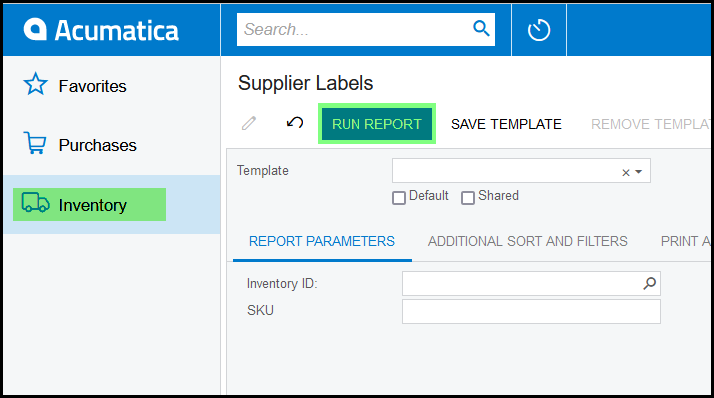
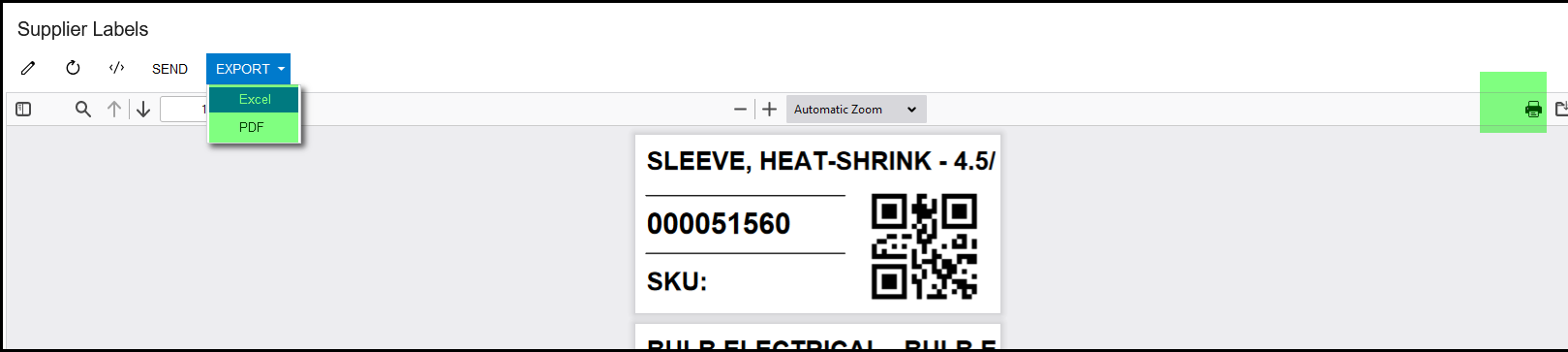
4. Click on 'Run report', all your labels will display.
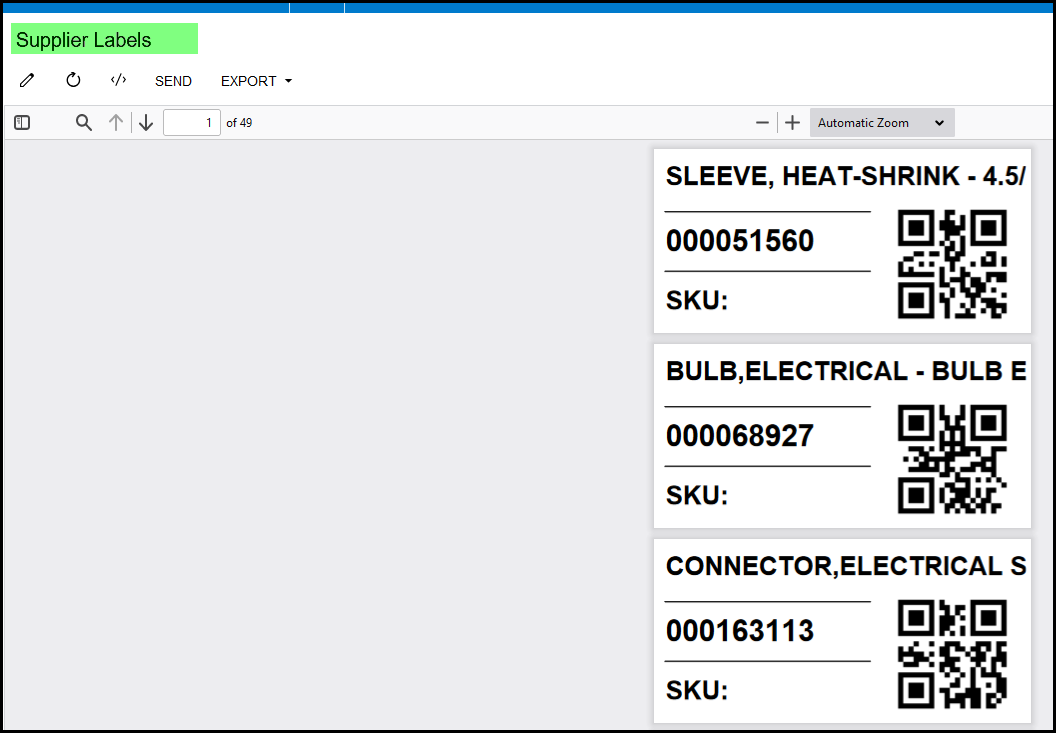
5. You can export your label to excel or pdf. Or see to the right the print option.
Created with the Personal Edition of HelpNDoc: Easily create EPub books