How to print a sales reports for parts sales
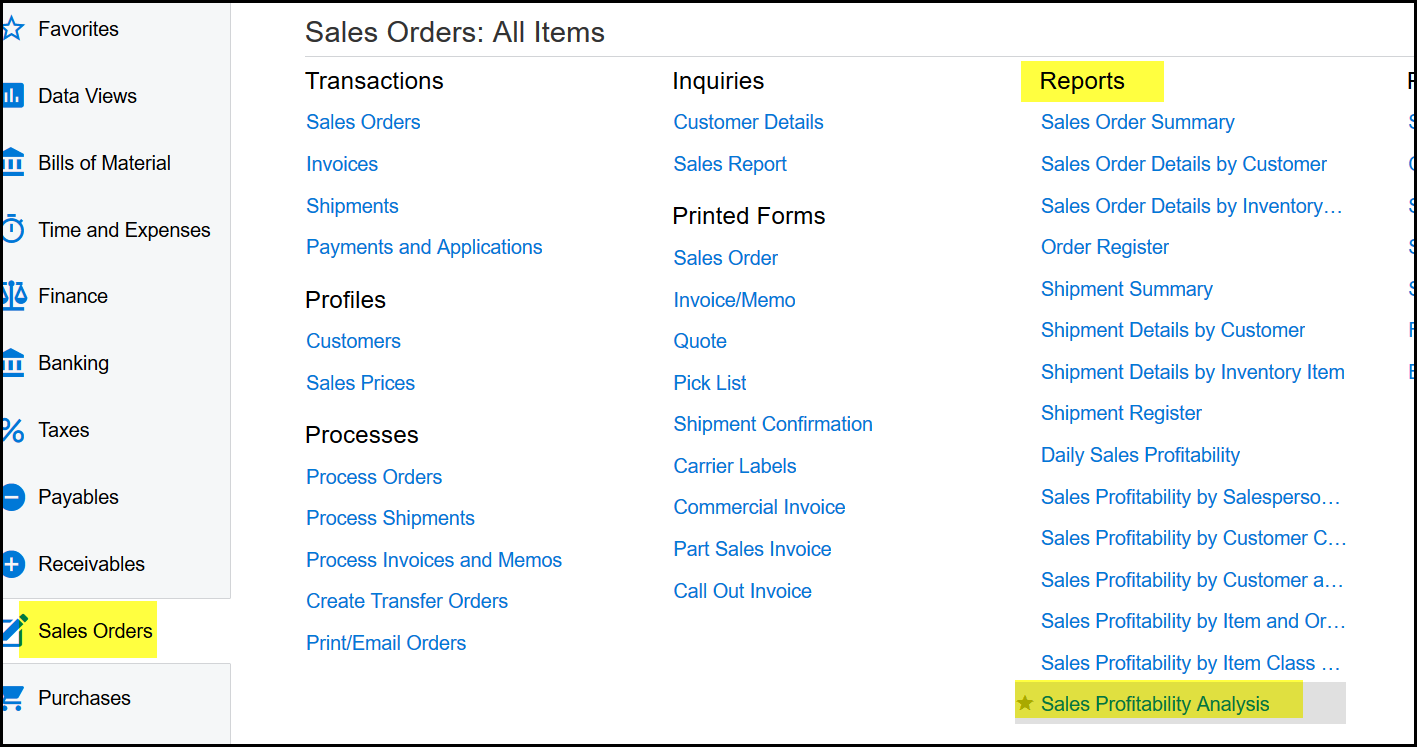
1. Go to Sales orders>Reports - Sales Profitabiluty Analysis
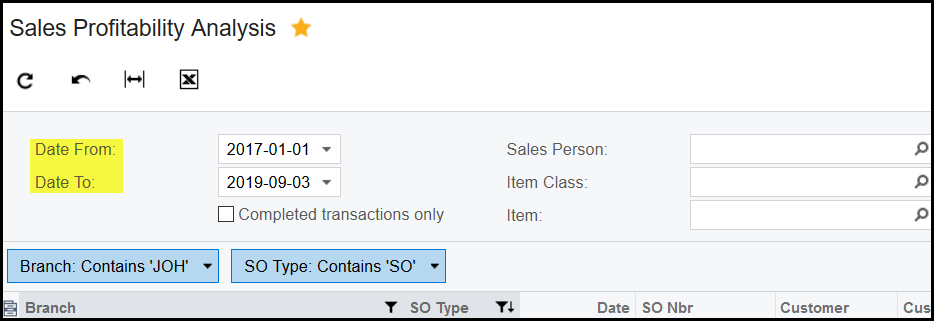
2. You can select or search on different filters depending the output you want.
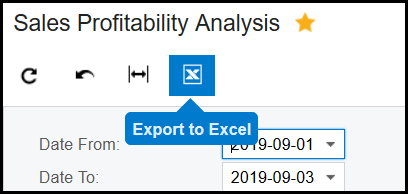
3. Make sure that you select a from and to date.
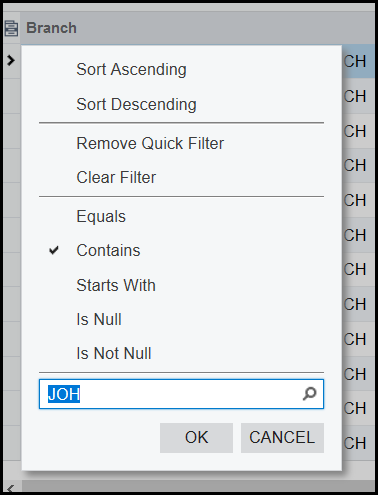
4. To filter by branch click on the header>tick contains and fill in a part of the branch name, OK.
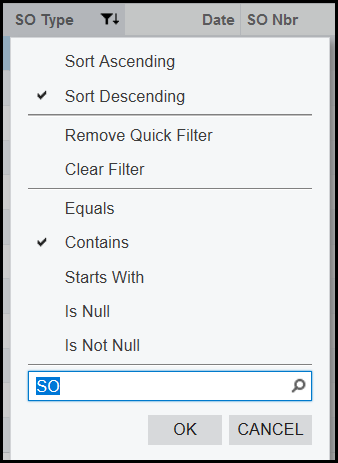
5. If you only want to see parts sales use the 'SO Type' column to filter on only 'SO'.
6. Export your report.
Created with the Personal Edition of HelpNDoc: Streamline Your Documentation Process with a Help Authoring Tool