How to do a quote - QT
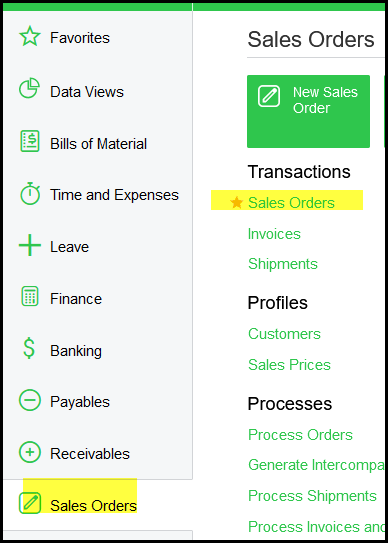
1. Go to Sales Orders>Transactions>Sales Orders
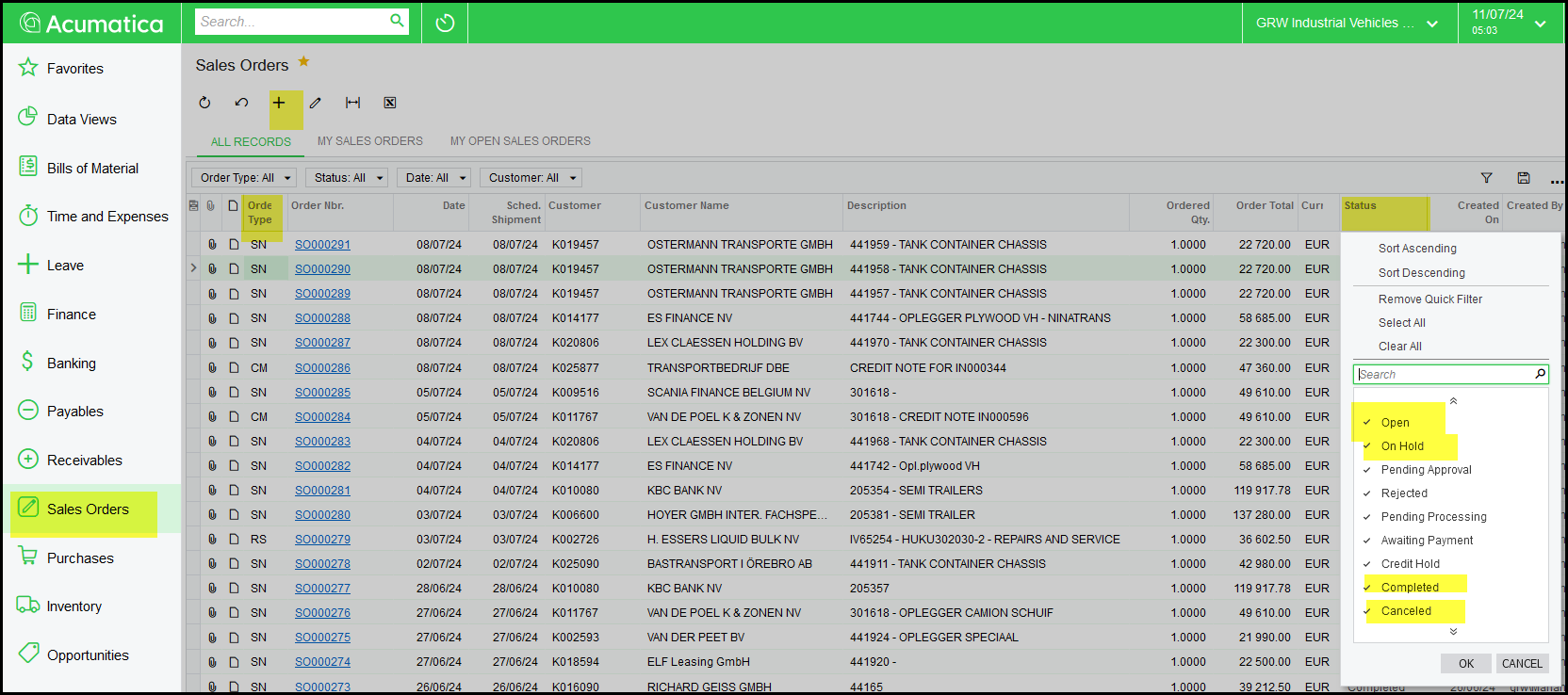
2. There are different Sales order types:
QT - Quote
SN - New Vehichle
SO - Part Sales
RS - Repairs and Services
CM - Credit Memo
Click on the + to create a new sales order
3. Start with a quote - select QT type and your customer. Save.
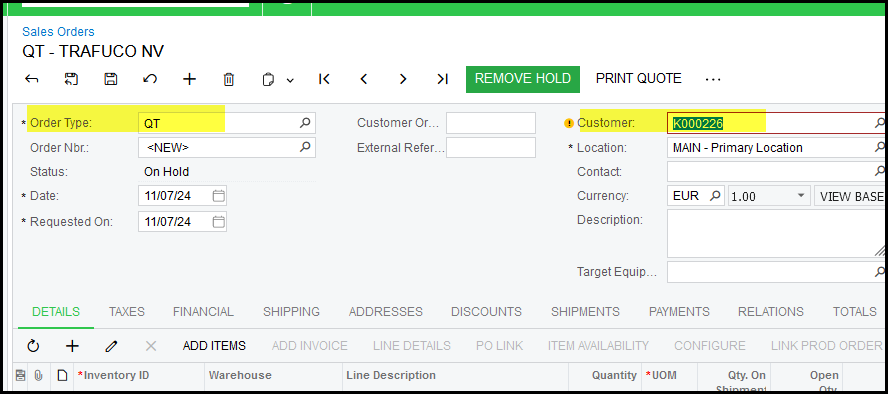
4. Click on the edit next to your customer.
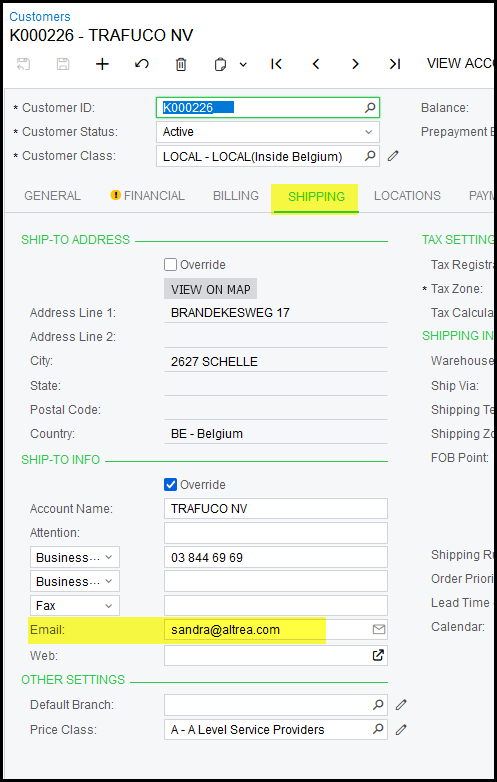
This opens up the customer screen.
Shipping tab - email address
5. Warning - Customer
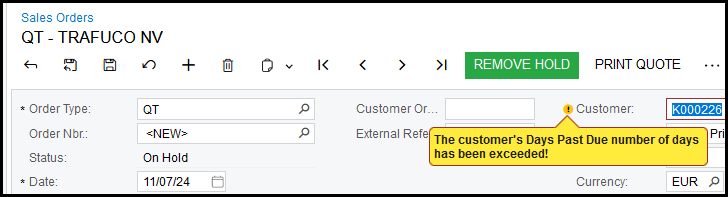
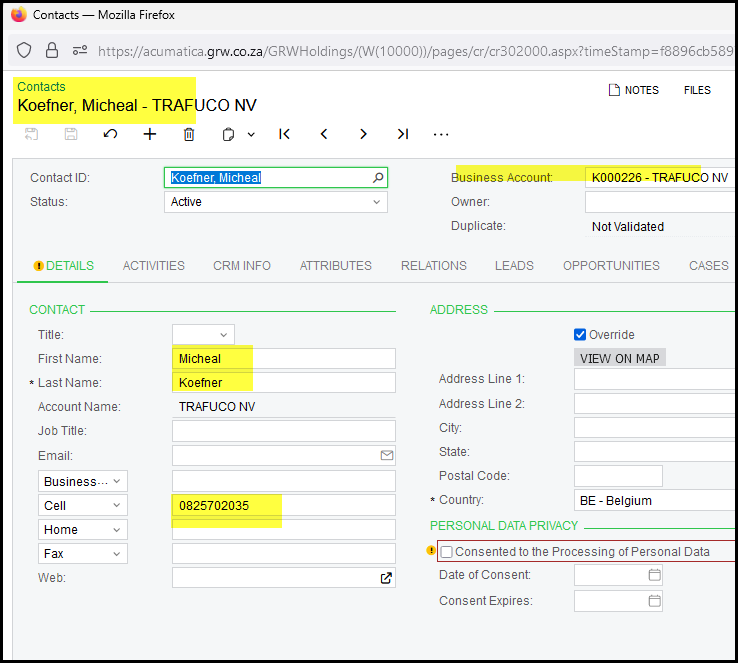
6. Add contact to your customer.
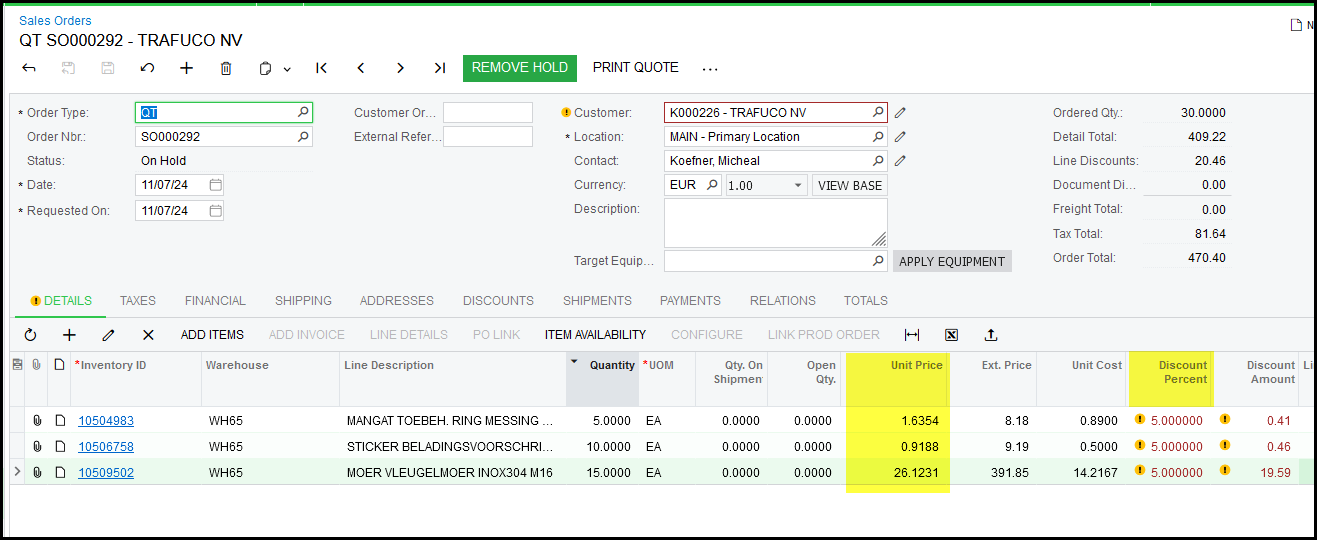
7. Select the contact on your Sales order.
Add Description not compulsory.
Click on the + to add items, select your warehouse.
Selling price is calculated and discounts per customer.
8. See qty available.
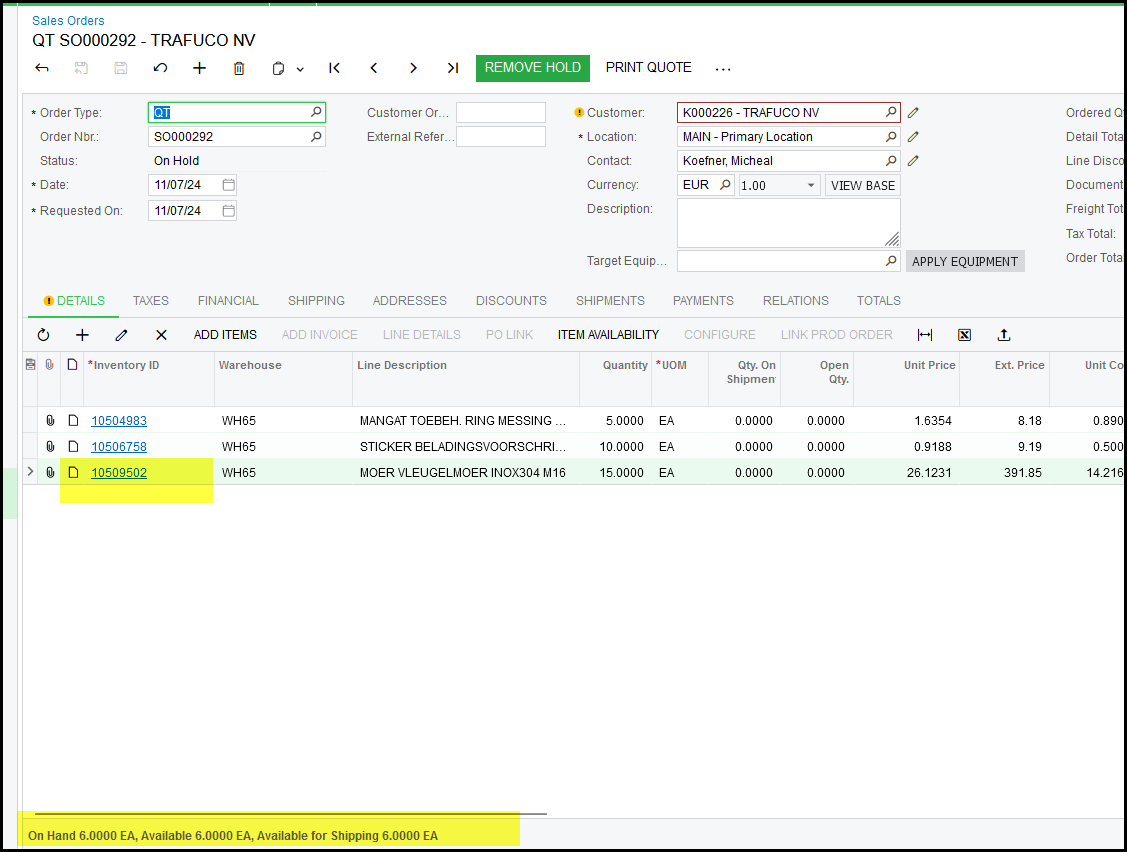
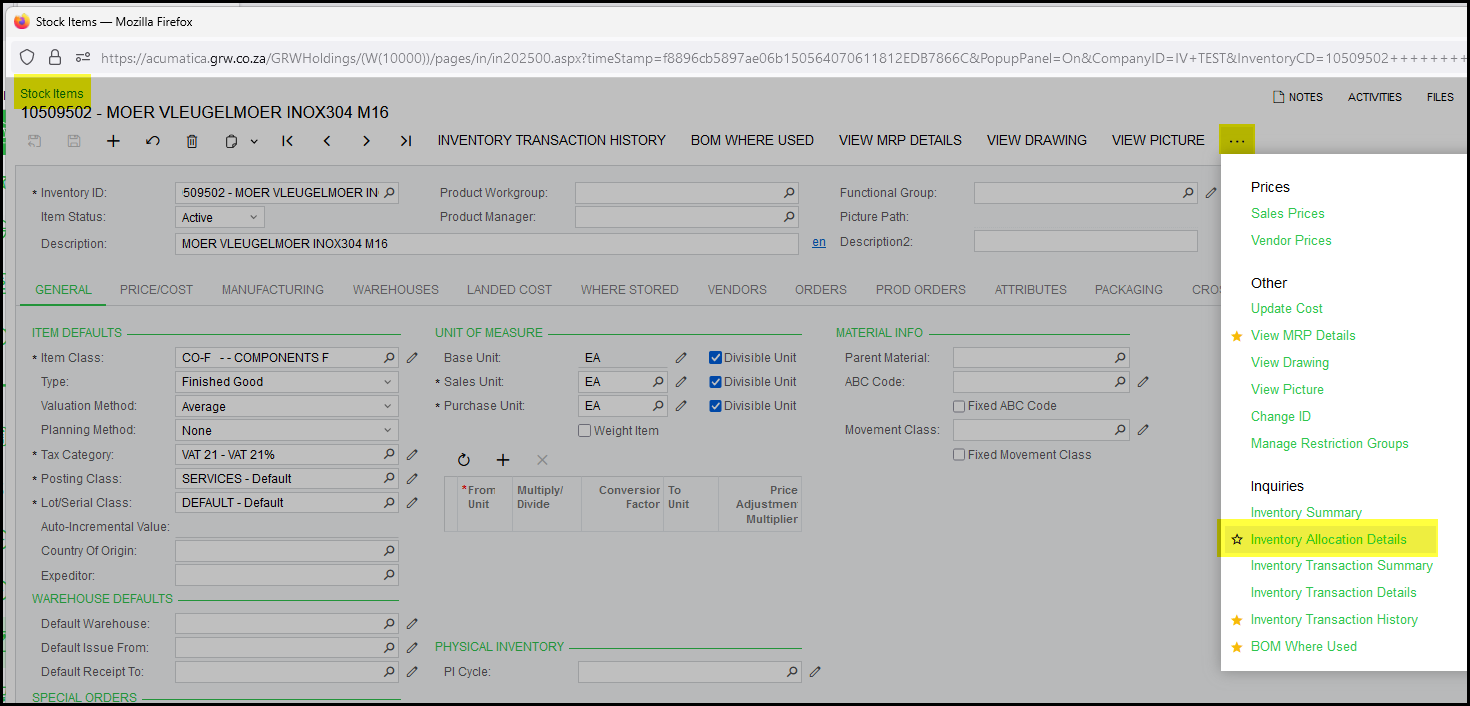
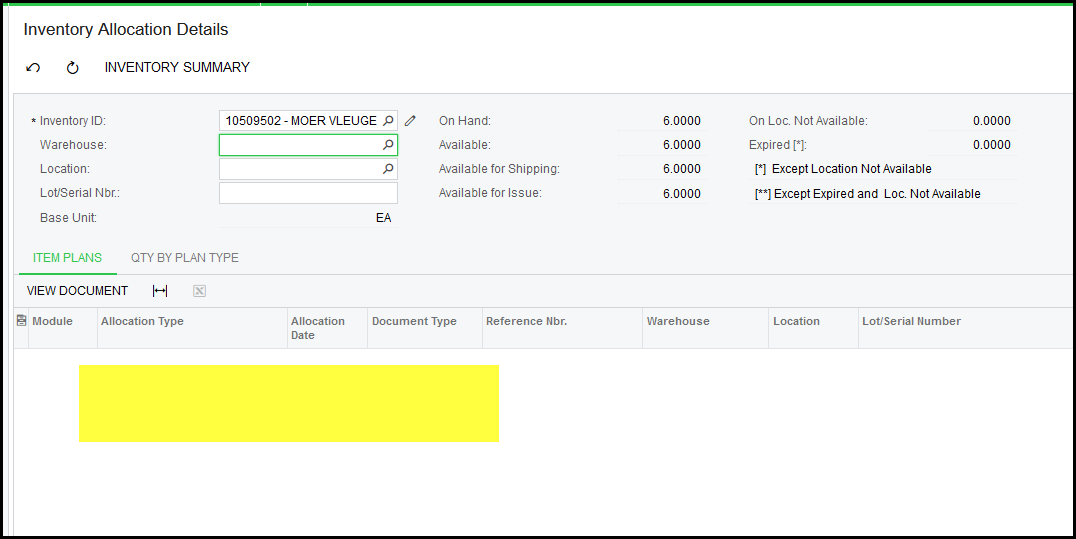
9. Click on the item to see allocations.
10. When your quote is completed.
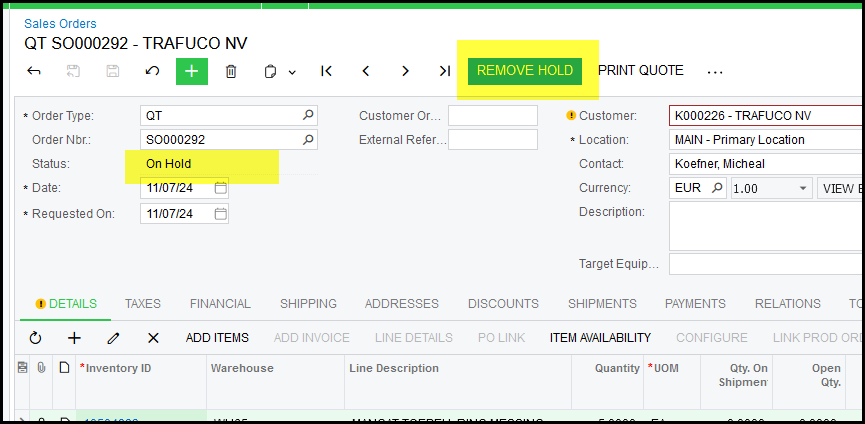
Remove Hold to change the status to OPEN.
Print or email your quote.
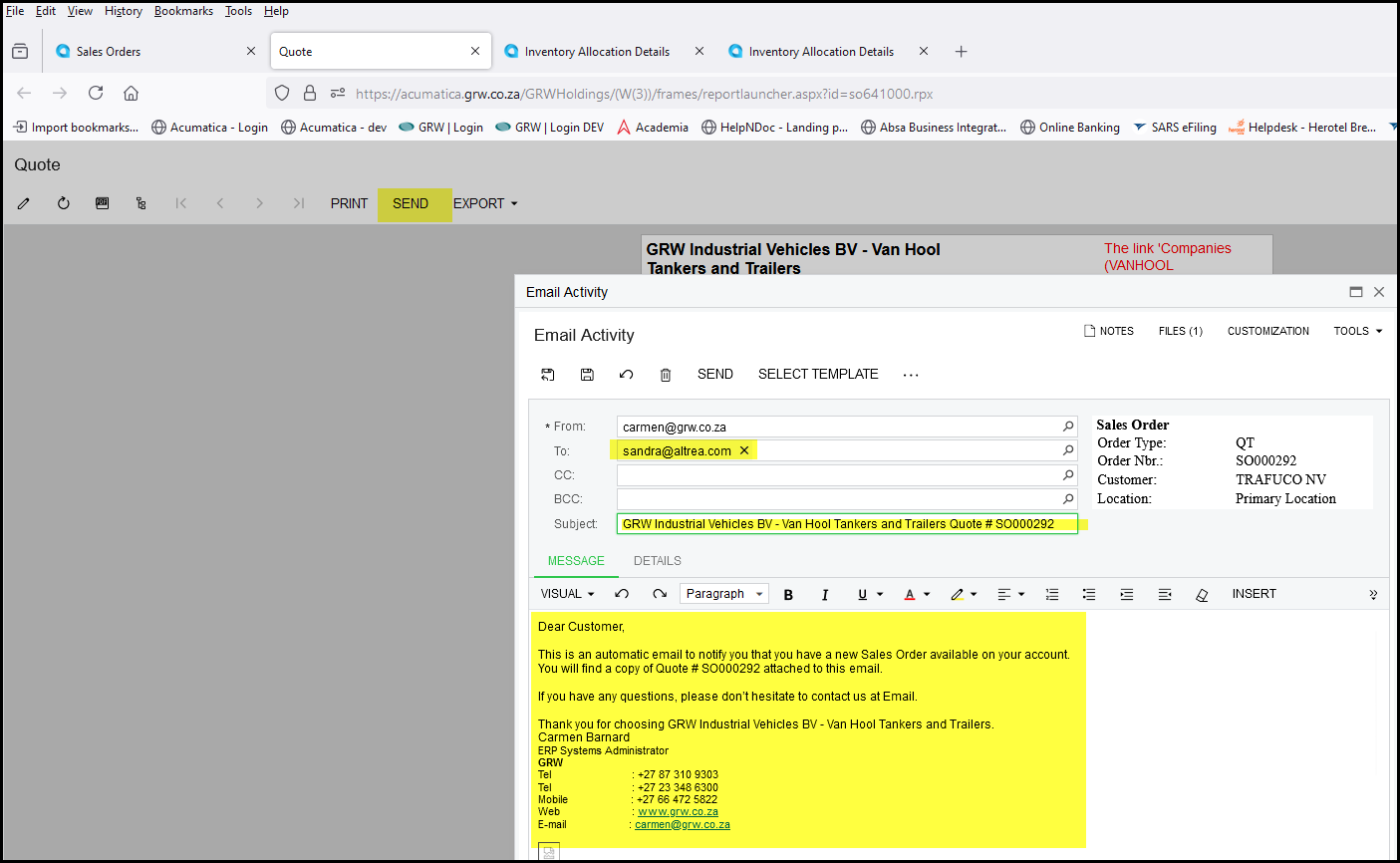
11. Click on activities on the sales order to see the email.

Created with the Personal Edition of HelpNDoc: Elevate Your Help Documentation with a Help Authoring Tool