How to do a kanban request
1. When your kanban location is empty you have to do a kanban request.
2. On your mobile device go to GRW>Warehousing>Kanban Request.
Click scan mode and QR.
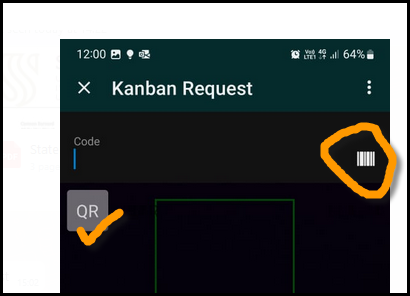
Use your mobile device to scan the QRCode on the shelf/bin.
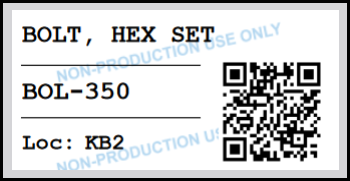
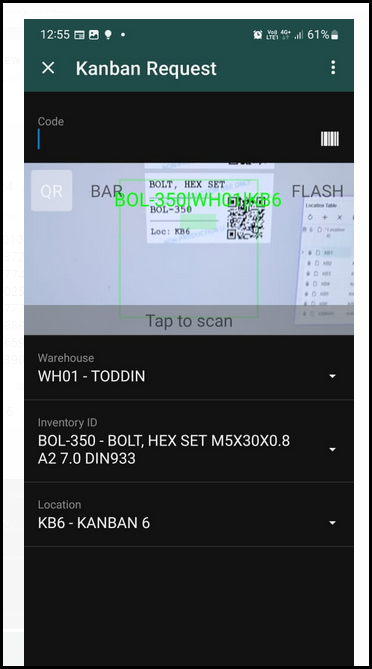
3. See below the info of the label that you scan will show on your screen.
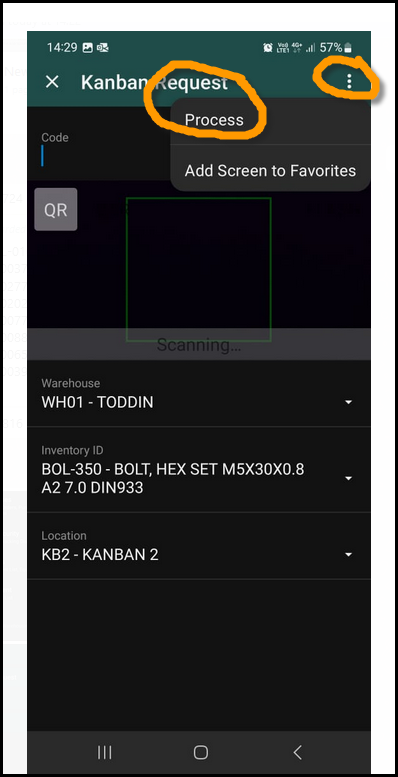
4. Click on the 3 dots and then process. Your kanban request will be processed.
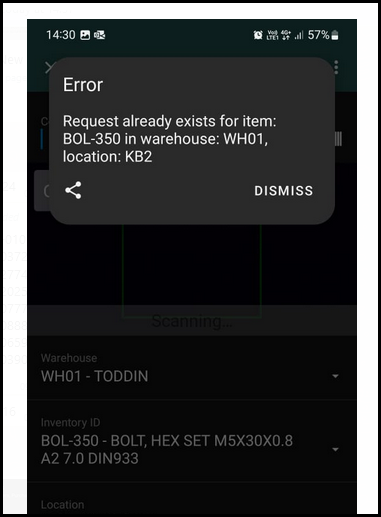
5. You will get the follow error if the is already a kanban request for this item. There can only be one kanban request per item and location.
Created with the Personal Edition of HelpNDoc: Elevate Your Help Documentation with a Help Authoring Tool