How to create a warranty case in GRW Europe
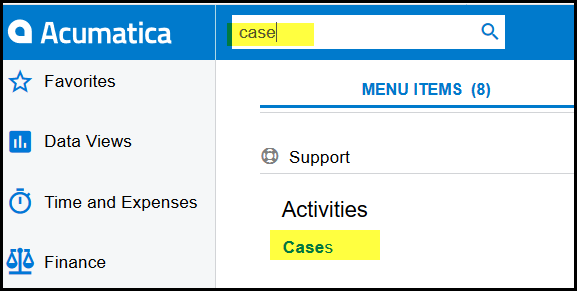
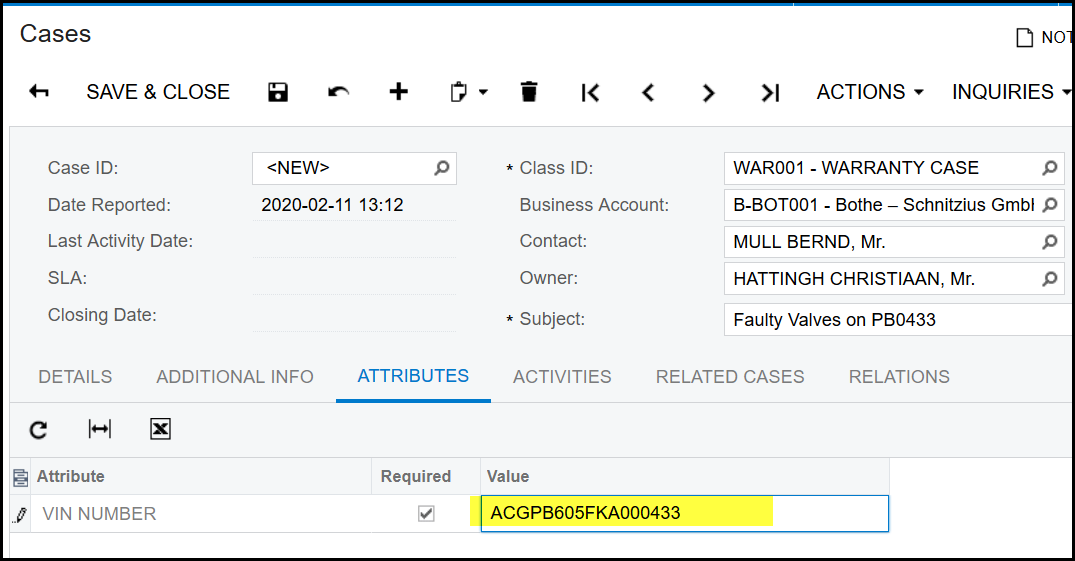
1. Type in 'cases' in the search field.
2. Click on the '+' to add a new case.
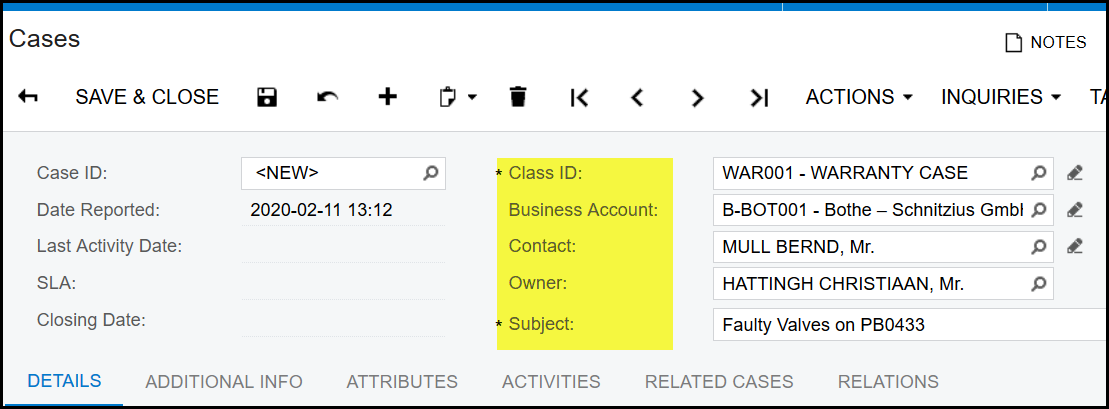
3. Select your class ID as ' WAR001'.
4. Business Account - will be your customer of the warranty.
5. Is the contact with the customer.
6. Can be your name or the person that needs to attend to the case.
7. Complete a short relevant description.
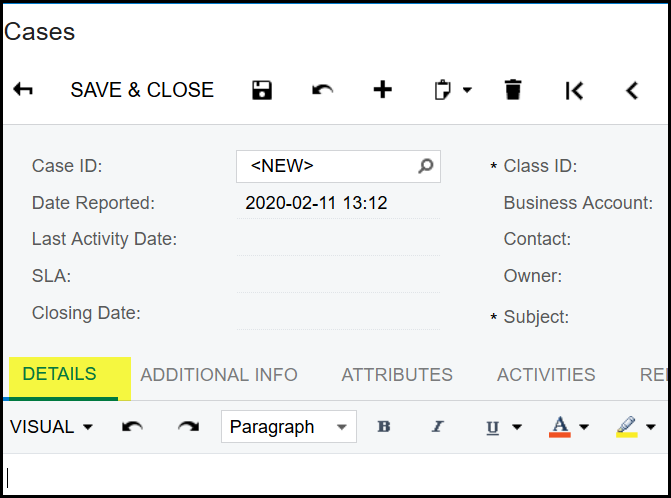
8. The details tab can be used for more detailed information about the case. Remember that photos and files can also be attached to the case like with all transactions in Acumatica.
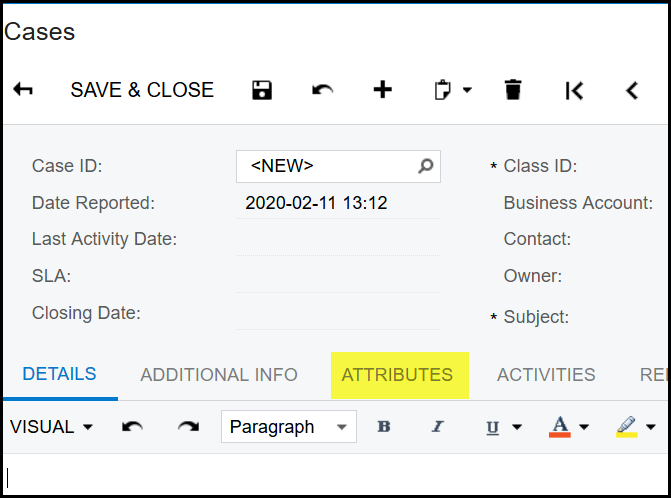
9. Use the attributes tab to add the VIN nr of the vehicle. This is a compulsory field and you will not be able to save your case if this is not completed.
Created with the Personal Edition of HelpNDoc: Free EPub and documentation generator