How to approve a requisition
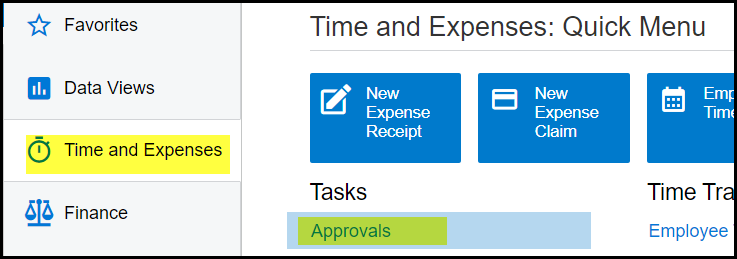
1. Go to Time and Expenses>Tasks - Approvals
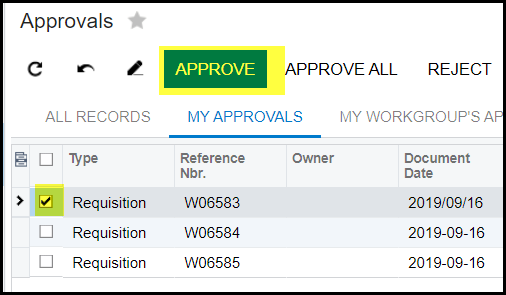
2. All your requisition that needs approval will show here. Double click on the requisition line to view a specific requisition.
3. To approve, tick the box on the left and click on approve.
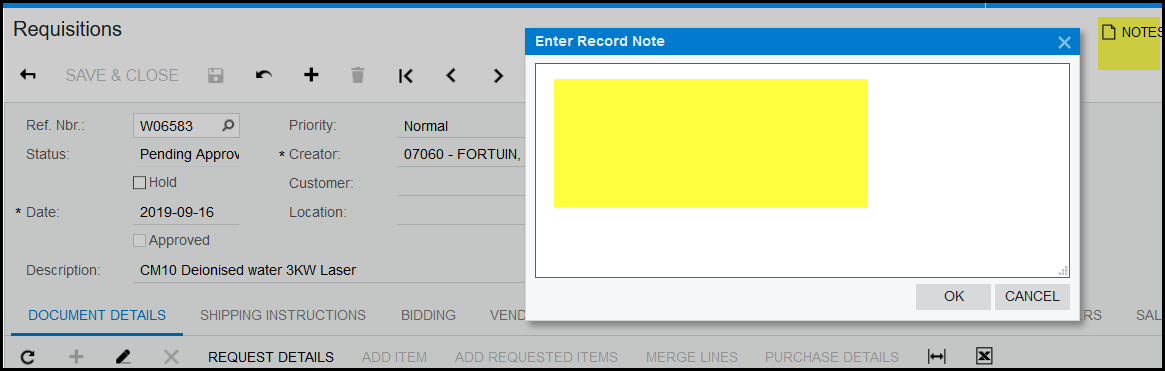
4. Follow the same steps to reject and click on reject - it is helpful to add a note in the space provided on the requisition - Notes.
Created with the Personal Edition of HelpNDoc: Transform Your Documentation Workflow with HelpNDoc's Intuitive UI