How to adjust the std cost of an item
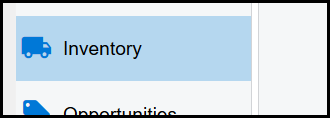
1. Go to Inventory>Stock items>Search your item
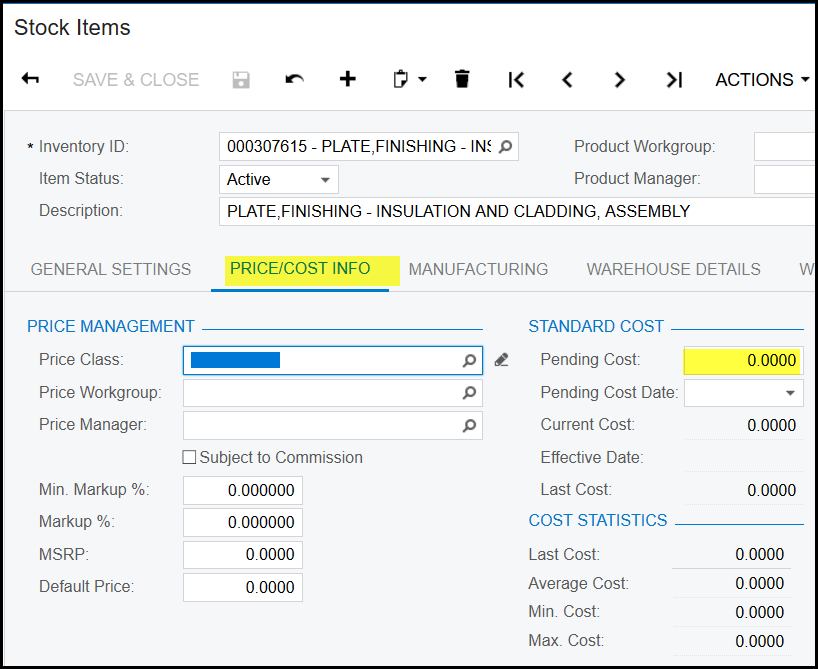
2. Open your stock item and go to 'price/cost info'. You will see that the price is zero.
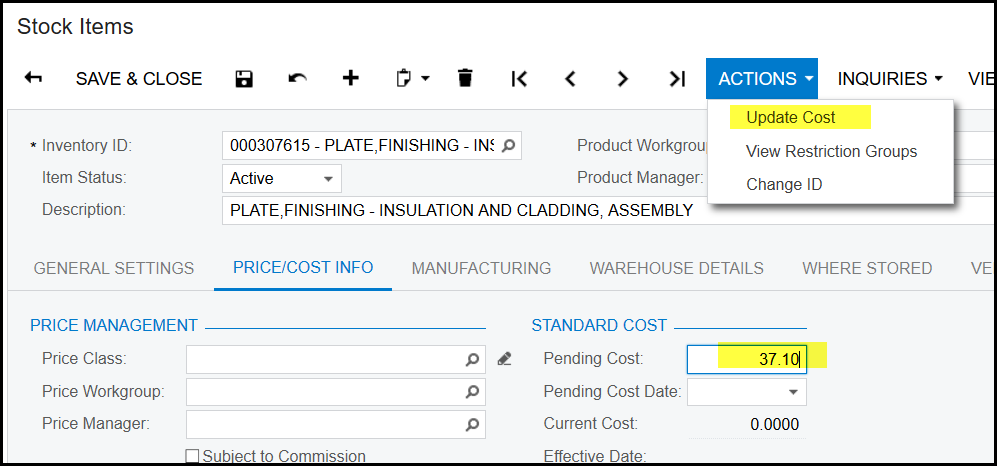
3. Fill in the price and go to actions>update cost
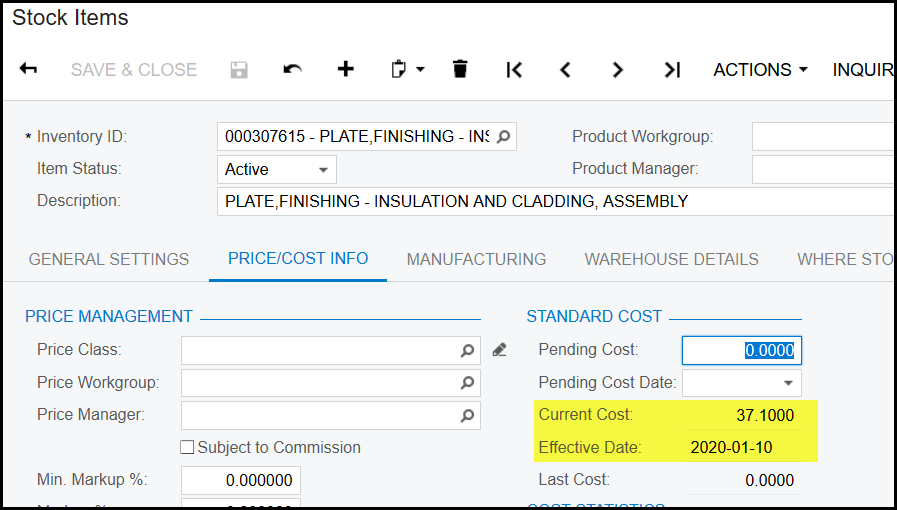
4. The pending price will now be zero and the current cost will be your new standard cost price, see below.
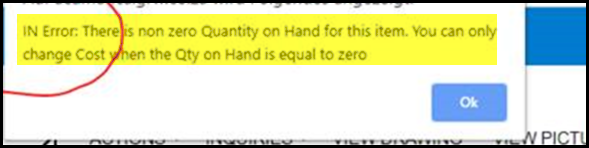
5. When you get an error when you click on update cost, it means that the qty of the item is not zero therefor the cost cannot be updated.
IMPORTANT THEN TO FOLLOW THE NEXT STEPS - normally only your accountant or buyer will have access to do this because it will do a price adjustment that has
a financial influence.
Steps: How to adjust the std cost of an item with qty on hand
Created with the Personal Edition of HelpNDoc: Effortlessly Convert Your Markdown Content with HelpNDoc