How to post an invoice directly against a job
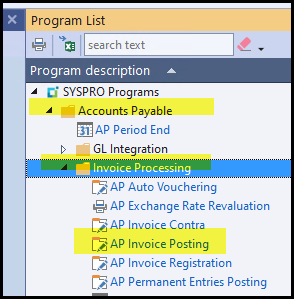
1. Go to AP Posting
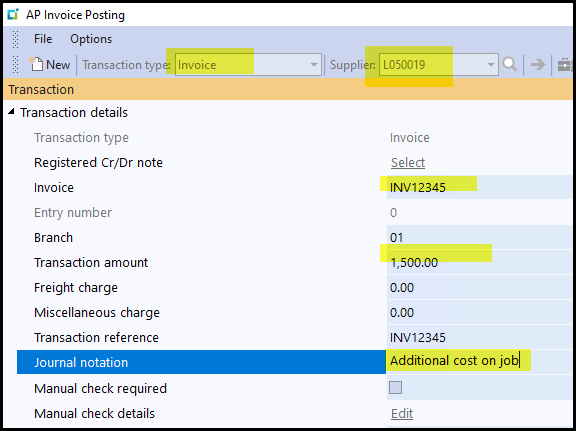
2. Complete the info
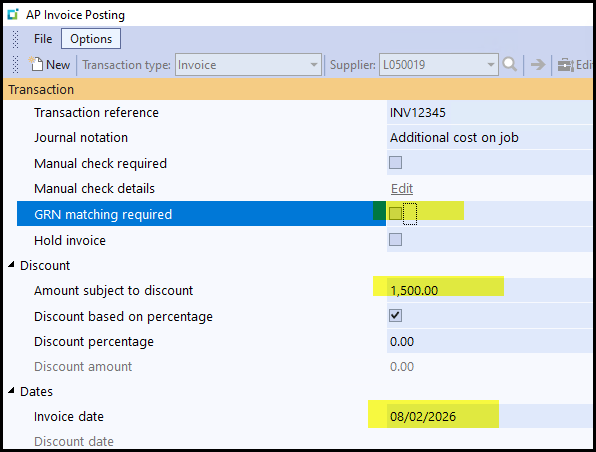
3. Untick GRN Matchng required and complete the rest
4. Click on the top GL Distribution.
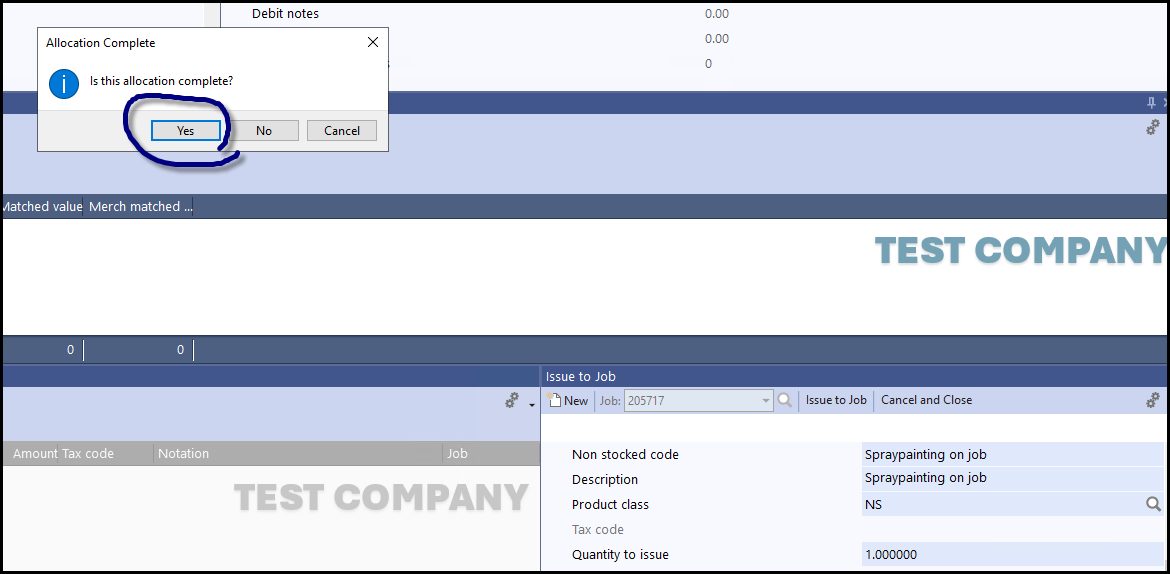
Click on issue to job, add job nr.
In the details untick purchase order, complete info and use NS as product class
Issue to job when done.
See below if you need to distribution between more than one job you can do that untill the full amount is distributed.

5. click on yes.
Created with the Personal Edition of HelpNDoc: Effortlessly upgrade your WinHelp HLP help files to CHM with HelpNDoc