How to install Syspro
1. How to install Syspro
2. Go to: \\grwsprp\SYSPRODeploy\Client_Install
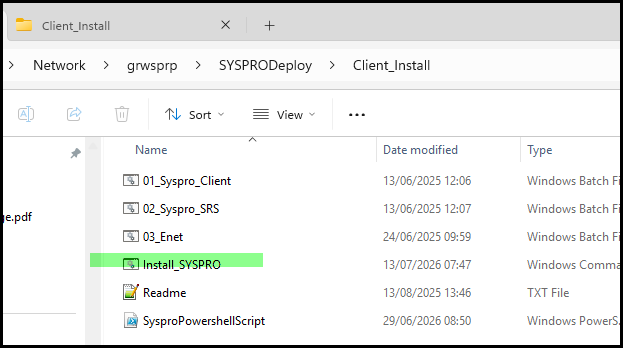
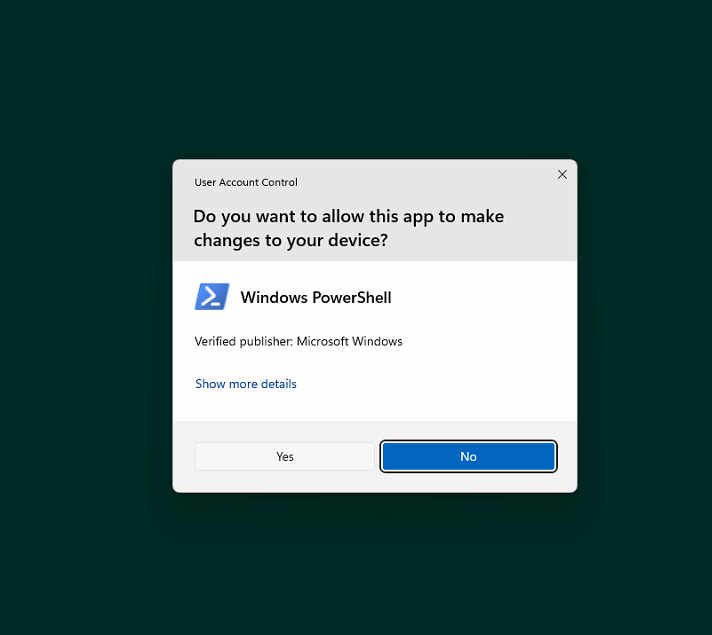
3. Once install start you will get this popup, click on Yes.
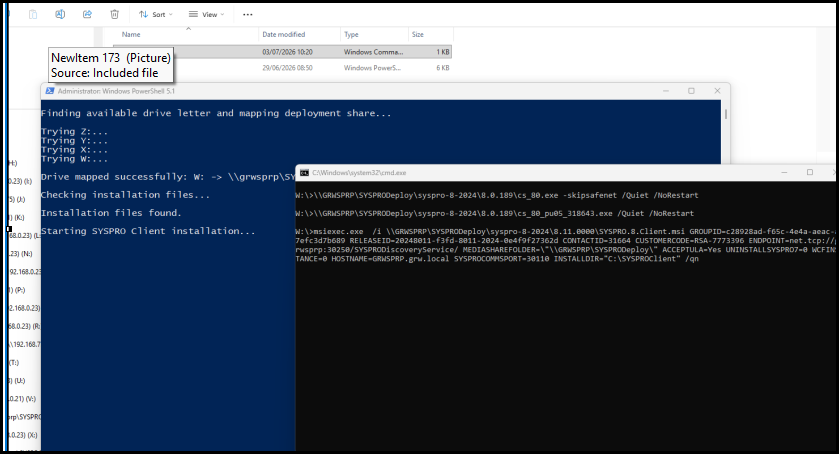
Then the installation will start - it can take 10 or 15min
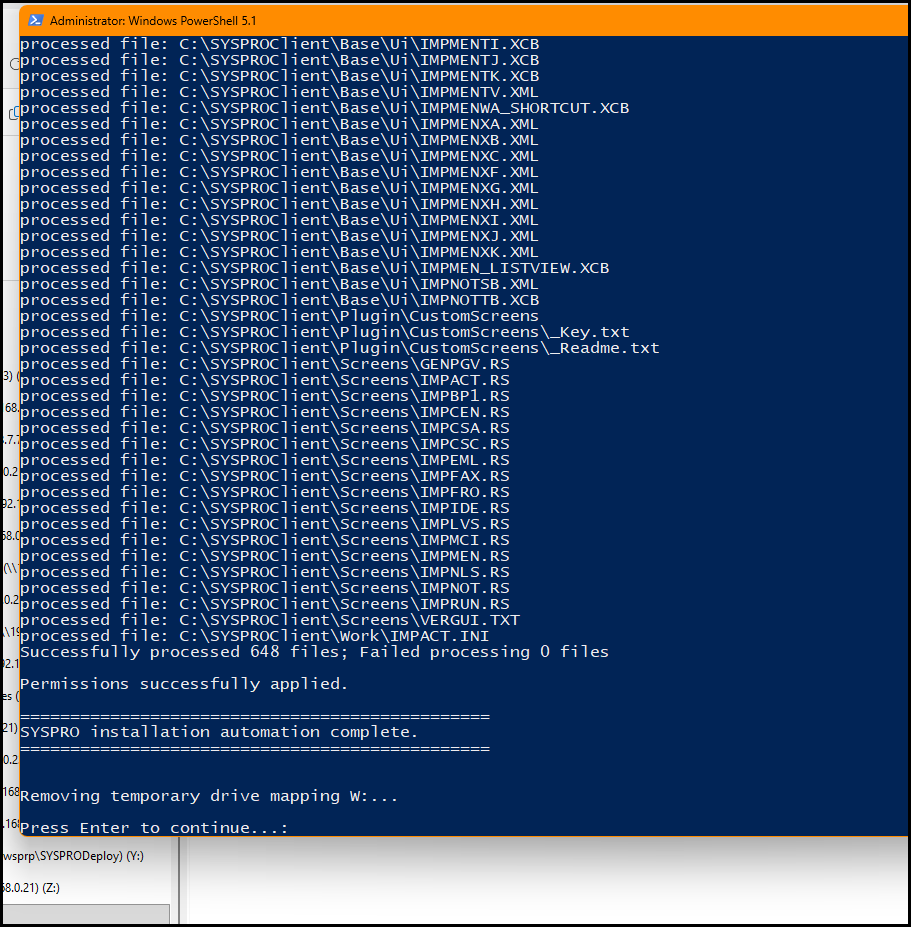
4. Press Enter when you get to this screen, but click on the orange header section (administrator: Windows Powershell 5.1)
Then the installation screen will close.
5. Once installed go to start search Syspro and pin to task bar or start.
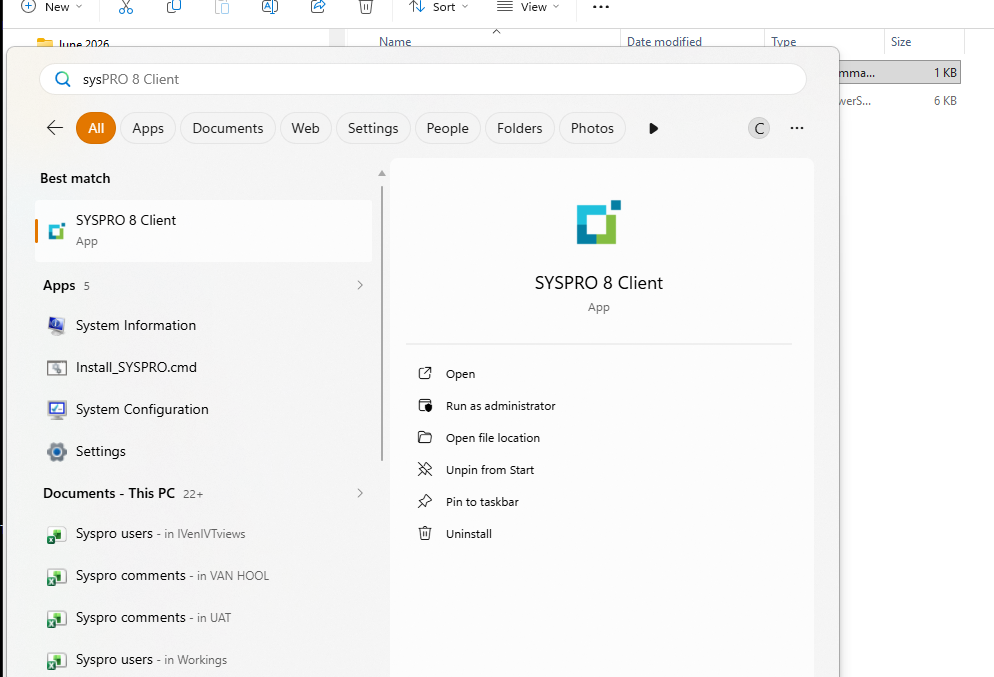
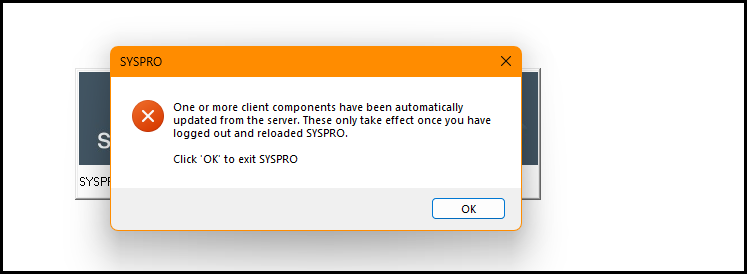
6. Open Syspro client - you will login a FEW times, follow the instruction. Just say yes or ok and login again
untill Syspro opens correctly.
Created with the Personal Edition of HelpNDoc: Full-featured Help generator