How to install Phlow and approve req
1. Open Teams
Click on the + to add a new app
In the search type Phlow
Click on Add
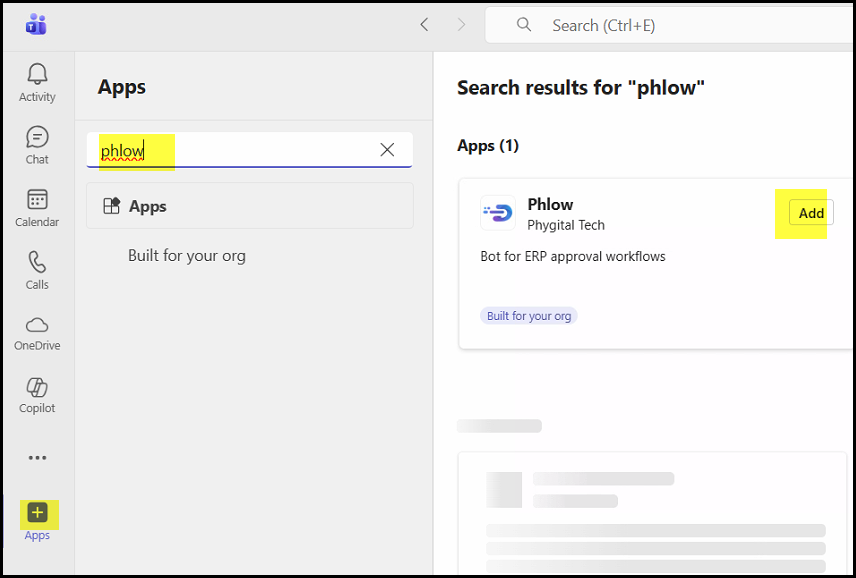
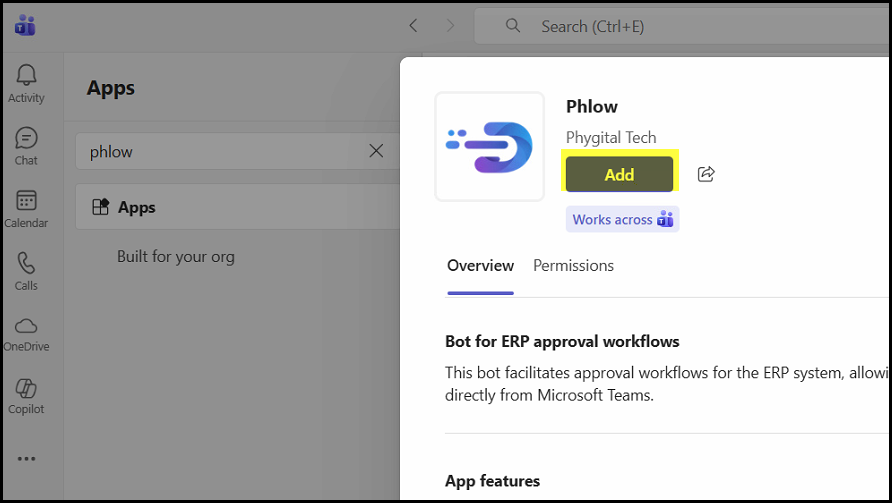
2. Click on Add
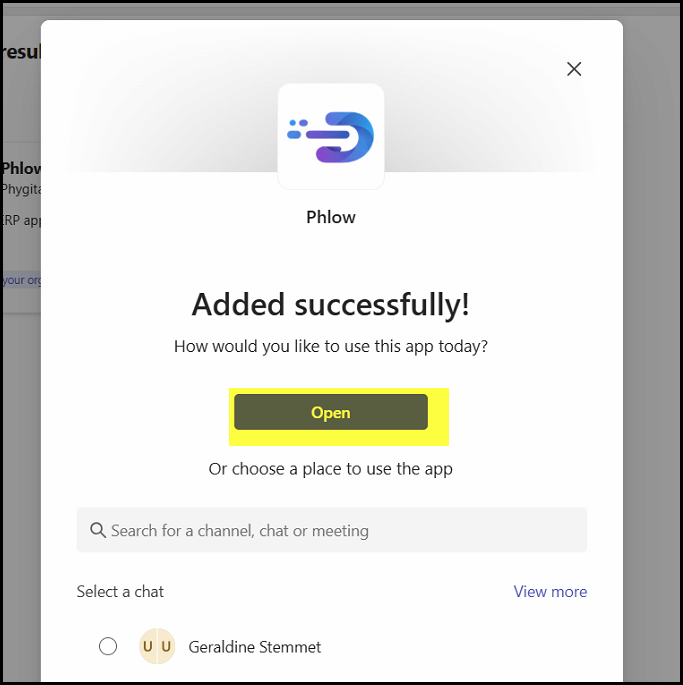
3. Open
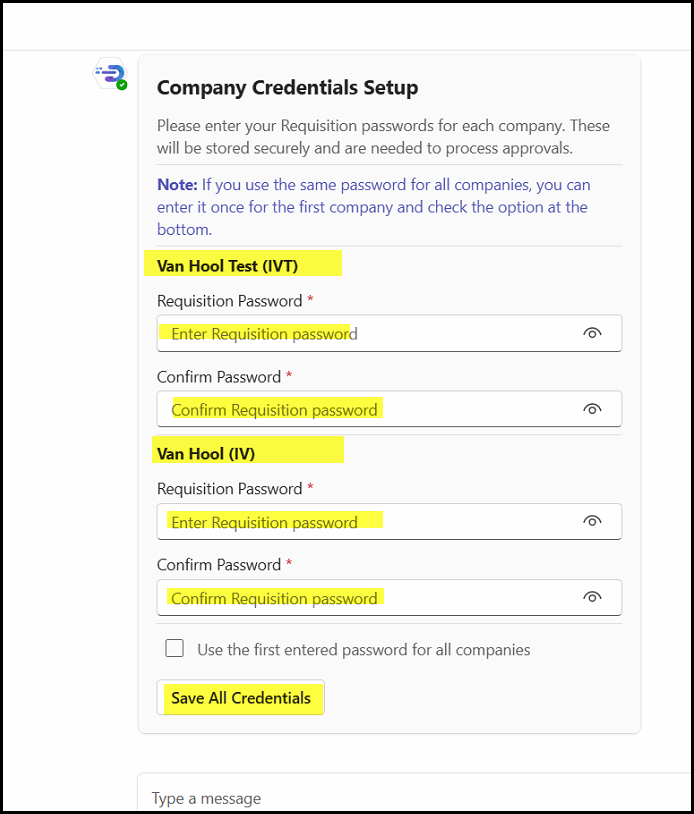
4. Add your credentials for IVT(Test company) and IV(Live company)
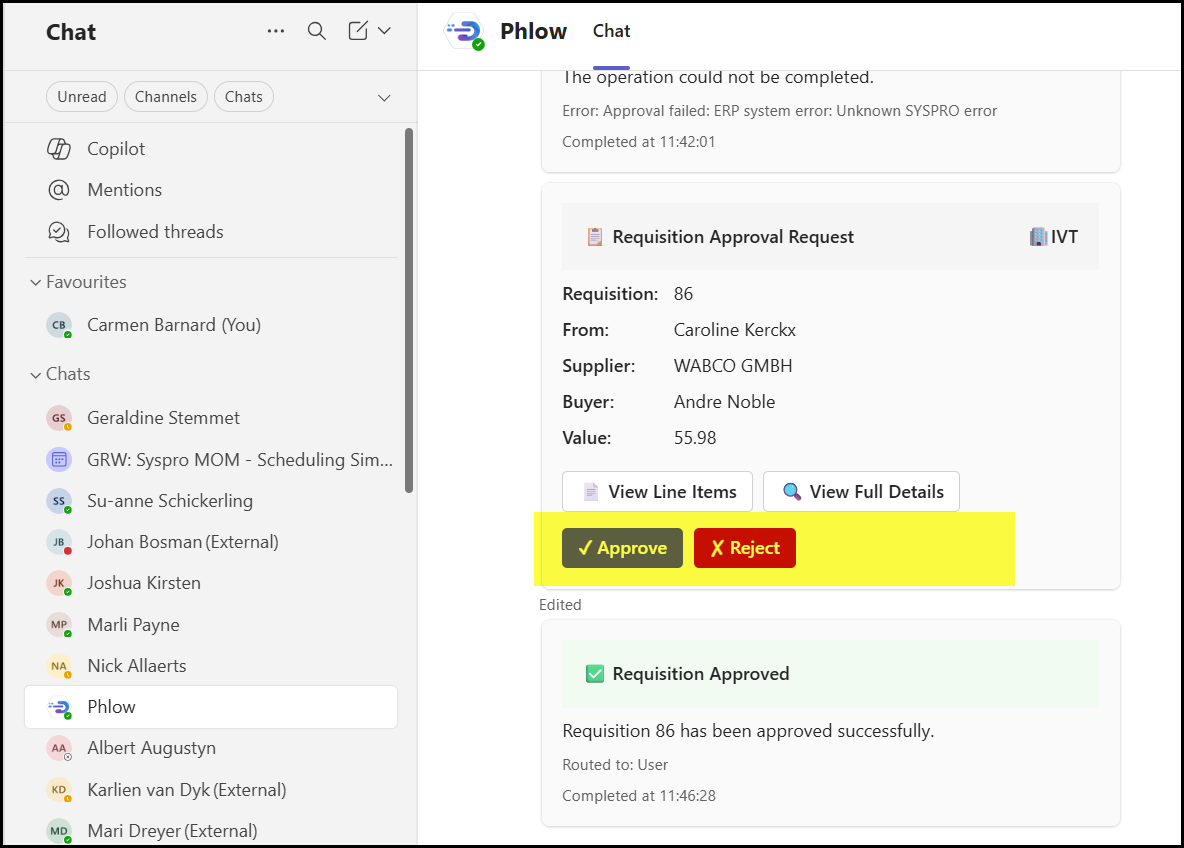
5. You will receive a requisition message when you need to approve. Click on View. Click on Approve or reject.
Created with the Personal Edition of HelpNDoc: Effortlessly upgrade your WinHelp HLP help files to CHM with HelpNDoc