Release
- Release captured labour time to Acumatica that was logged using Labour time or GRW Mobile.
- Links to Labour time to Add / Update / Delete
Notes
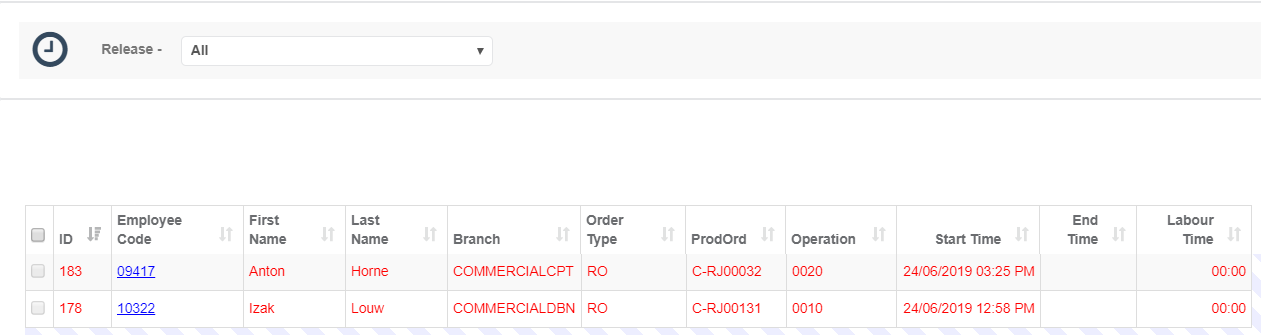
- The system prevents a user from releasing 0 labour time and will indicate that record in red as shown above.
- This might also mean that a start time was logged but the employee is still busy on that particular operation.
- An operation that was logged with a duration less than a minute will be updated to one minute as Acumatica doesn't cater for logging seconds on labour capturing.
- If an operation spans over a few days, the time will be split up into one day batches on Acumatica.
- Acumatica saves the end time for an entry that spans over a day as 23:59. To make up that lost minute an extra batch will be created with a duration of one minute.
- A popup screen will be shown indicating the status that came back from the server and will link directly to the created batches on Acumatica.
Created with the Personal Edition of HelpNDoc: Transform Your CHM Help File Creation Process with HelpNDoc