How to bulk update std cost prices
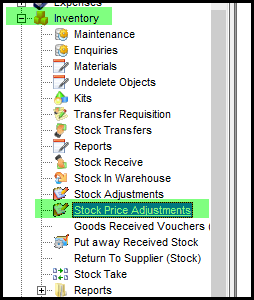
1. Go to inventory>price adjustments
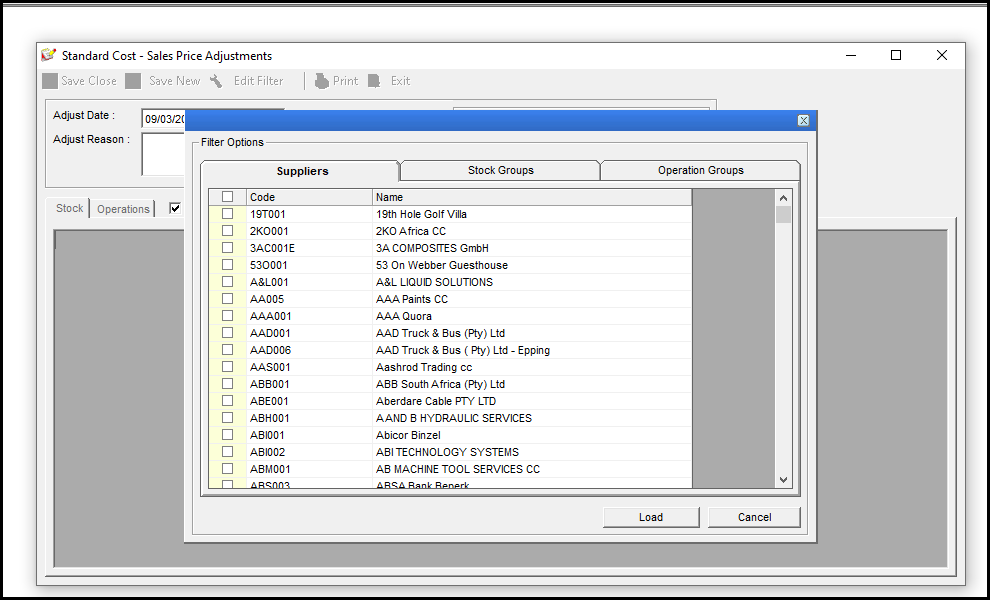
2. Use the filters to make your selection smaller.
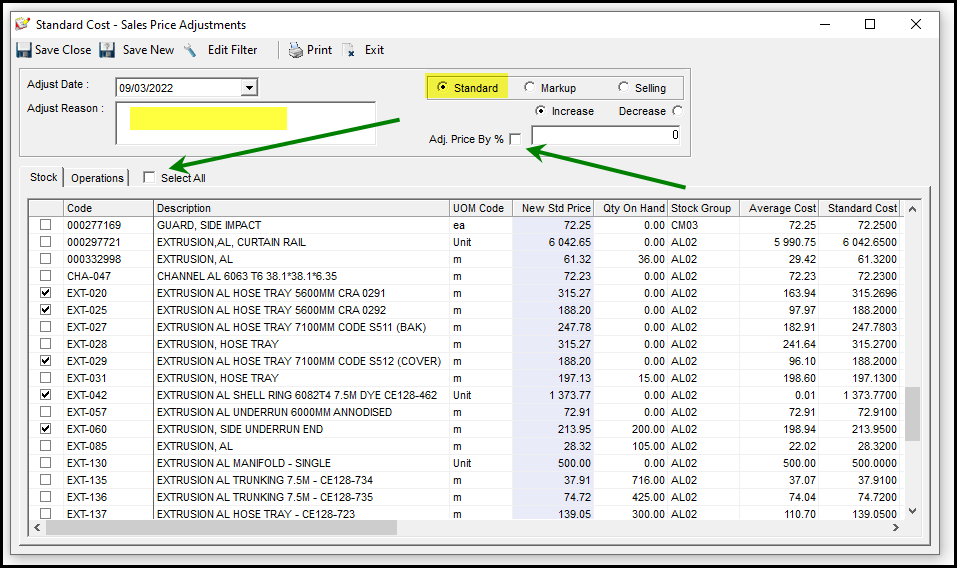
3. Check that the radio button - Standard is selected. Untick the "Adj. Price By %" tick and deselect all, see green arrows.
You can add an 'adjust reason'. Sort your stock codes by code. Select the stock code's prices you want to edit.
4. Once selected sort again on the 'selection' column(first column), see below, all your items will be sorted. This will make you editing easier.
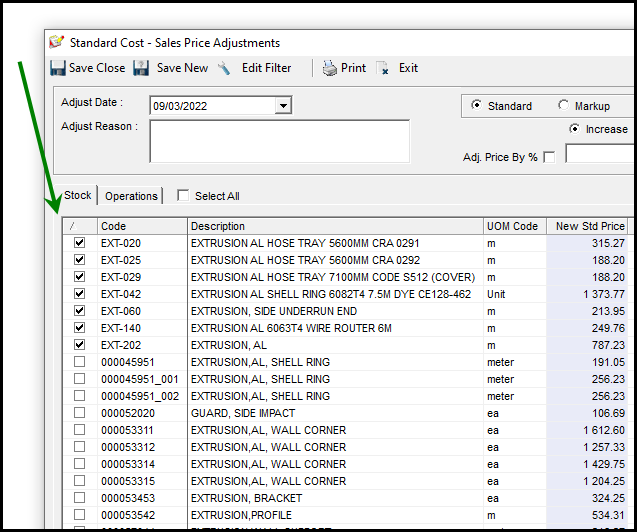
5. Click on the first item's 'New std price', type in you new amount and use your arrows keys on your keyboard to move down to the next line.
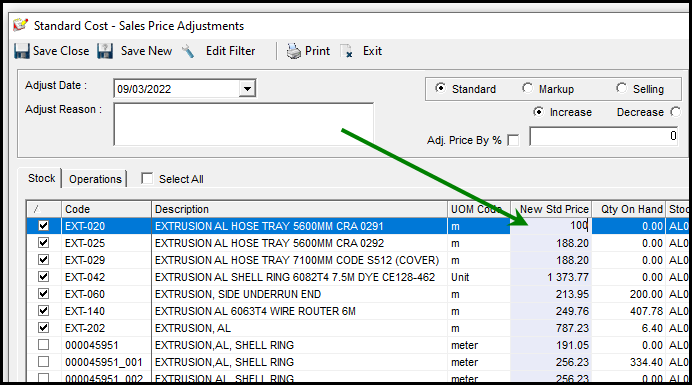
6. Save Close when finished.
Created with the Personal Edition of HelpNDoc: Write eBooks for the Kindle