Service Order History
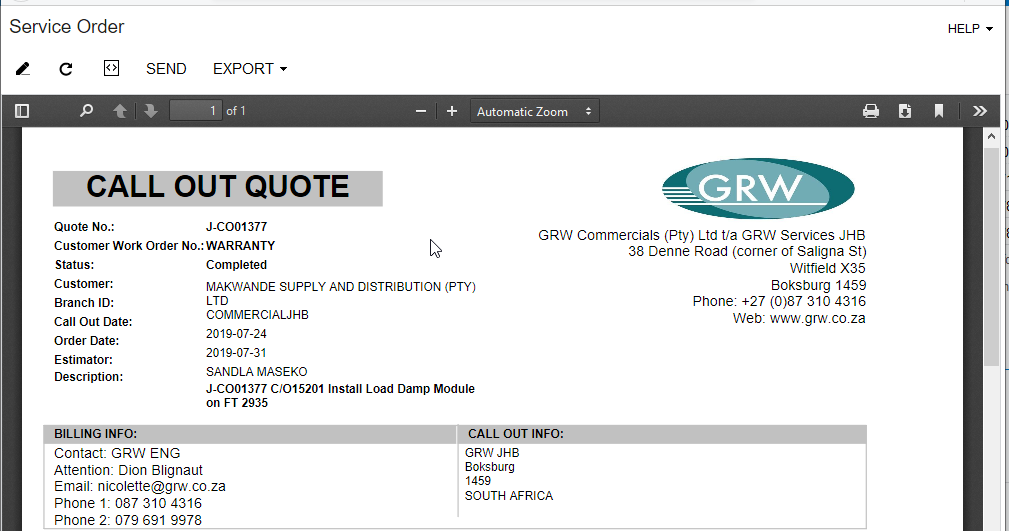
How to reprint a service order:
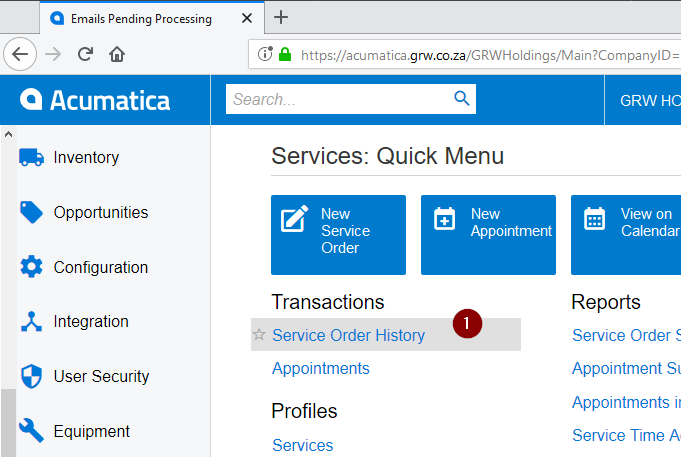
- Go to screen 'Service Order History' located under menu 'More Items -> Services -> Service Order History'
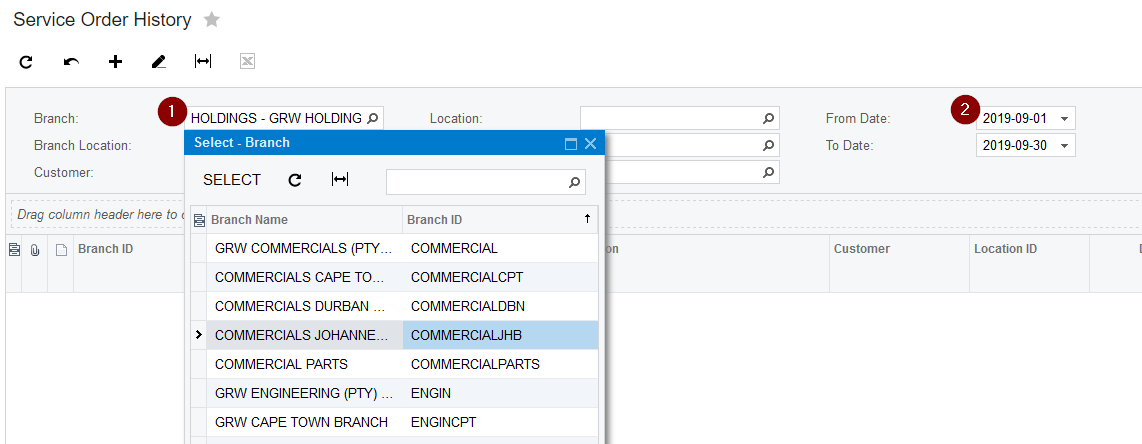
- Select the applicable branch and the date filters (in which branch the quote was done and when it was created)
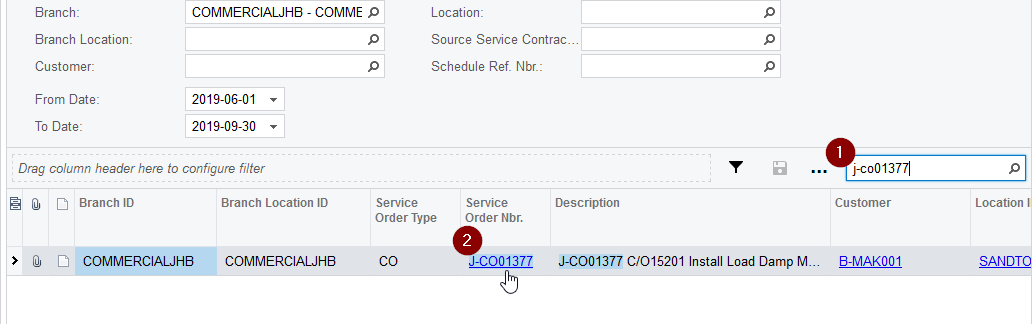
- Search and open the service order
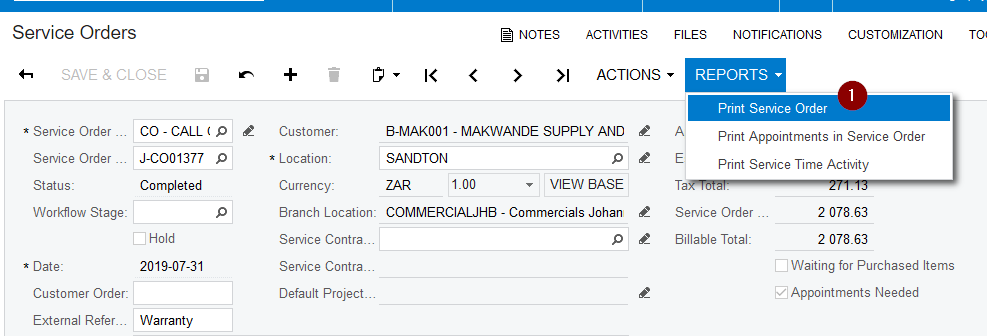
- Reprint the service order from the 'Reports -> Print Service Order' action.
Created with the Personal Edition of HelpNDoc: Bring your WinHelp HLP help files into the present with HelpNDoc's easy CHM conversion