Mobile
Issuing for Pickingslip lines Picked by you via Acumatica Mobile App
1. Go to Inventory>>>Issue:
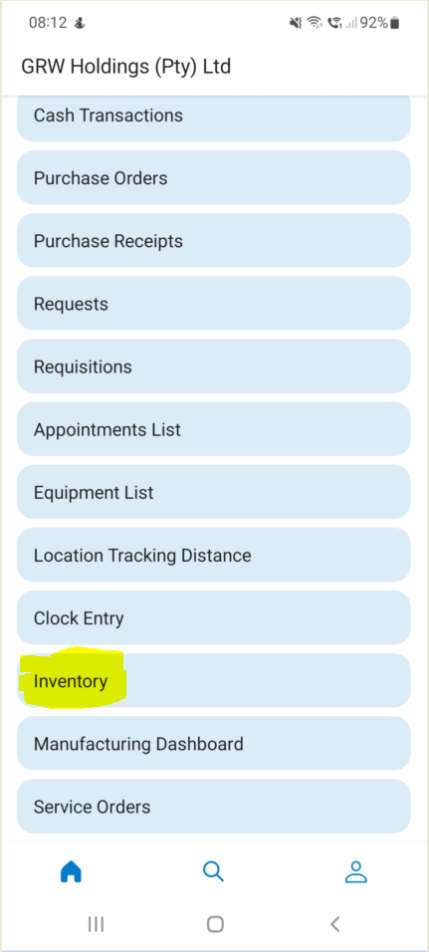
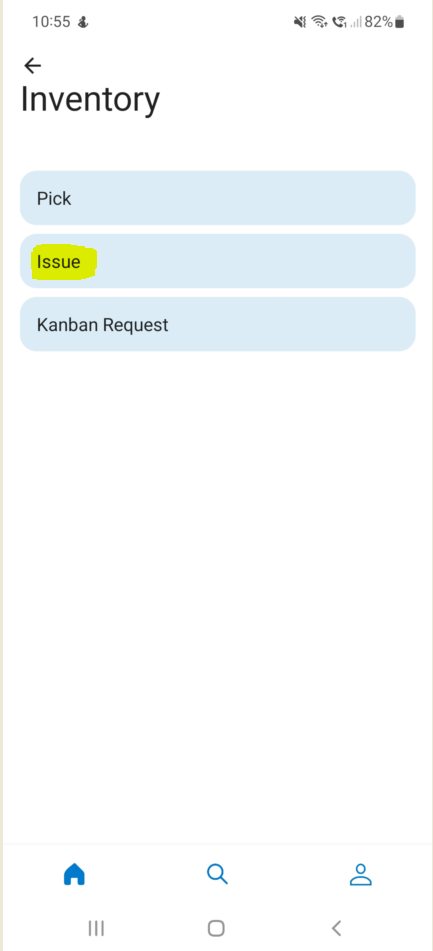
2. Here you can Issue per Production Order, Sales Order, Request or Work Center:
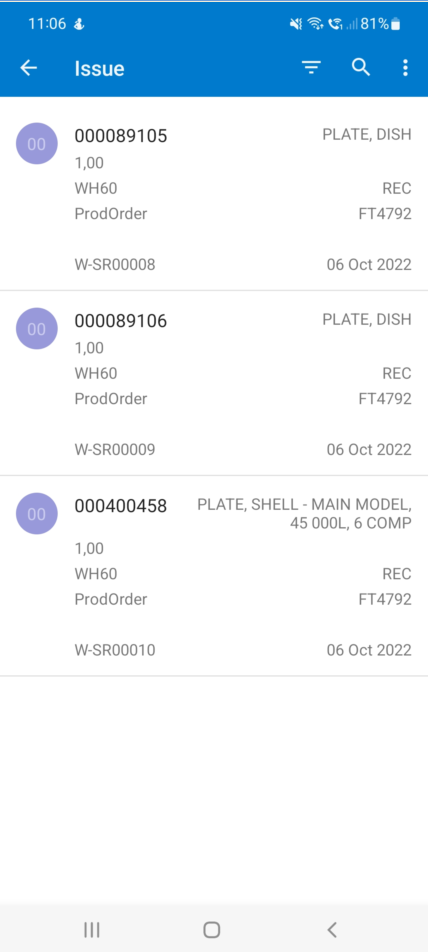
3. Tab on the three Horizontal lines:
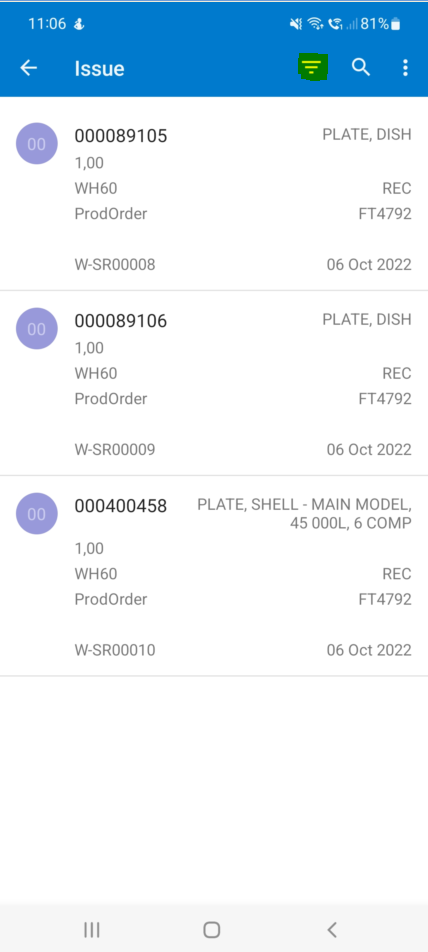
3. Make the necessary selections as needed, once done tab the correct Icon:
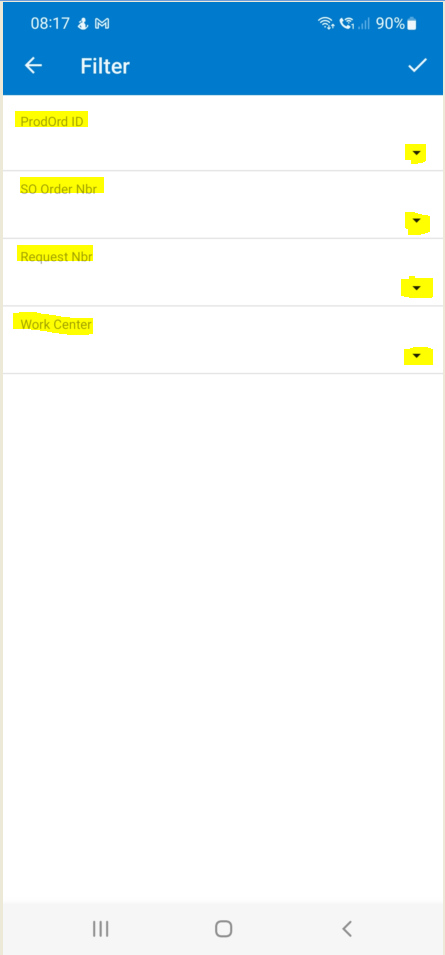
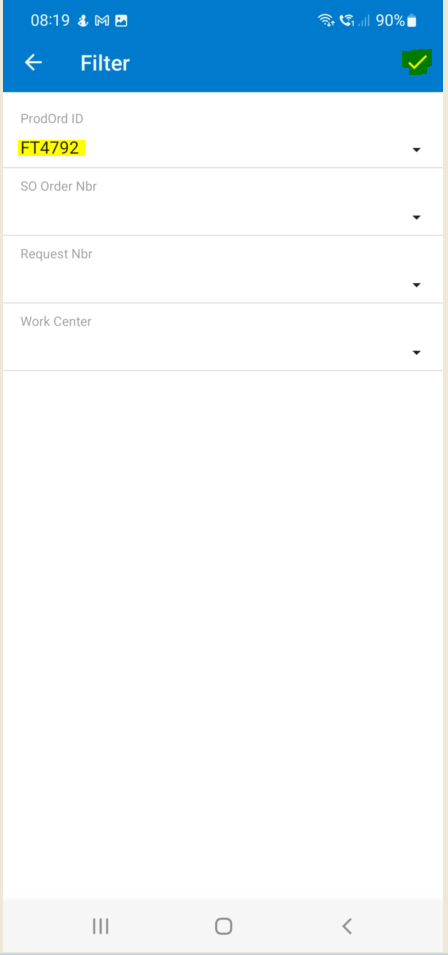
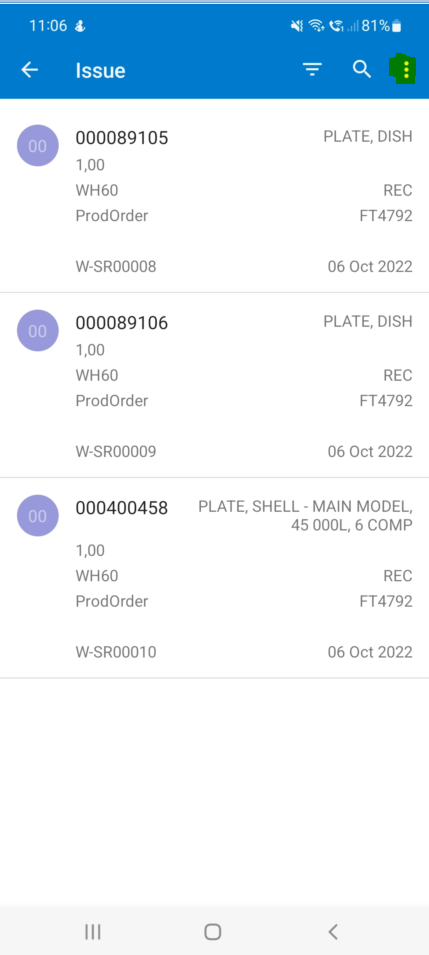
4. Using the Mobile App gives you the ability to "Select All" and Issue all the Items that you selected for the specific Production Order, Sales Order or Request. Tab on the three dots and tab "Select All":
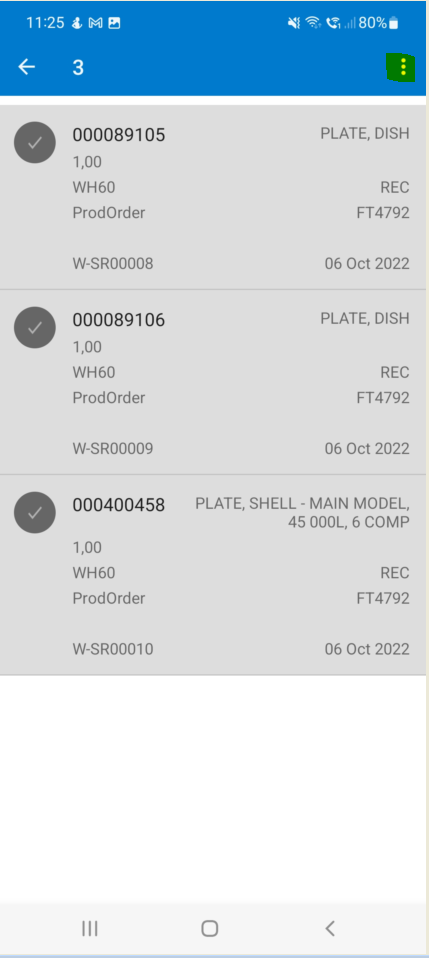
6. Then once everything was selected for Issue, tab on the three dots again and tab "Issue":
Created with the Personal Edition of HelpNDoc: Easily share your documentation with the world through a beautiful website