How to set a specific branch as default each time you access Acumatica
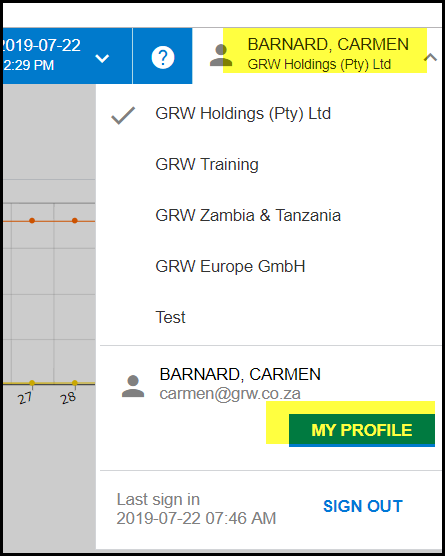
1. Click on your name on the top right corner.
2. Click on 'MY PROFILE'
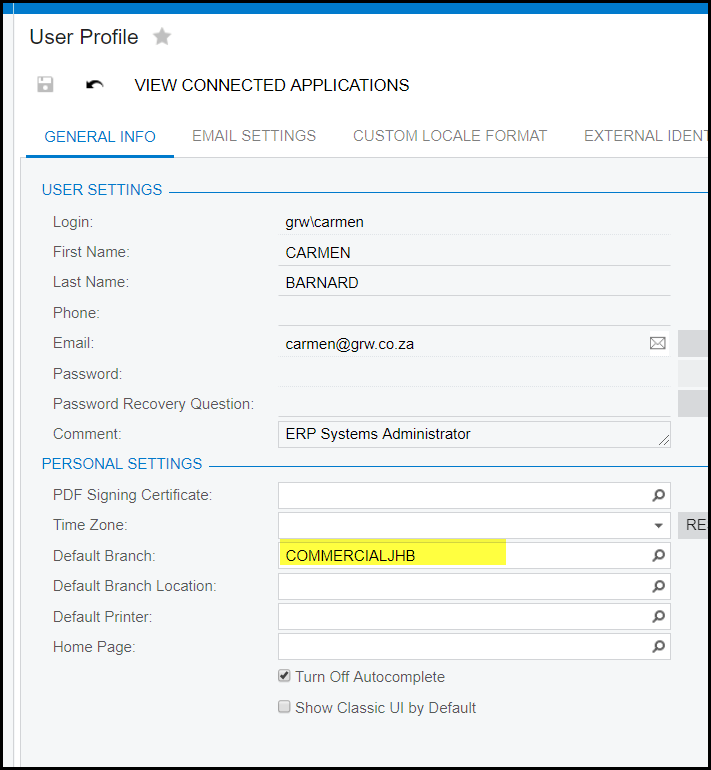
3. Search in the 'Default Branch' for the specific branch.
4. Select the branch.
5. SAVE
Created with the Personal Edition of HelpNDoc: Revolutionize your documentation process with HelpNDoc's online capabilities