How to see your email send from Acumatica
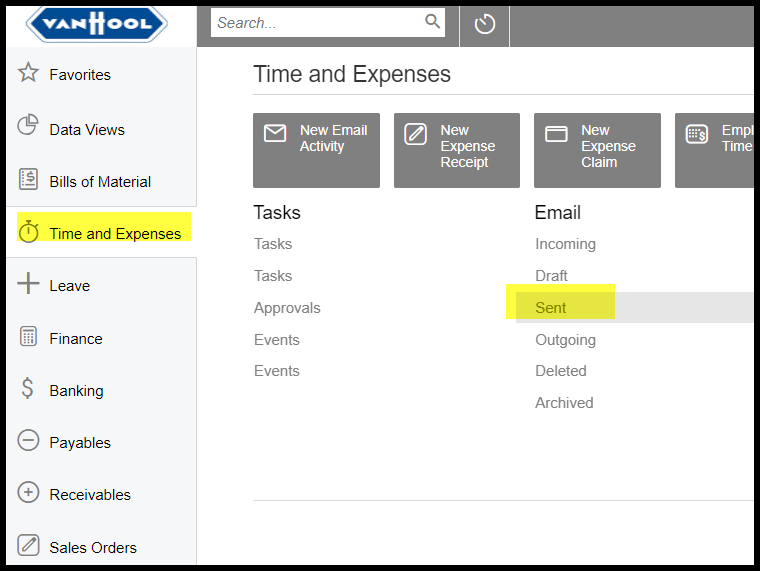
1. Go to Time and Expenses> Sent
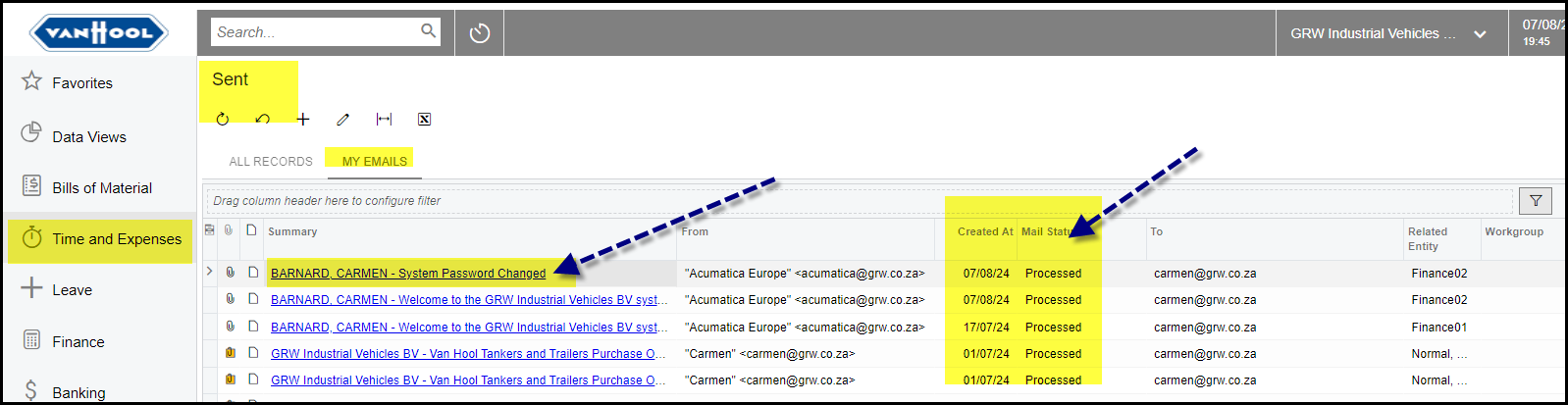
2. Review your email status. Open the email from here to see what the reason is if not send.
When you are on office 365 your emails will also be in your send item mailbox.
Created with the Personal Edition of HelpNDoc: Upgrade your help files and your workflow with HelpNDoc's WinHelp HLP to CHM conversion