How to link a product manager - buyer
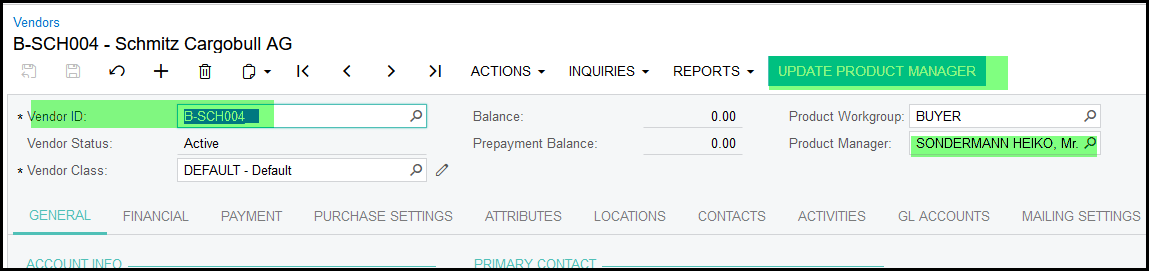
1. Go to the vendor
2. Change the product manager
3. Click on 'update product manager'. This will update all inventory item that have this vendor as preferred vendor to the new link product manager.
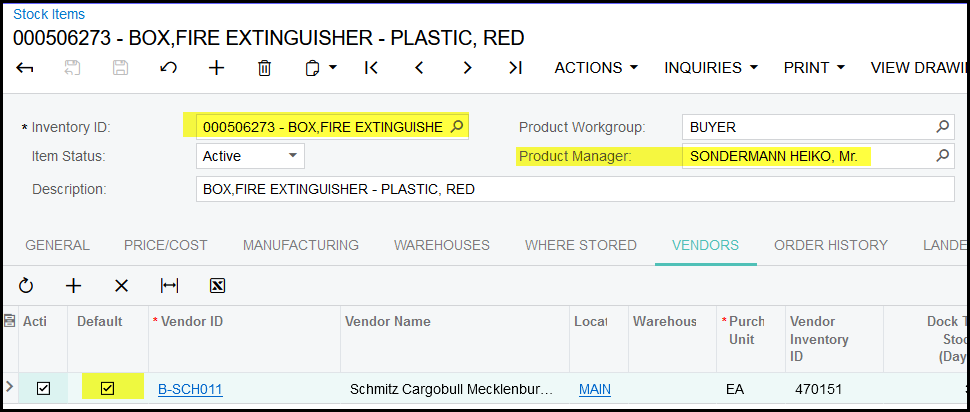
4. The default box must be selected - this is then the default/preferred vendor.
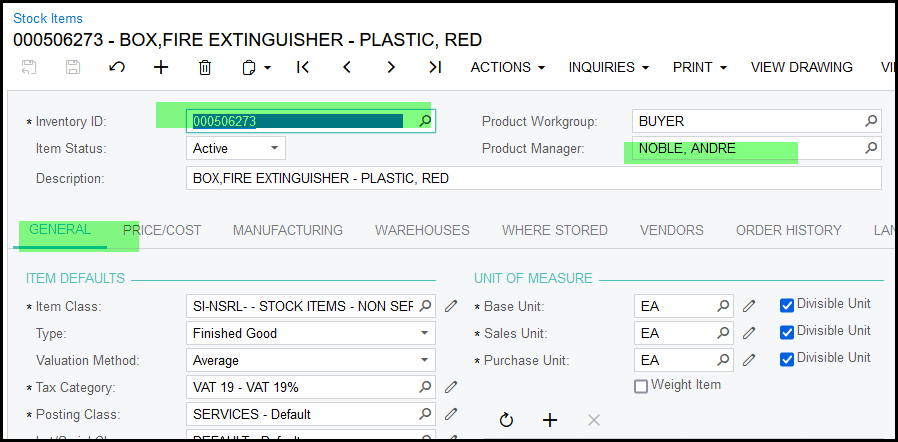
5. If you want specific stock item linked to another product manager without updating the suppliers product manager, you can do it on the inventory screen.
Created with the Personal Edition of HelpNDoc: What is a Help Authoring tool?