How to install Acumatica's app
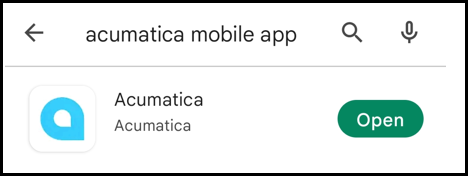
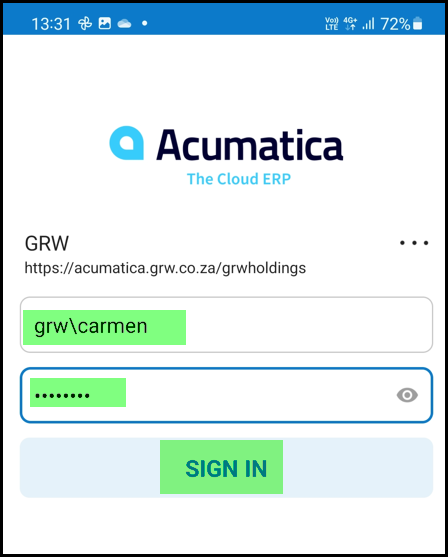
1. Go to the play store and download the Acumatica app
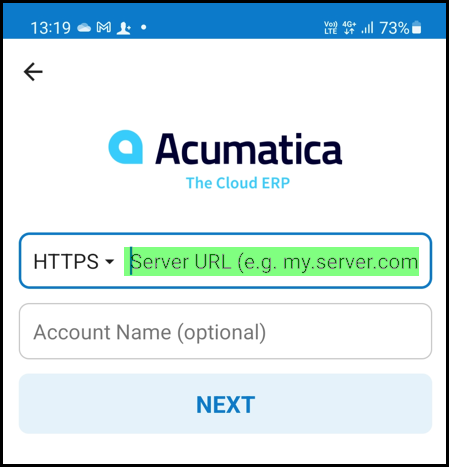
2. Please type in this URL in the space marked below.

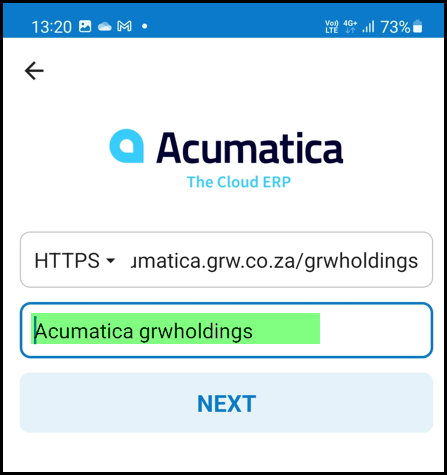
3. This name is the default but you can change it.
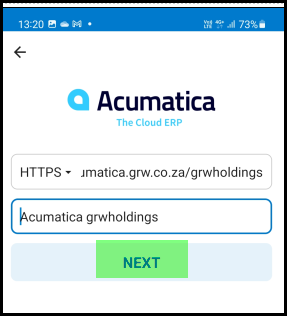
4. Click on NEXT
5. Complete your user name (make sure of the \ sign) and password.
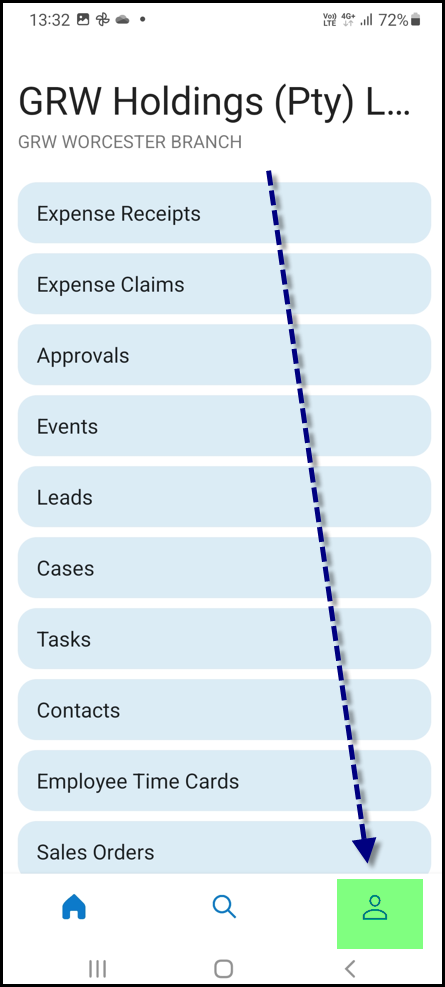
6. Go to your profile settings.
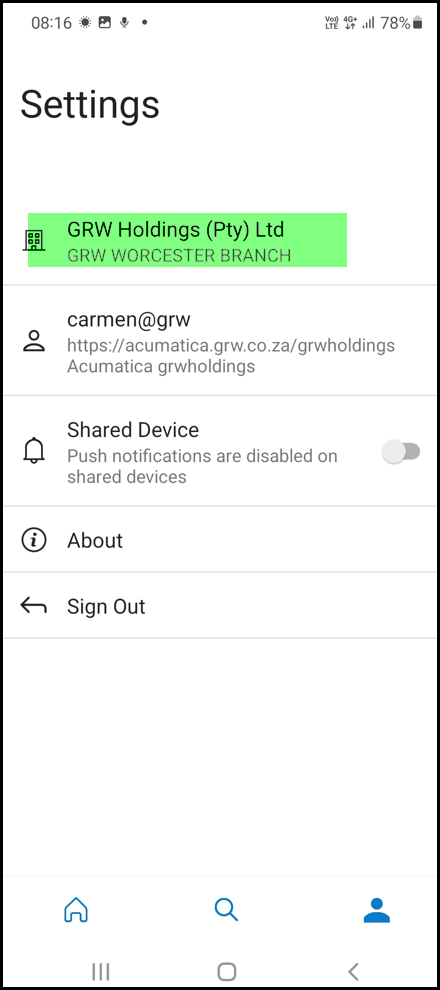
6. Click on GRW Holdings.
7. Scroll down or search in Organization and select your company.
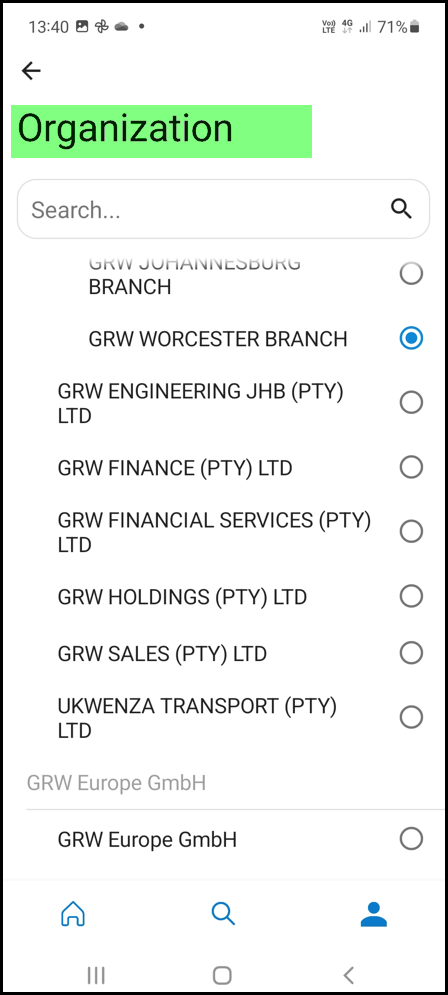
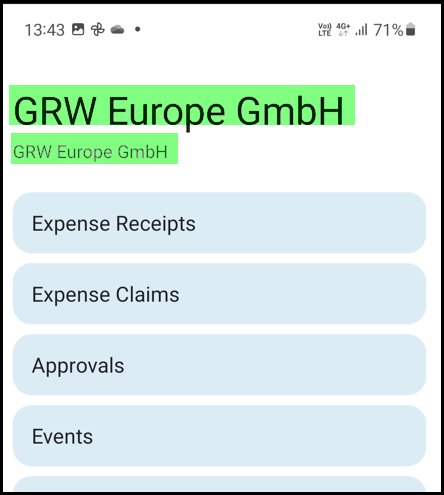
8. The name of your company and branch will appear here. Make sure you are in the correct branch before processing.
Created with the Personal Edition of HelpNDoc: Effortlessly Create High-Quality Documentation with a Help Authoring Tool