How to import new stock locations
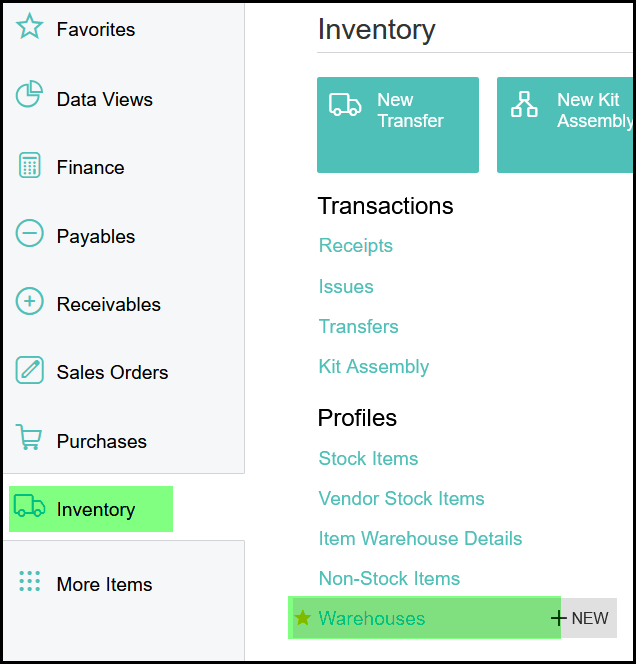
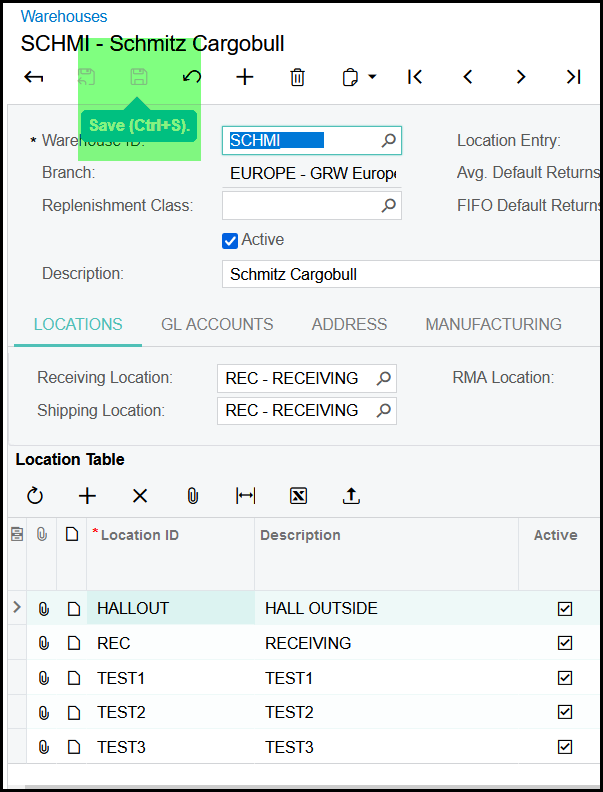
1. Go to inventory>profiles>warehouse
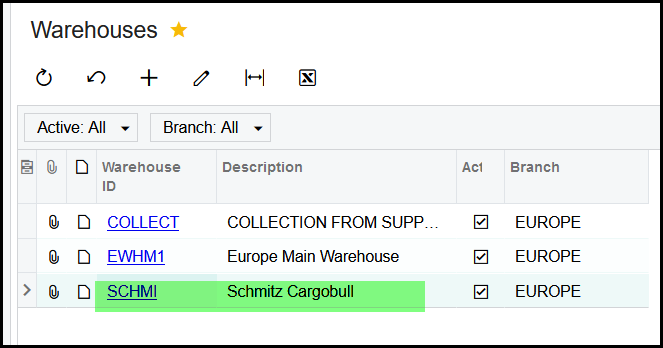
2. Open the specific warehouse you want to create new locations.
3. Click on the + to add new locations
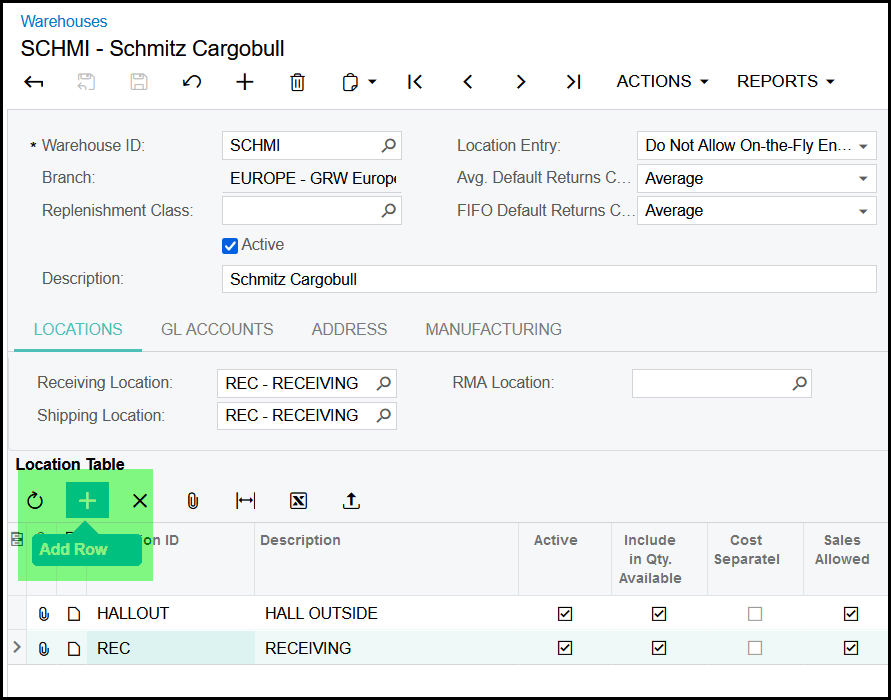
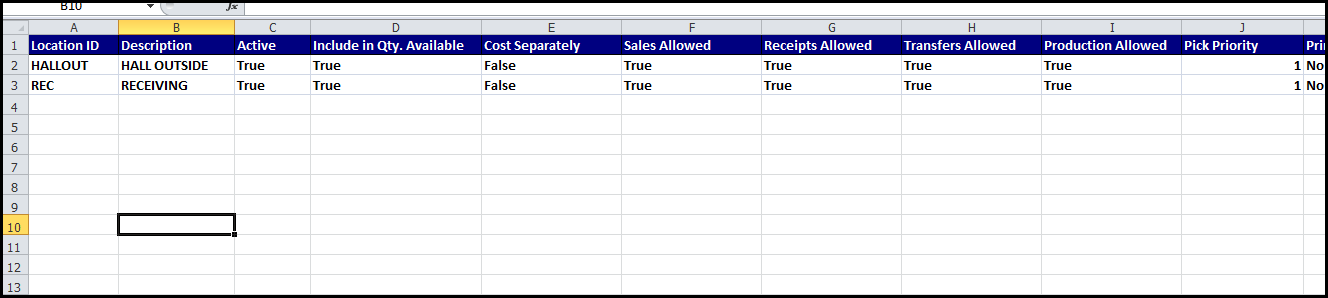
4. You can also click on the excel export. This will export your current locations.
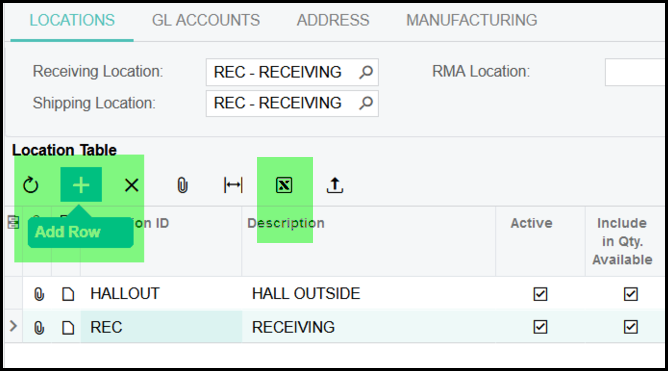
5.
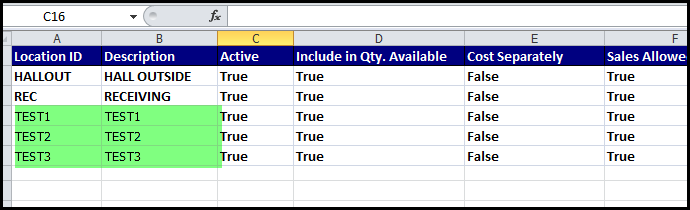
6. Add you new locations, just add your location ID and Description and copy the rest of the columns from the previous one's.
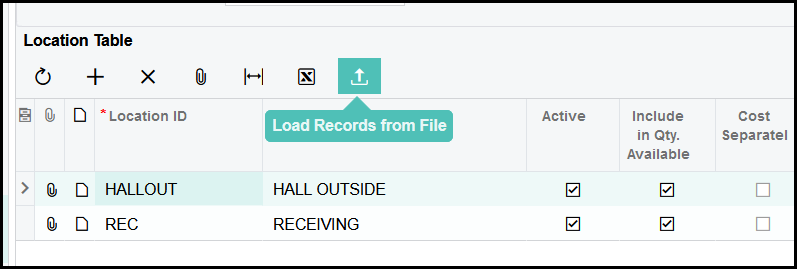
7. Click on load records to upload a the file.
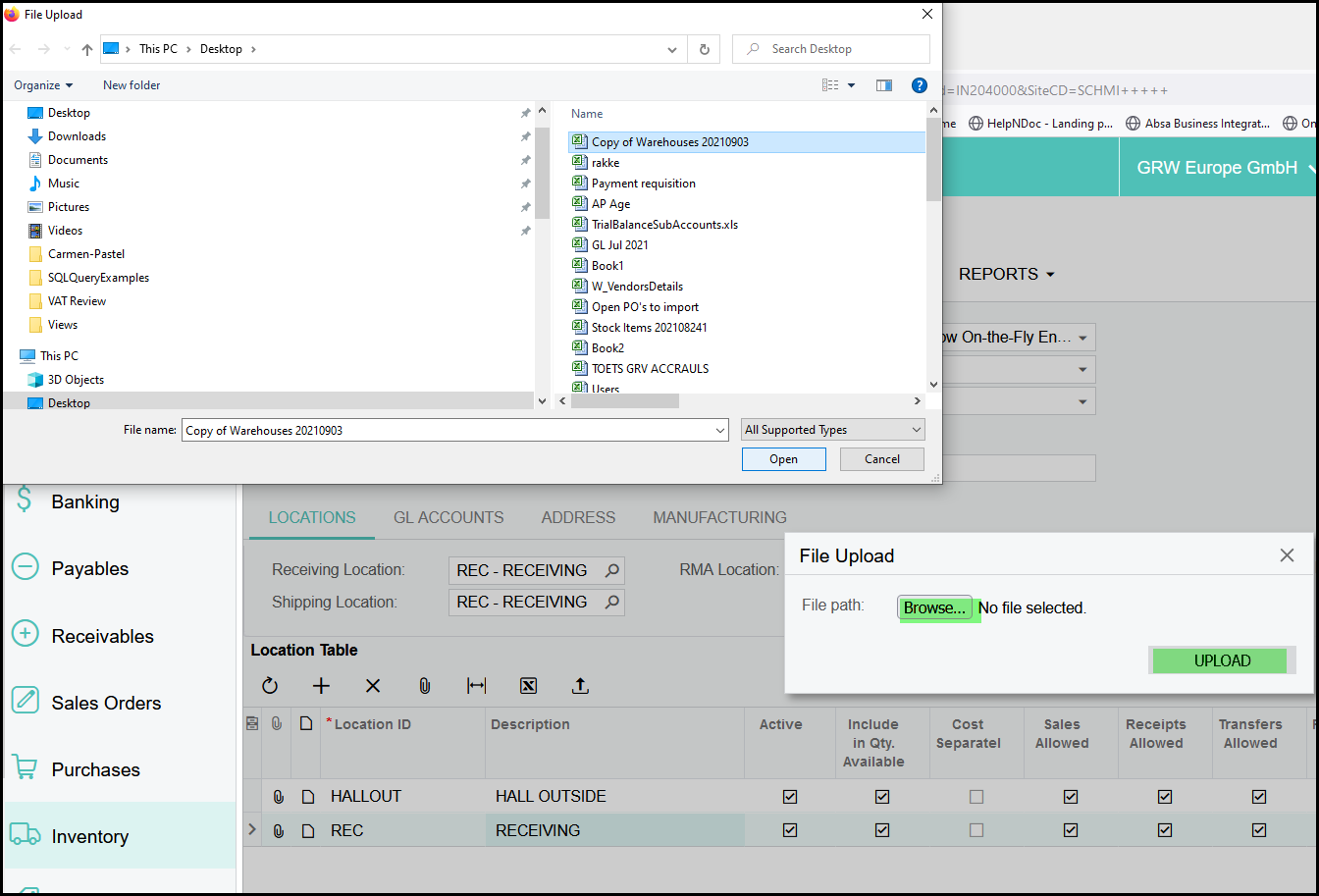
8. Click on browse and select your file and upload.
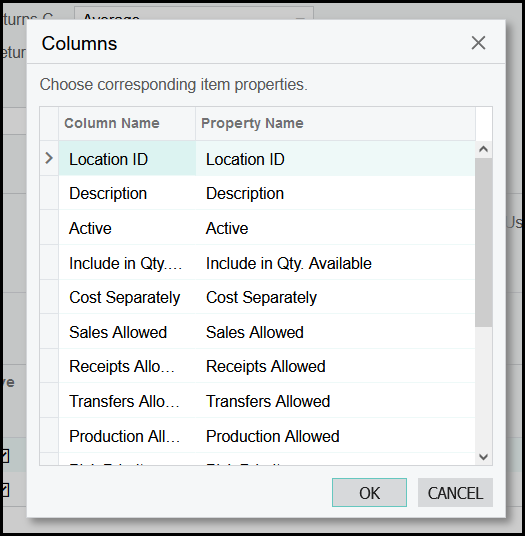
9. Leave as this is and click on OK.
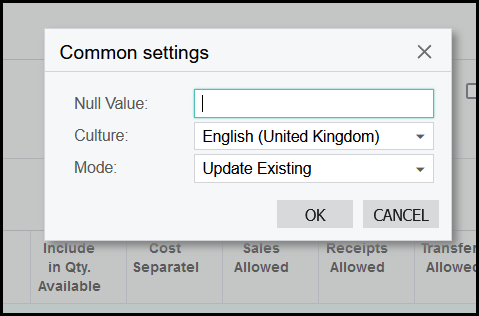
10. Leave as is and click on OK.
11. SAVE.
Created with the Personal Edition of HelpNDoc: Easily convert your WinHelp HLP help files to CHM with HelpNDoc's step-by-step guide