How to do add a GI to a site map and front menu
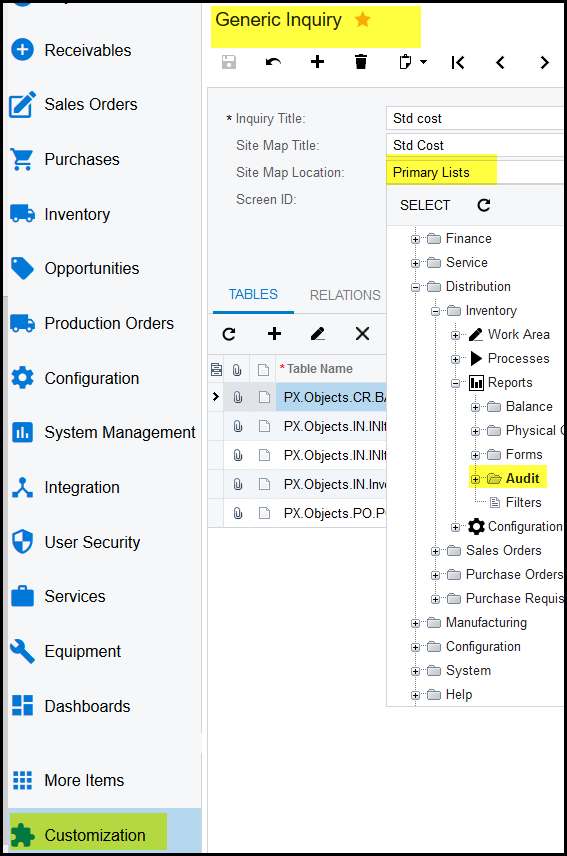
1. Your GI can be created under 'Customization' - Generic Inquiry.
2. It is best if your Inquiry title and Site Map name is the same.
3. Site Map location is where you select the site map under which your inquiry should show.
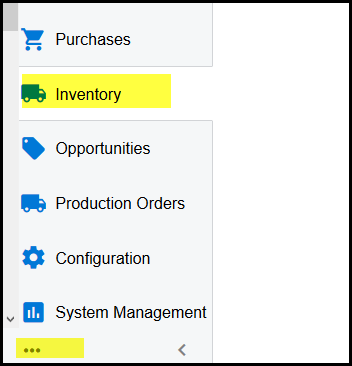
4. Go back and click on the Inventory menu - then on the ....
5. Click on the Edit Menu
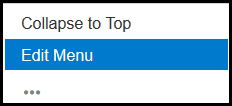
6. This will open the edit menu.
7. Click on Add menu item.
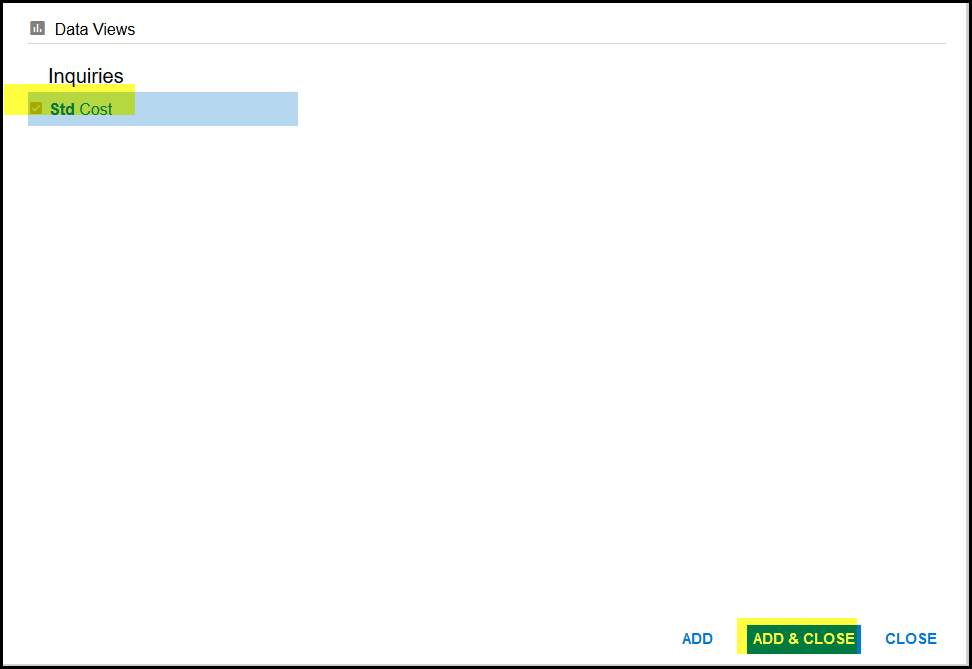
8. Search for your inquiry in the search box.
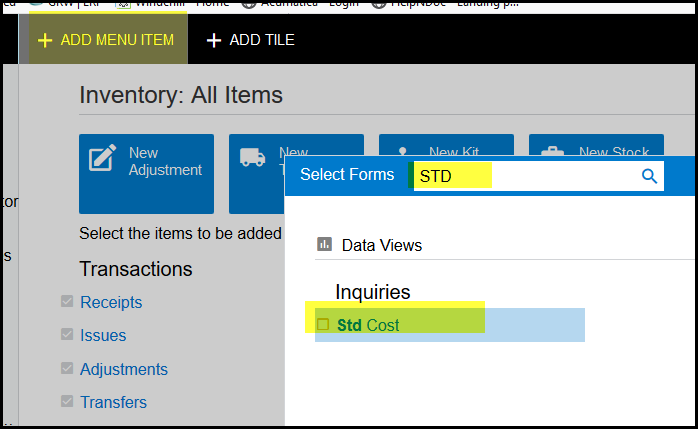
9. Tick the box and add & Close
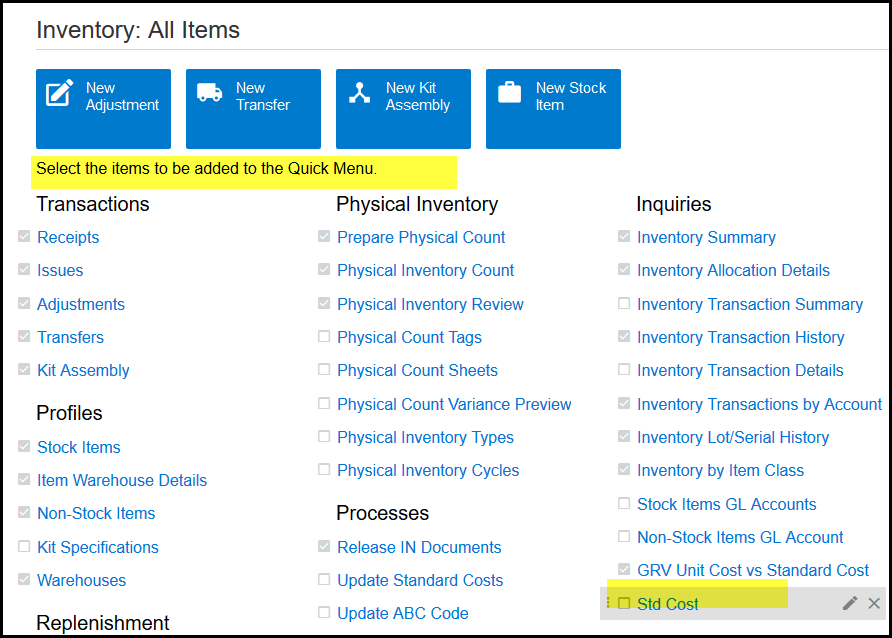
10. See below your GI will be available.
11. Important - you have to give the rights to the roles that should see this GI.
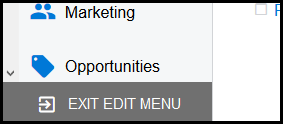
12. Exit Menu
Created with the Personal Edition of HelpNDoc: Maximize Your Productivity with HelpNDoc's Efficient User Interface