How to delete a file that you attached
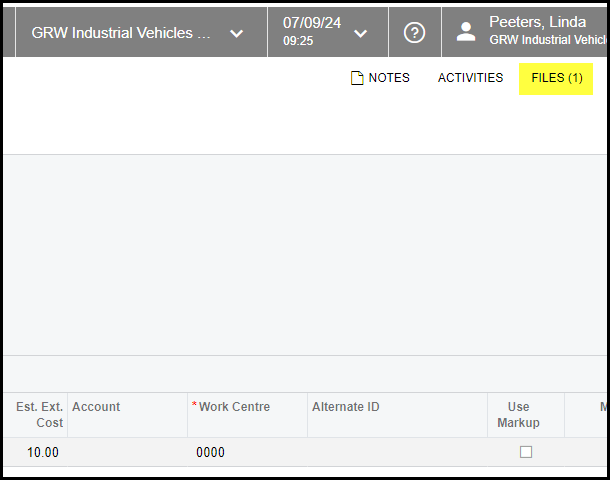
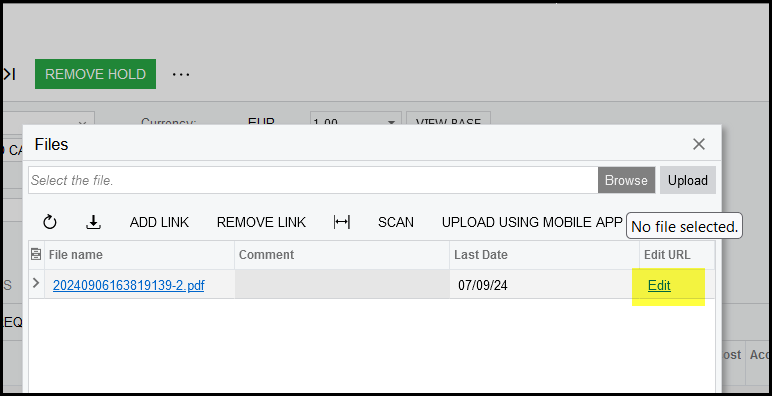
1. Go to where the file is attached and click on edit.
This will open the file maintenance screen.
Click on delete.
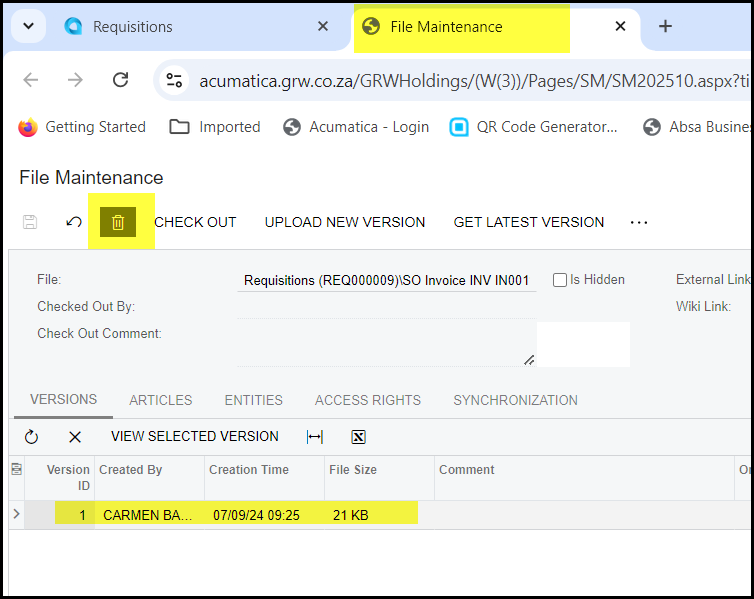
2. If there are more than one version of your file, click on the version and delete.
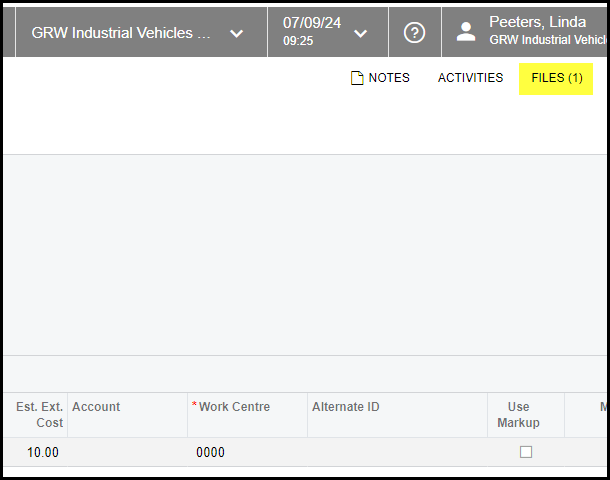
3. When you close the maintenance screen and go back to your requisition it will look like you did not delete your file. Just refresh your browser.
Created with the Personal Edition of HelpNDoc: How to Protect Your PDFs with Encryption and Passwords