How to create new inventory sales codes
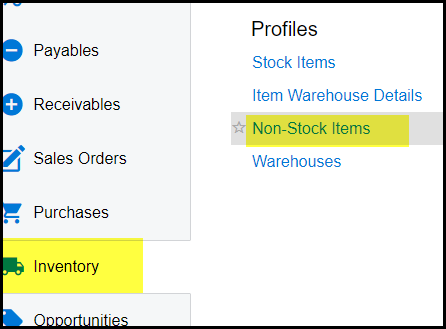
1. Go to inventory>Non-stock items
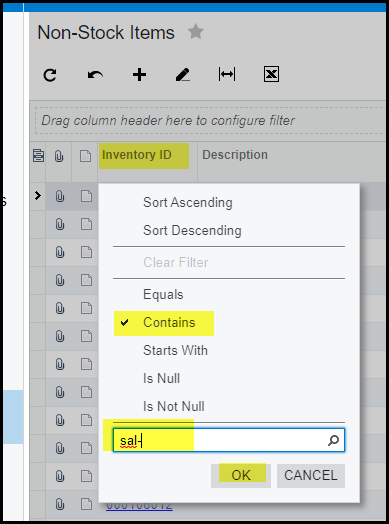
2. Look up a current sales code and open the item.
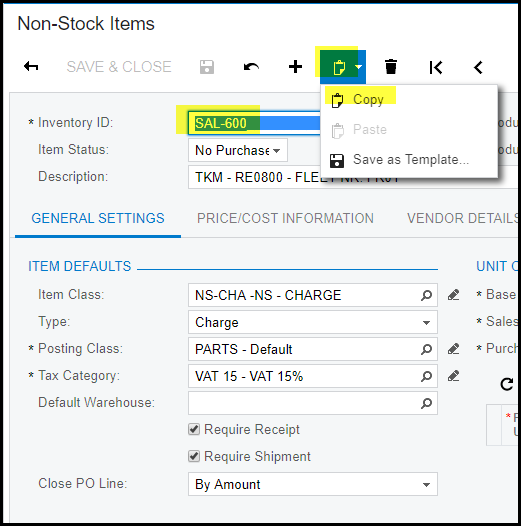
3. Click on the clipboard and copy
4. Click on the '+' to add a new record.
5. Type in your new code.
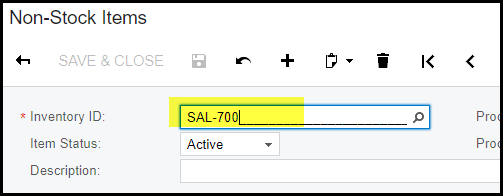
6. Click in the description field, go to the clipboard and paste.
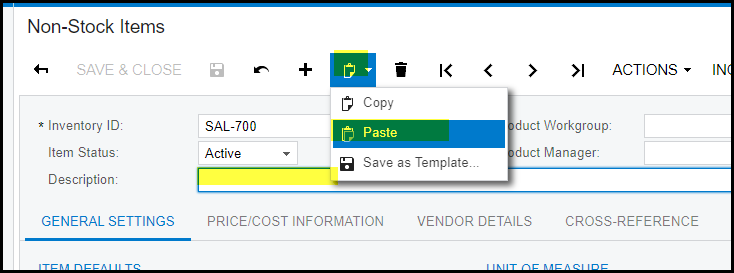
7. SAVE. Your new item will show the description of the item you copied, also all the right attributes you have from the item.
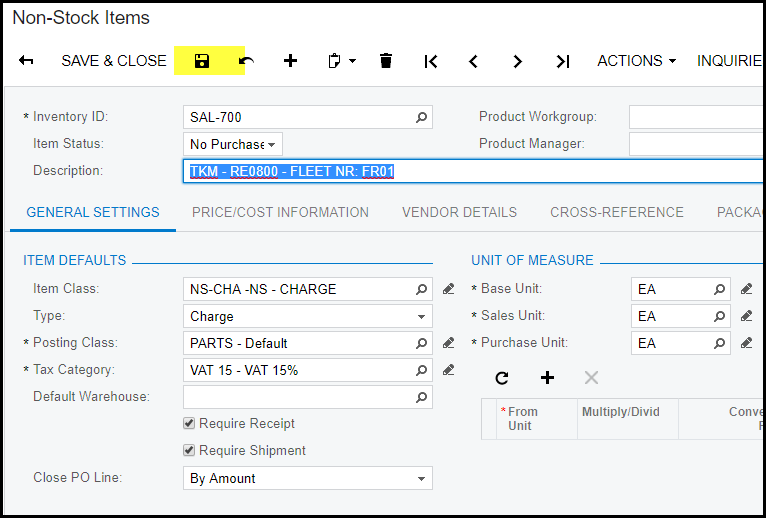
8. Change your description to the new part's description and SAVE.
9. Go to price/cost info to make sure about your prices.
10. Also check under GL Accounts that the accounts is correct, although it was copied from the old code.
Created with the Personal Edition of HelpNDoc: iPhone web sites made easy