How to create a contact from an opportunity
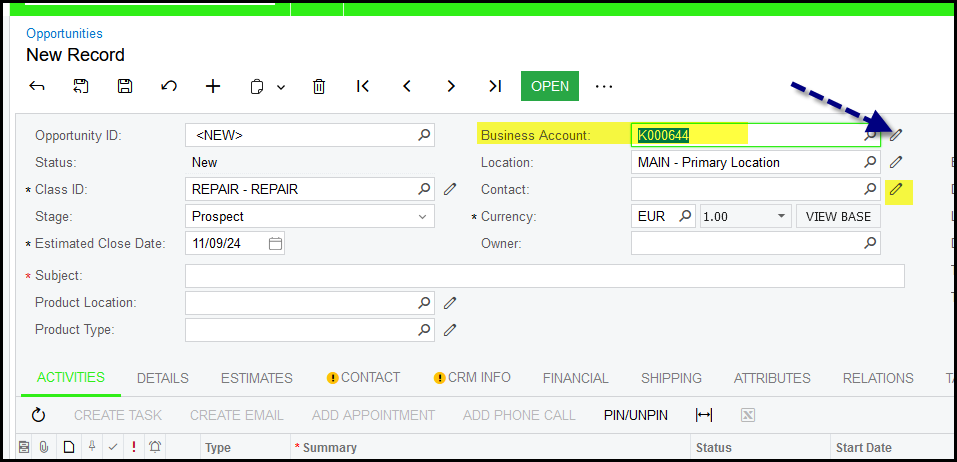
1. When you are in the opportunity click on the 'pen' next to the business account.
This works better than to click on the 'pen' next to the contact.
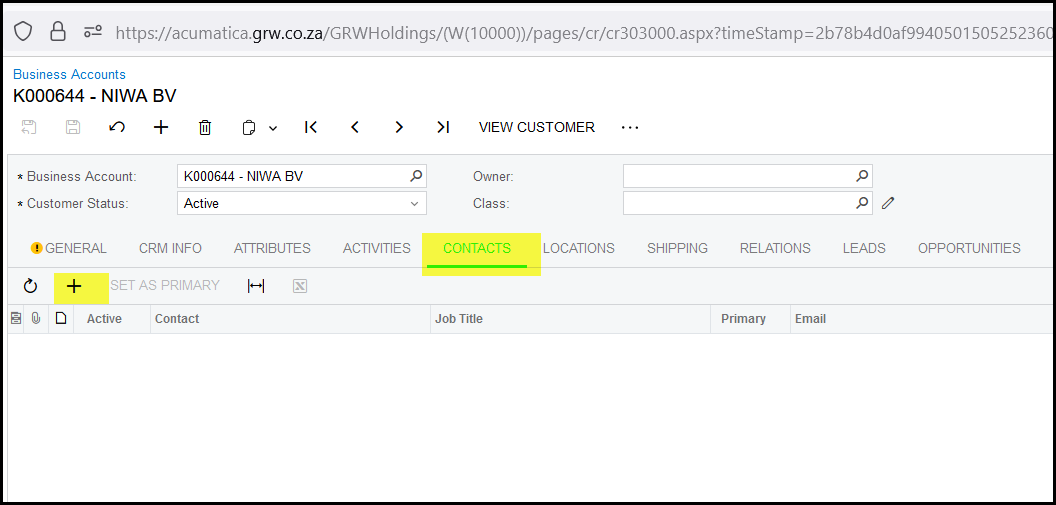
2. This open the business account - go to the contacts tab of the business account.
Click on the + to add new contact.
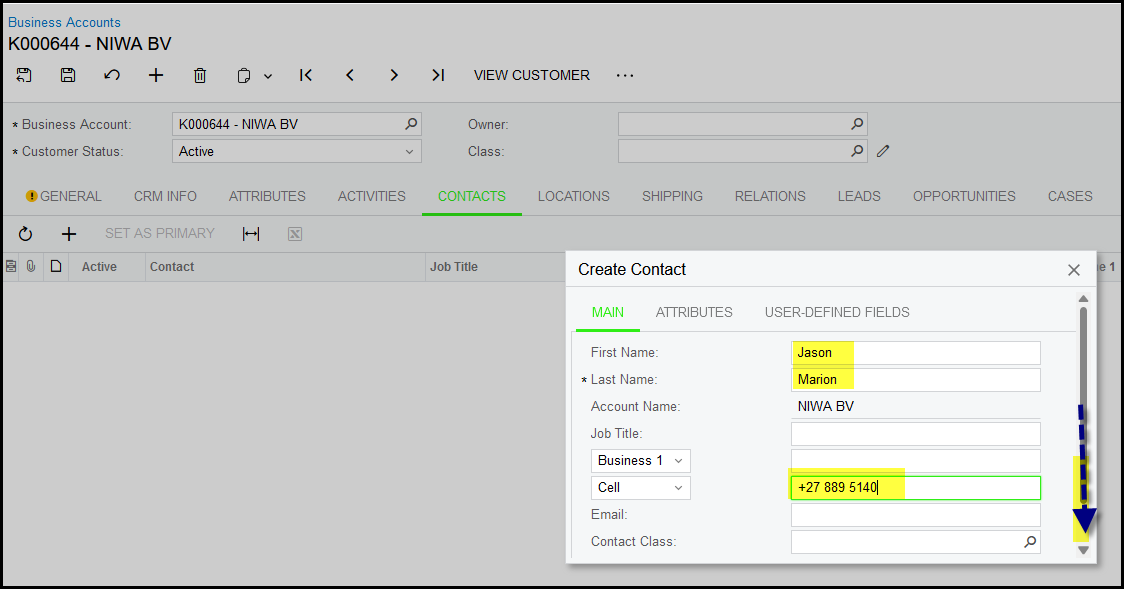
3. Add the Name, Surname and Cell Phone nr - this is complusory fields.
Move the bar down.
Click on review and create.
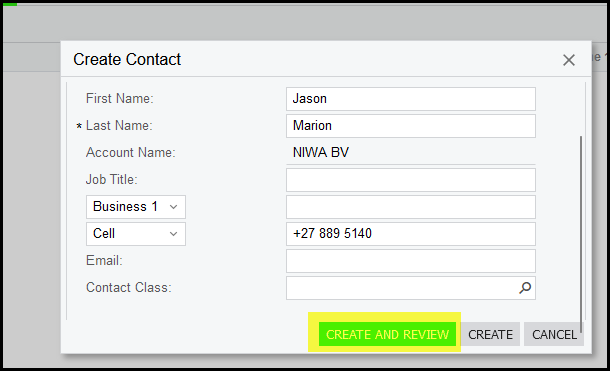
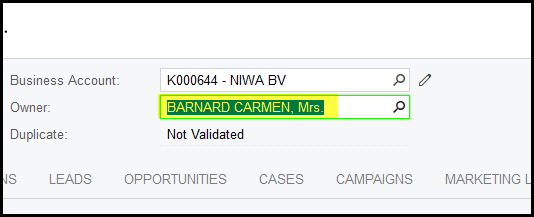
4. This takes you back to the contact screen. You can add yourself as owner of this business account - normally this used by Sales people.
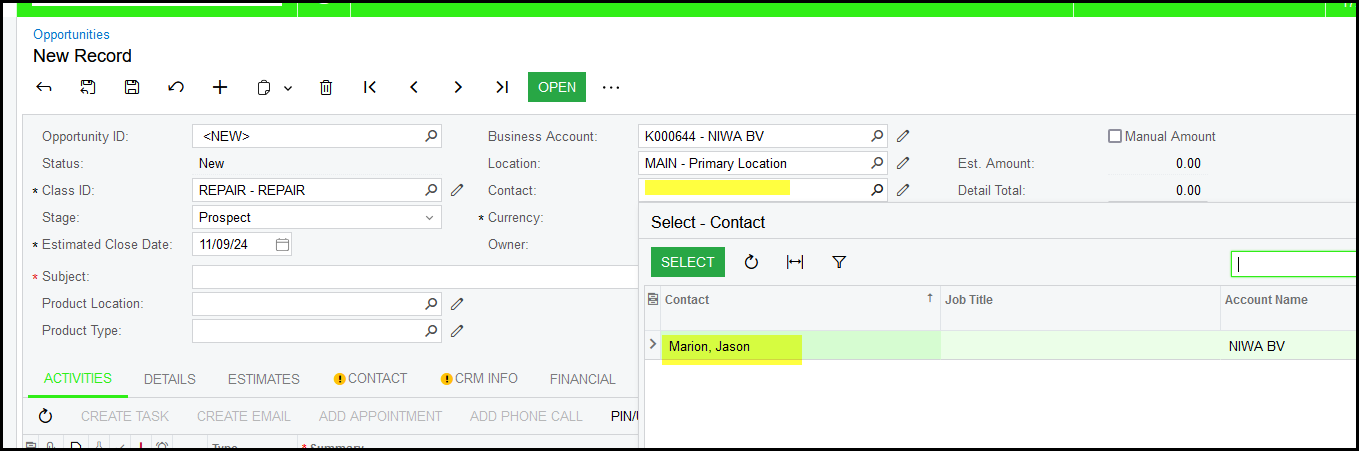
5. Close the contact screen and select your contact on the opportunity.
Created with the Personal Edition of HelpNDoc: Benefits of a Help Authoring Tool