How to approve a requisition
1. Go to Time and Expense>Approvals
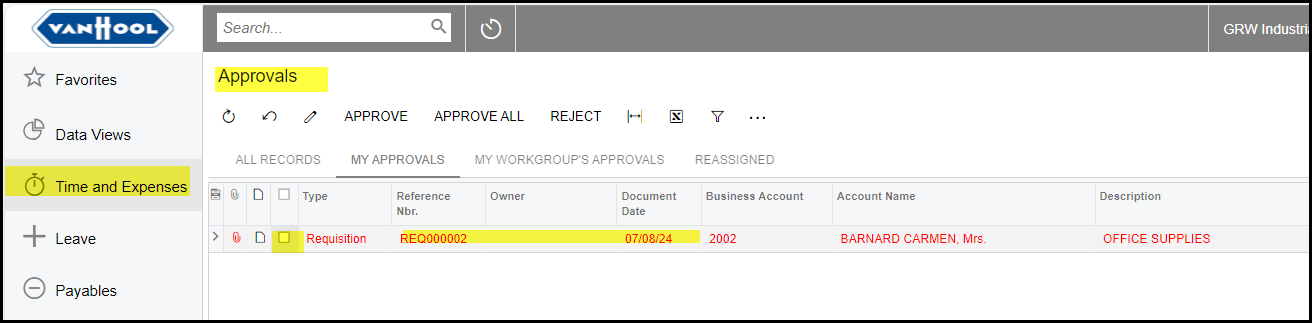
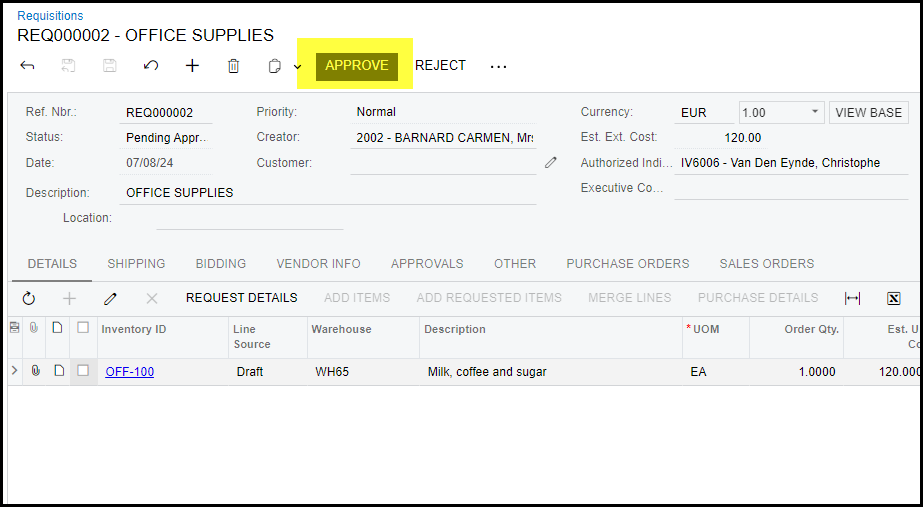
2. Tick the box and approve or click on your requisition to open and see the details and approve or reject on the document.
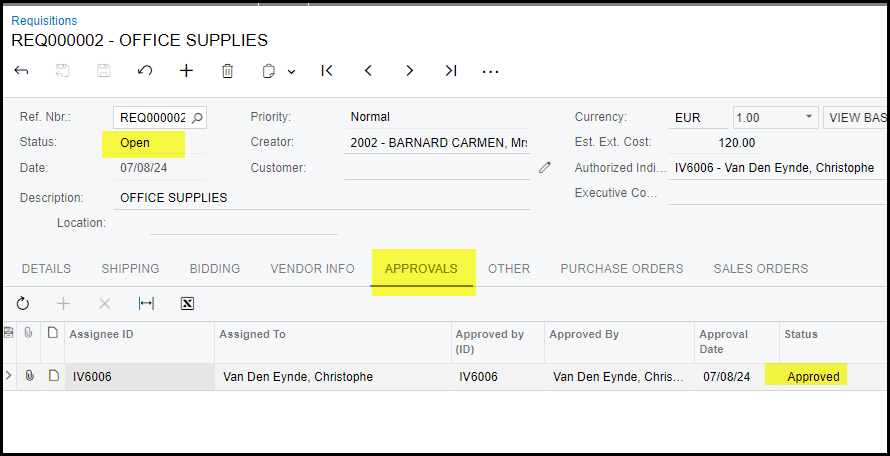
3. Once the first approver approved the notification will go to the next approver. Go to the 'approvals' tab to see details.
Created with the Personal Edition of HelpNDoc: Write eBooks for the Kindle