Balanced Transfers - can delete from web never picked
1. When a transfer is in 'balanced' status.
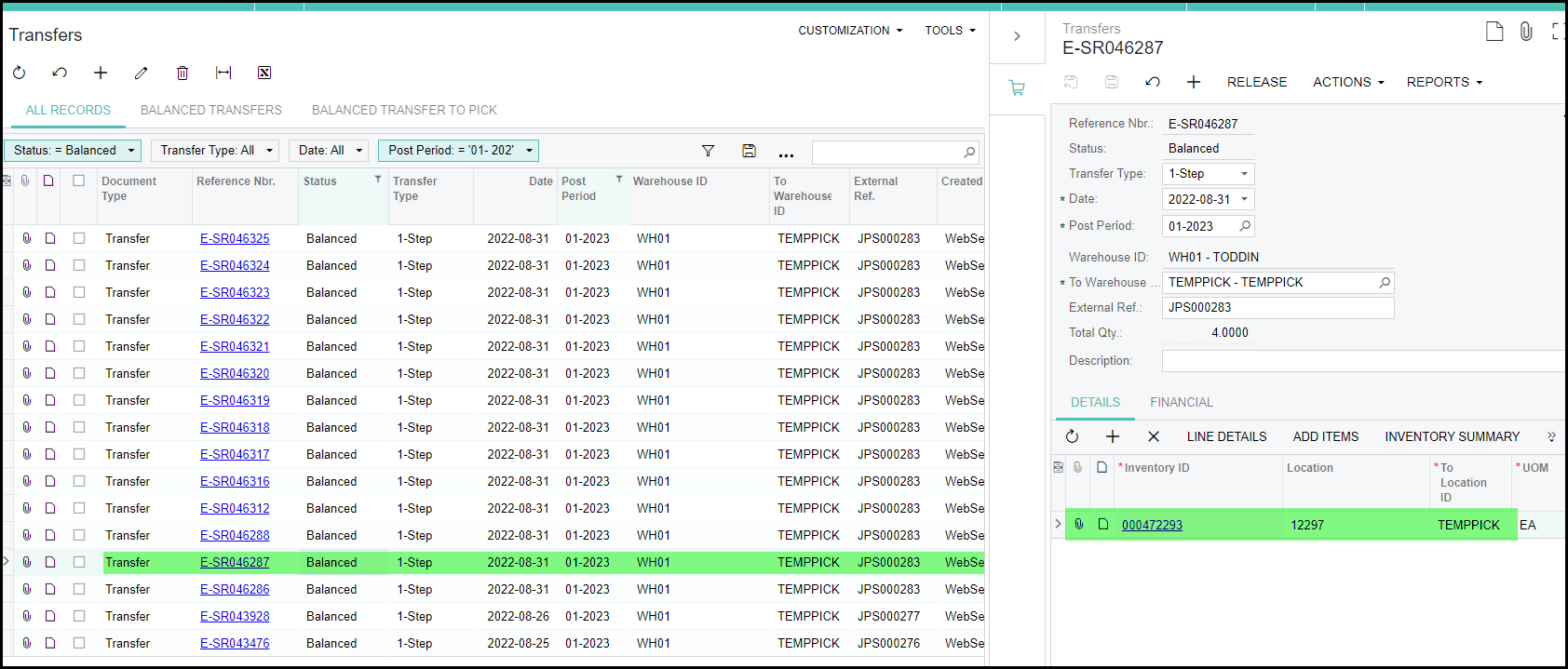
Check the following. If the to location is TEMPICK, it can be that the pickingslip is generated and allocated but not picked yet.
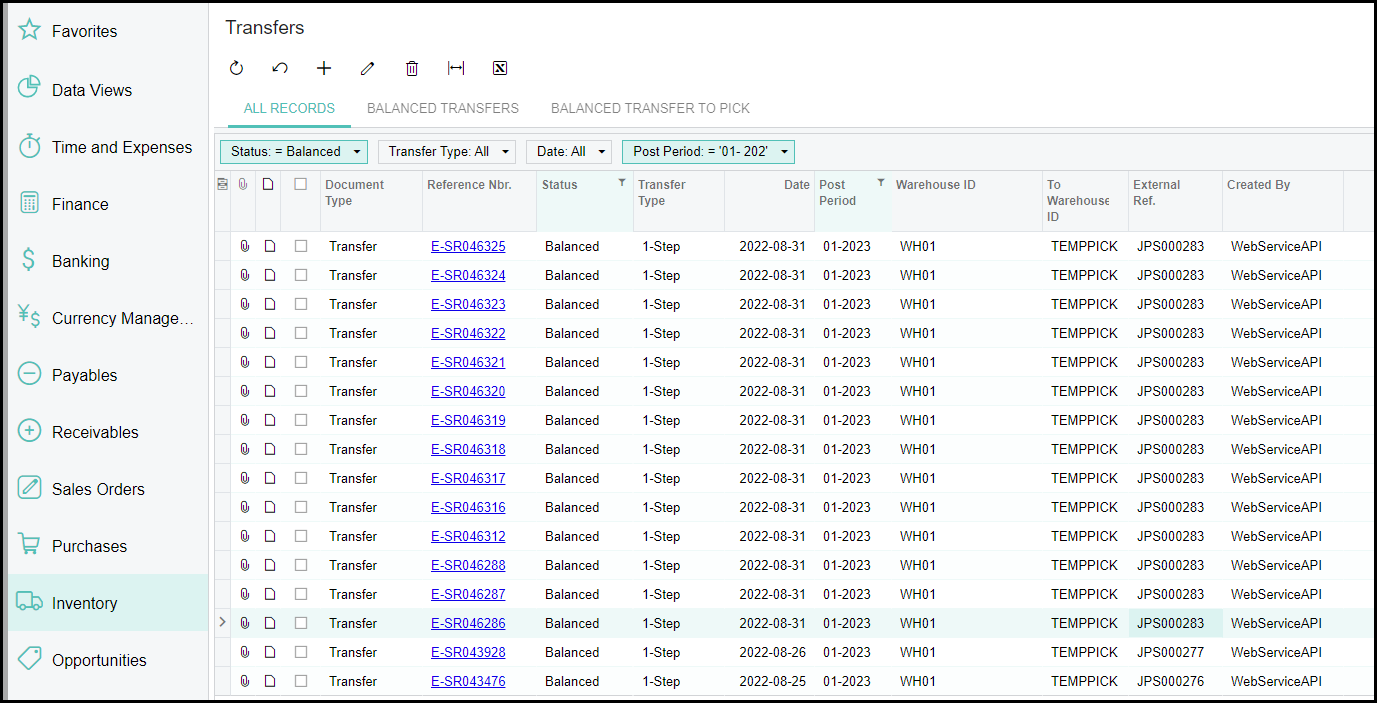
2. It will show that the stock will be transfered from the stock location to Temppick.
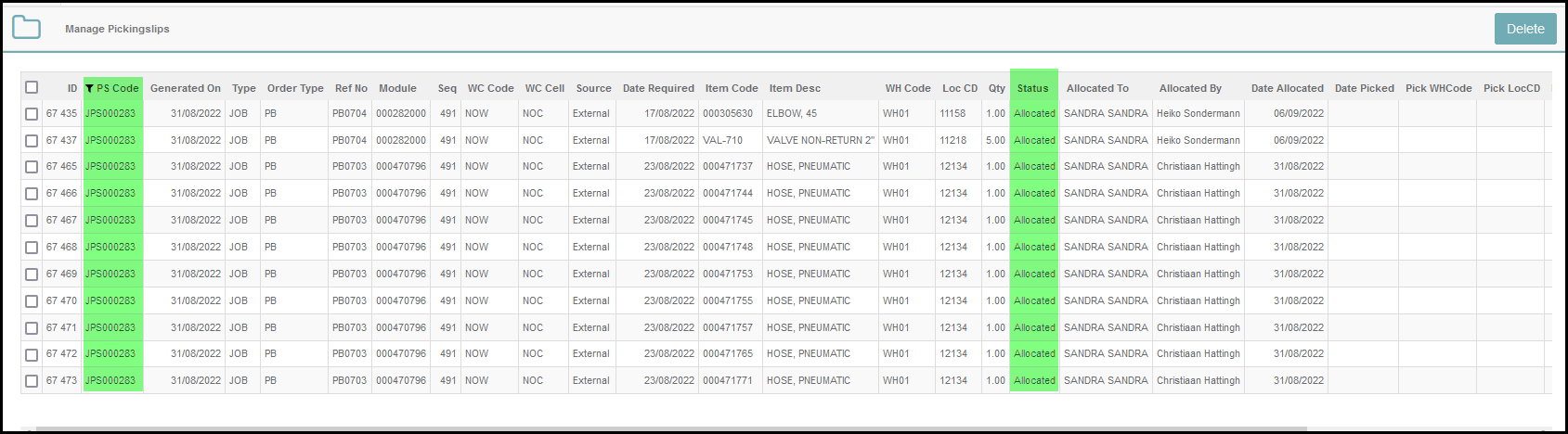
3. Go to wisERP web and manage the pickingslip. Check the pickingslip status is 'allocated' or unallocated. Then you can delete it from the screen. Never delete it from Acumatica.
4. I is not good practice to deleted 'transfers' that is in balanced state from Acumatica.
Created with the Personal Edition of HelpNDoc: Free CHM Help documentation generator